42
11 Rotating the instrument
11.1 Rotating
Rotating the
LCD display
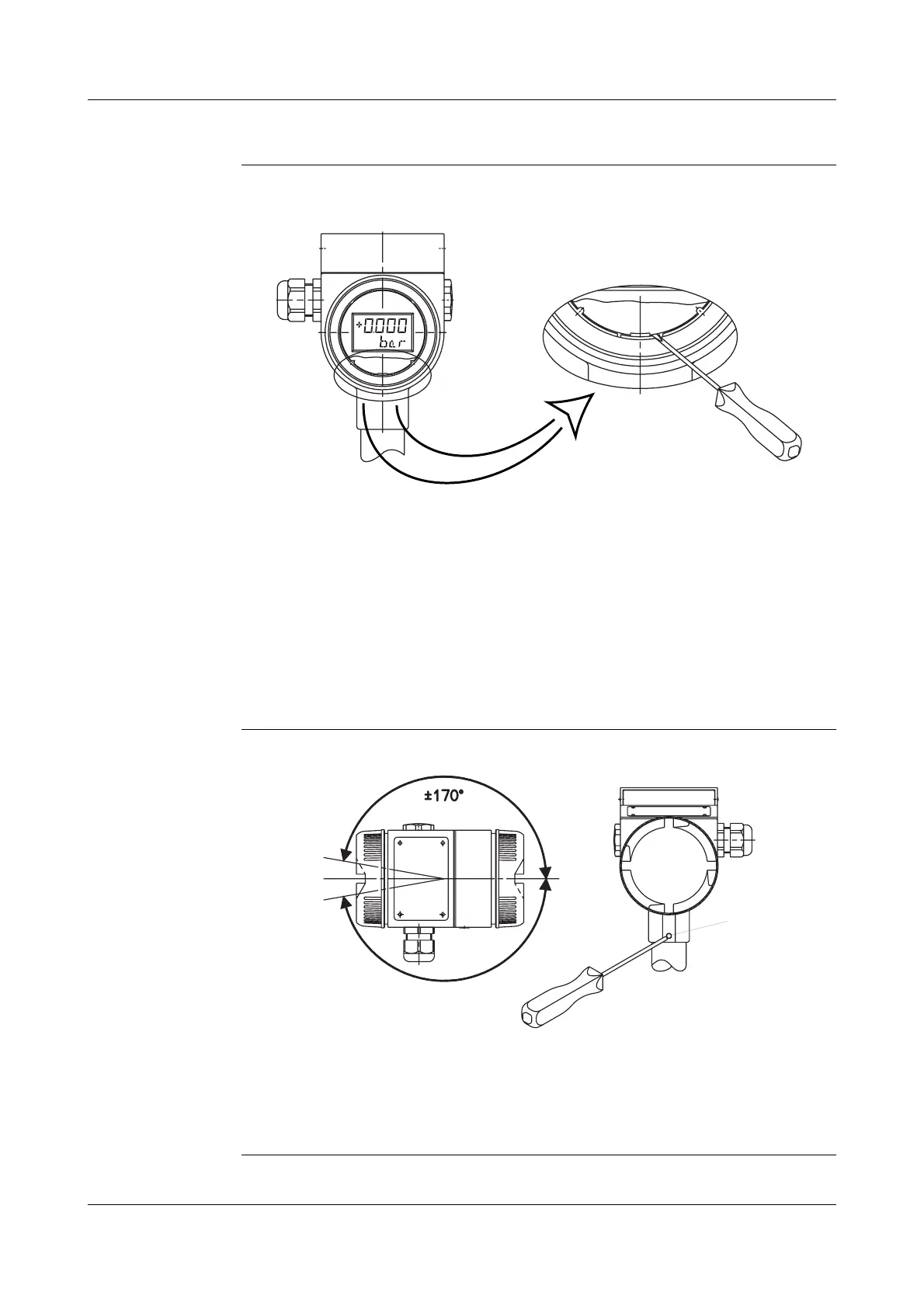
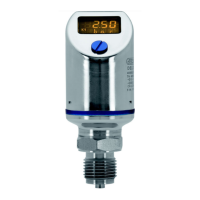
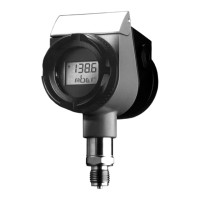
Depending on the operating position required, the LCD display can be rotated
in steps of 90°.
✱
Unscrew the bezel ring.
➩
"Unscrewing the bezel ring or housing cover", page 41.
✱
Use a small-bladed screwdriver to carefully push out the catch of the LCD
fixing and lever out the display board.
✱
Set the LCD display to the required position (90° steps) in the notches
provided.
✱
Screw on the bezel ring finger-tight,
rotate housing
Rotating the
housing
The housing can be rotated through ± 170° .
✱
Loosen the grub screw (1) with a 2 mm hexagon socket wrench
(about half a turn is enough).
✱
Rotate the housing into the required position.
✱
Screw up grub screw tightly.
(1)



 To Next Page