Page 12
USING THE ANALYSER FOR:
COMBUSTION TESTING
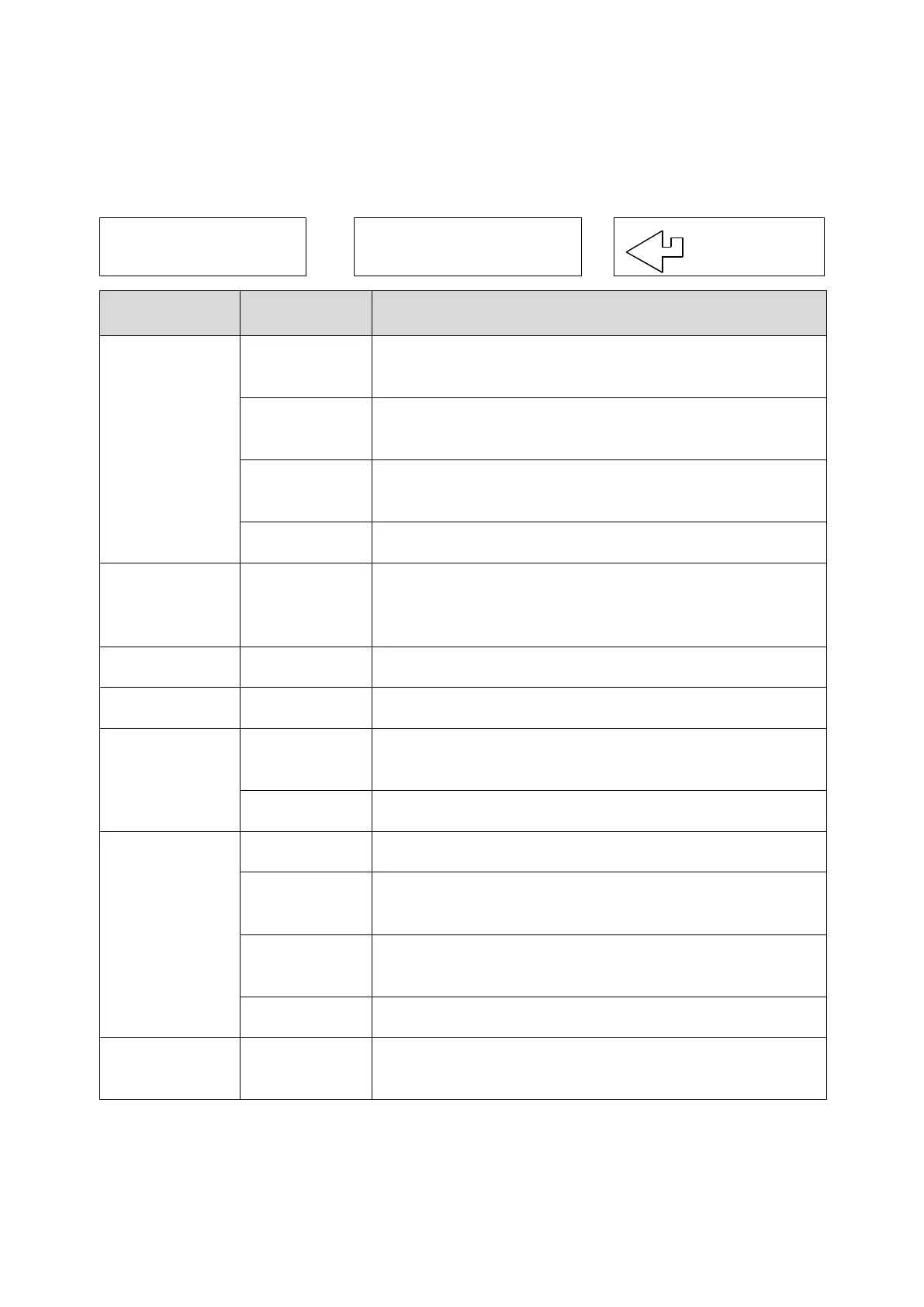
Select “Menu” on the rotary switch and navigate using the function buttons:
= Scroll up
= Scroll down
= Enter
MAIN MENU SUB MENU OPTIONS / COMMENTS
SETUP SET FUEL
NAT GAS, L OIL, PROPANE, BUTANE, LPG,
PELLETS (wood)
N C G
Ef(C) = condensing boiler nett efficiency
Ef(N) = nett efficiency, Ef(G) = gross efficiency
SET TIME
HH:MM:SS format
e.g. 7 am = 07:00:00, 7pm = 19:00:00
SET DATE DD/MM/YY format
OUTPUT
Std Printer
Fast Printer
XML DATA
PASSKEY WIRELESS* Set to 1111
EXIT
REPORT COMB’N
Stored combustion tests:
VIEW, DEL ALL, EXIT
EXIT
SCREEN
CONTRAST Factory setting is 04
AUX
Enables users to customise the parameters on the
AUX display: LINE 1, LINE 2, LINE 3, LINE 4, EXIT
HEADER
Printout header, 2 lines, 20 characters per line:
HEADER 1, HEADER 2, EXIT
EXIT
SERVICE CODE
Password protected for authorised service agents
only. Leave set to 0000.
* Wireless is a factory fitted optional extra.
To EXIT the MENU at any time simply move the rotary switch to any position
other than “Menu”. Any changes that have not been “entered” will be ignored.



 To Next Page