Page 58
DISPLAYING THE NO READING
Select “Menu” on the rotary switch and navigate using the function buttons:
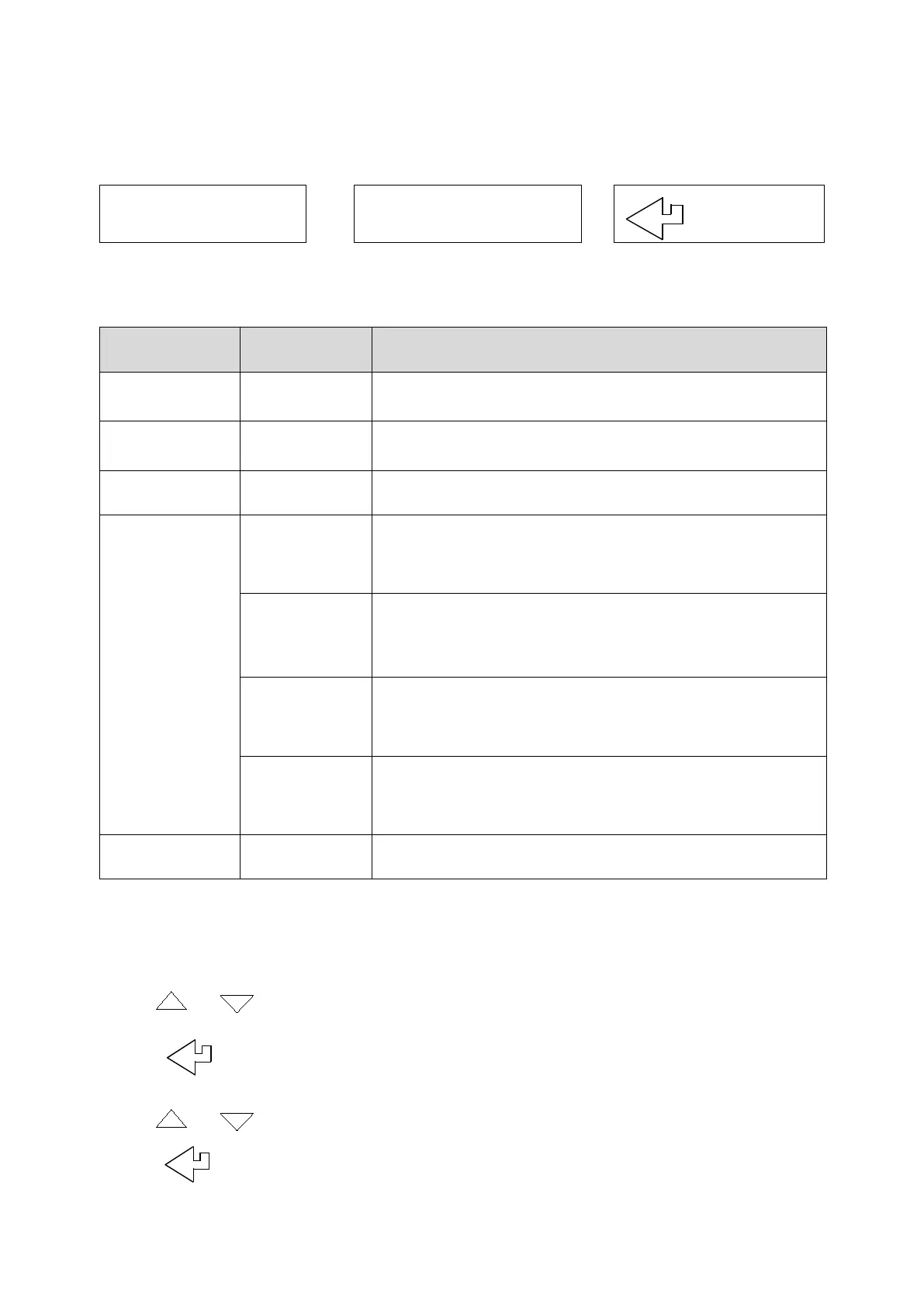
= Scroll up
= Scroll down
= Enter
The MENU main structure is as follows:
MAIN MENU SUB MENU OPTIONS / COMMENTS
SETUP
PRESSURE
REPORT
SCREEN
CONTRAST
AUX
Enables users to customise the parameters on the
AUX display:
LINE 1, LINE 2, LINE 3, LINE 4, EXIT
HEADER
EXIT
SERVICE
NOTE: To EXIT the MENU at any time simply move the rotary switch to any
position other than MENU. Any changes that have not been “entered” will
be ignored.
Use or to navigate to the main menu option SCREEN.
Press .
Use or to navigate to the sub menu option AUX.
Press .



 To Next Page