DRIVE SYSTEM
ENGLISH
SERVICE MANUAL
34
9097065000(2)2009-06 Razor™ 20 / 20T
TROUBLESHOOTING (For Razor™ 20T) (Continues)
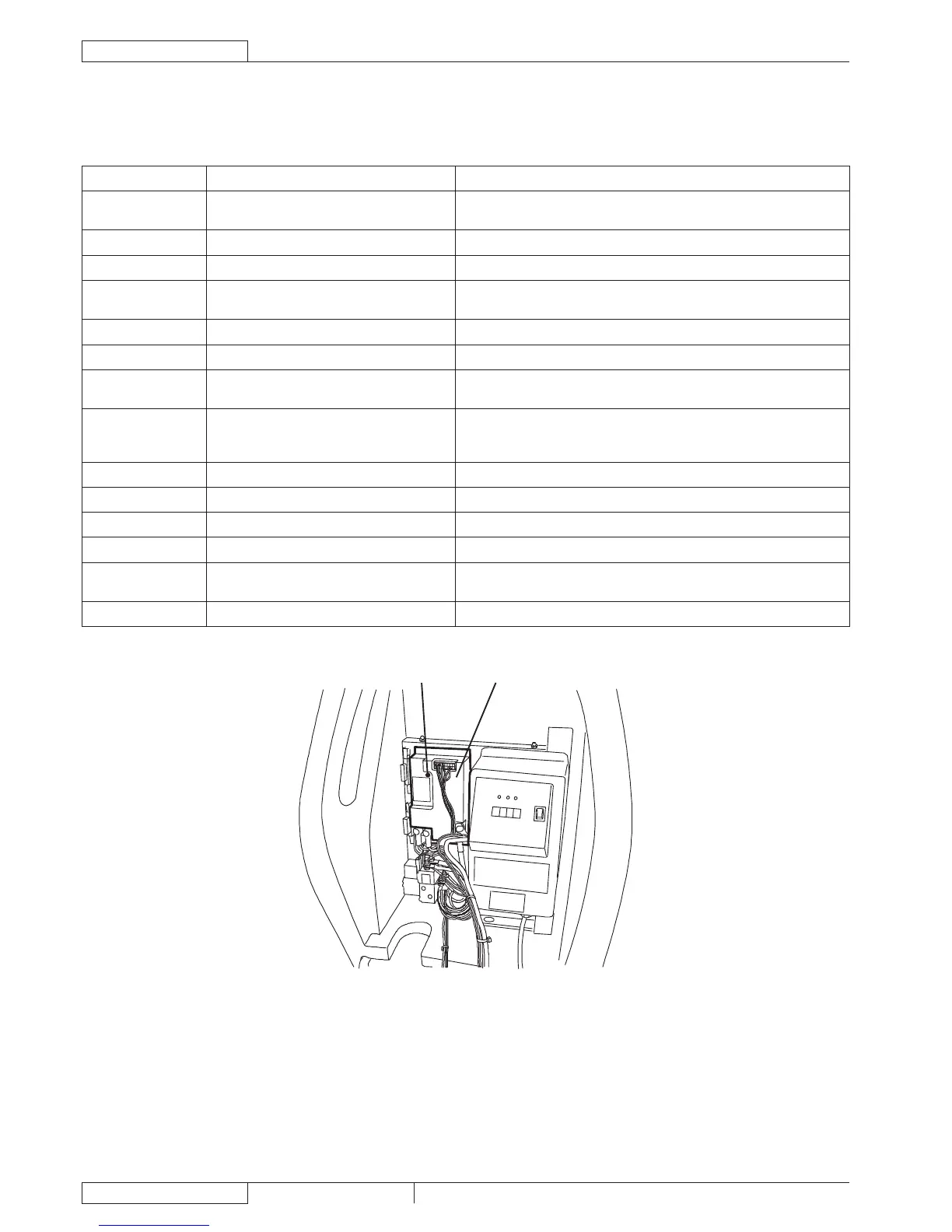
DRIVE SYSTEM ELECTRONIC BOARD DIAGNOSTIC TABLE
Meaning Action
1
Drive system/brush enabling microswitch
closed when starting the machine
Check the microswitch adjustment
2 Faulty speed potentiometer Check both speed potentiometers
3 Faulty speed potentiometer Check both speed potentiometers
4
Speed potentiometer off neutral when
starting the machine
Check the speed potentiometer adjustment
5 Thermal protection Check the drive system motor electrical input
6 Faulty drive system electronic board Replace the drive system electronic board
7 Overcurrent output
Check the drive system motor electrical input; if the electrical input is
normal, replace the drive system electronic board
8 Missing power connection
Check the drive system fuse and the drive system electronic board
wiring harness; if the fuse and the wiring harness are normal, replace the
drive system electronic board
9 Low battery voltage Charge the batteries
10 High battery voltage Check the batteries
11 Overload output Check the drive system motor electrical input
12 (Not applicable) --
13 Ignition key wrong sequence
Check for false contacts in the ignition key – function electronic board –
drive system electronic board circuit (orange cables)
14 Software error Replace the drive system electronic board (B)


 To Next Page