Basic Operations
11English
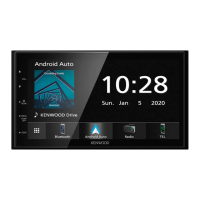
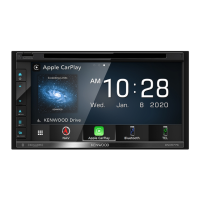
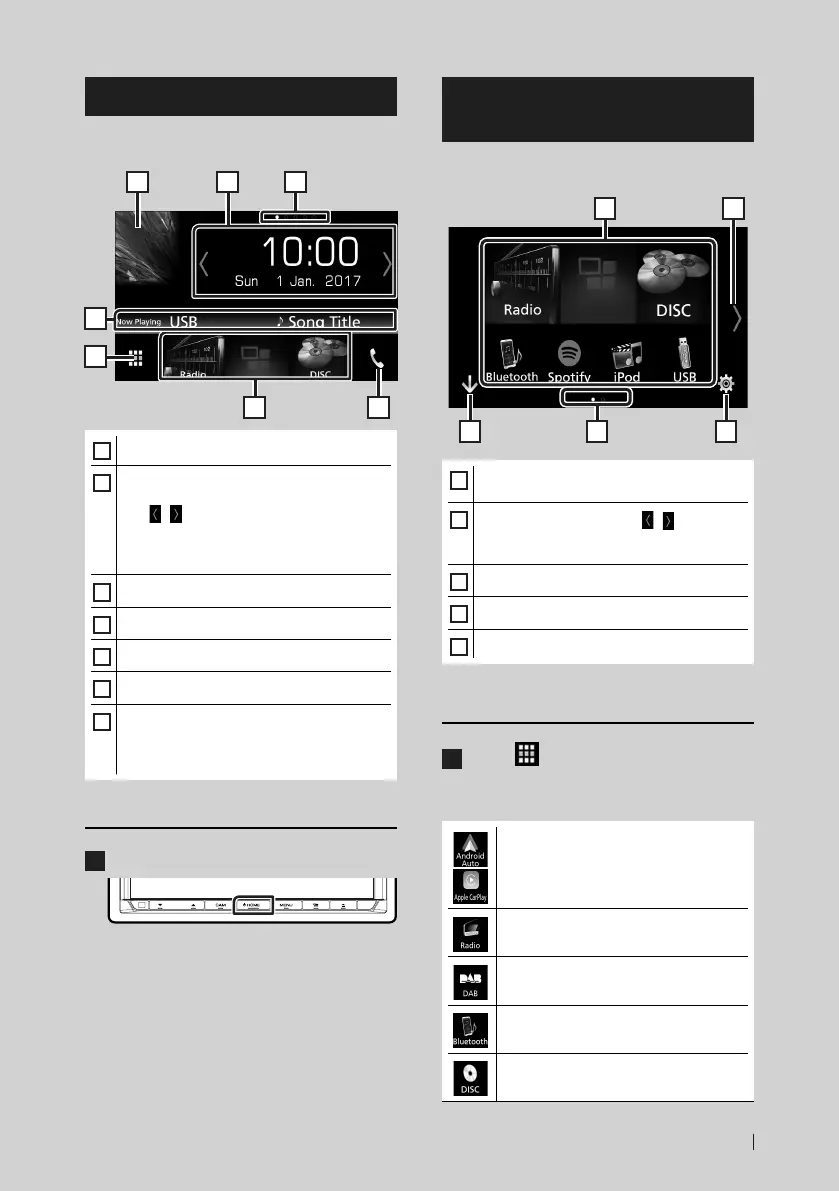
HOME screen descriptions
Most functions can be performed from the
HOME screen.
5
4
6 7
1 2 3
1
• Displays the control screen of current source.
2
• Widget
– You can change the widget by touching
[
]/[ ] or flicking left or right on the
widget area.
– Touch the widget to display the detailed
screen.
3
• Page indication for widgets
4
• Current source information
5
• Displays the source selection screen. (P.11)
6
• Short-cut playback source icons (P.12)
7
• Displays the Hands Free screen. (P.49)
• When connecting as Apple CarPlay or
Android Auto, it works as a phone provided
in Apple CarPlay or Android Auto.
Display the HOME
1
Press the [HOME] button.
HOME screen appears.
Source selection screen
descriptions
You can display all playback sources and
options on the source selection screen.
3 5
2
4
1
1
• Changes the playback source.
For playback sources, see P.11.
2
• Changes the page. (Touch [ ]/[ ].)
You can also change the page by flicking left
or right on the screen.
3
• Returns to previous screen.
4
• Page indication
5
• Displays the SETUP Menu screen. (P.57)
Select the playback source
1
Touch [ ] on the HOME screen.
From the screen, you can select the
following sources and functions.
• Switches to the Android Auto/ Apple
Car Play screen from the connected iPod
touch/iPhone/Android device.*
1
(P.28)
• Switches to the Radio broadcast.
(P.34)
• Switches to the DAB broadcast. (P.38)
• Plays a Bluetooth audio player. (P.43)
• Plays a disc.*
2
(P.16)

 To Next Page
 Loading...