Basic Operations
6
Basic Operations
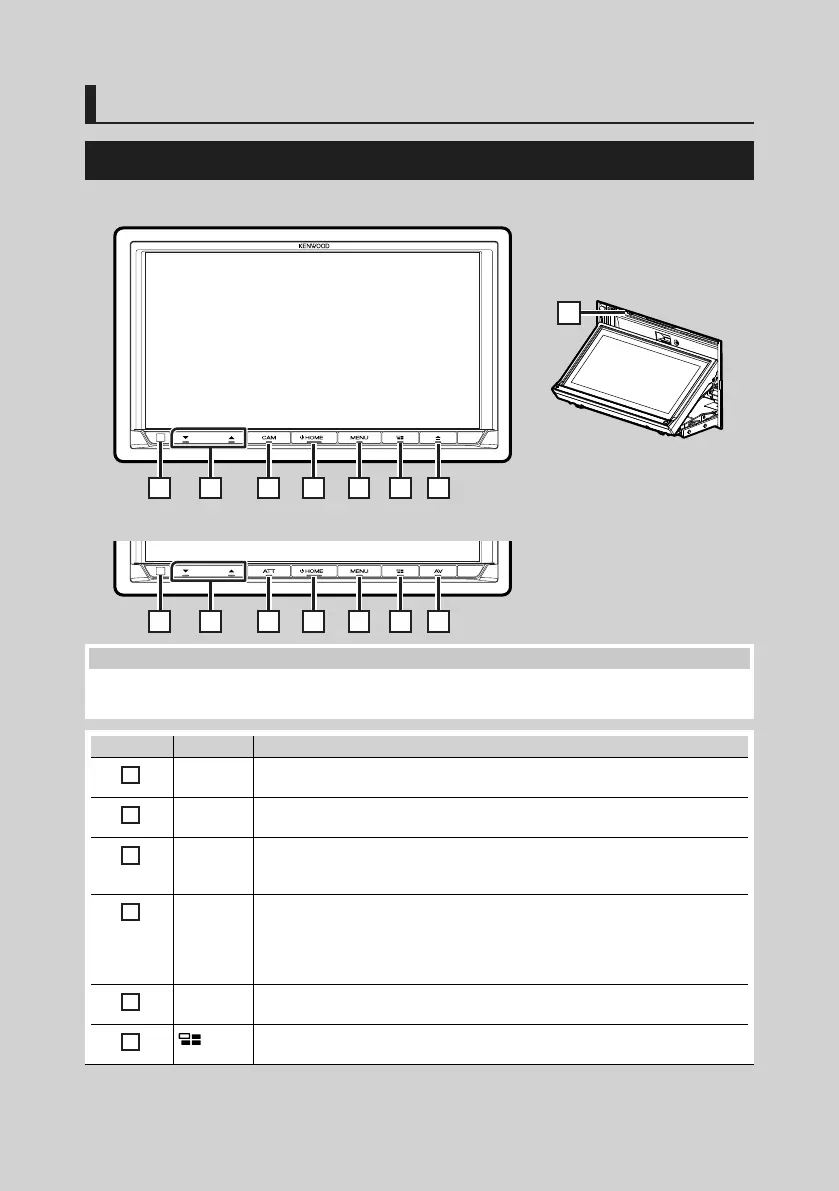
Functions of the Buttons on the Front Panel
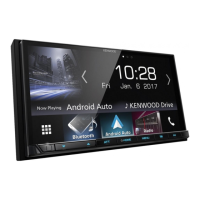
DDX9717BTS
1 2 3 4 5 6 7
DMX7017DABS/ DMX7017BTS
1 2 9 4 5 6 10
NOTE
• The panels shown in this guide are examples used to provide clear explanations of the operations. For this reason,
they may be different from the actual panels.
Number Name Motion
1
Remote
Sensor
• Receives the remote control signal.
2
S, R
(Volume)
• Adjusts volume.
The volume will go up until 15 when you keep pressing R.
3
CAM • Switches view camera display on/off. (P.54)
– The camera whose view is displayed first changes according to the "Camera
Setup" setting and the shift lever position in the shift gate.
4
HOME • Displays the HOME screen (P.11).
• Pressing for 1 second turns the power off. *
• When the power off, turns the power on.
* The function of the button when held varies depending on the "Manual Power OFF"
setting. (P.59)
5
MENU • Displays the popup menu screen.
• Pressing for 1 second switches attenuation of the volume on/off. (DDX9717BTS only)
6
• Displays the APP (CarPlay/ Android Auto) screen.
• Pressing for 1 second displays the Voice Recognition screen (P.50).

 To Next Page
 Loading...