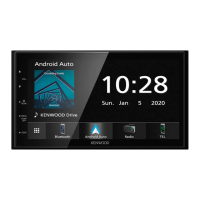
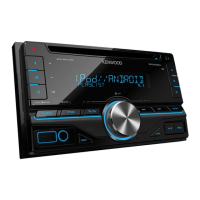
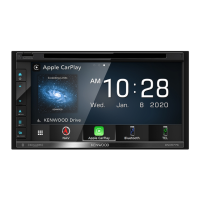
Basic Operations
7English
Number Name Motion
7
G
• Displays the Angle Adjust screen.
– DISC EJECT: Ejects the disc.
• When the panel is opened, pressing closes the panel.
• To forcibly eject the disc, press it for 2 seconds and touch [Ye s ] after the message is
displayed.
8
Disc insert
slot
• A slot to insert a disc media.
9
AT T • Switches attenuation of the volume on/off.
10
AV • Displays the control screen of current source.
Turning on the Unit
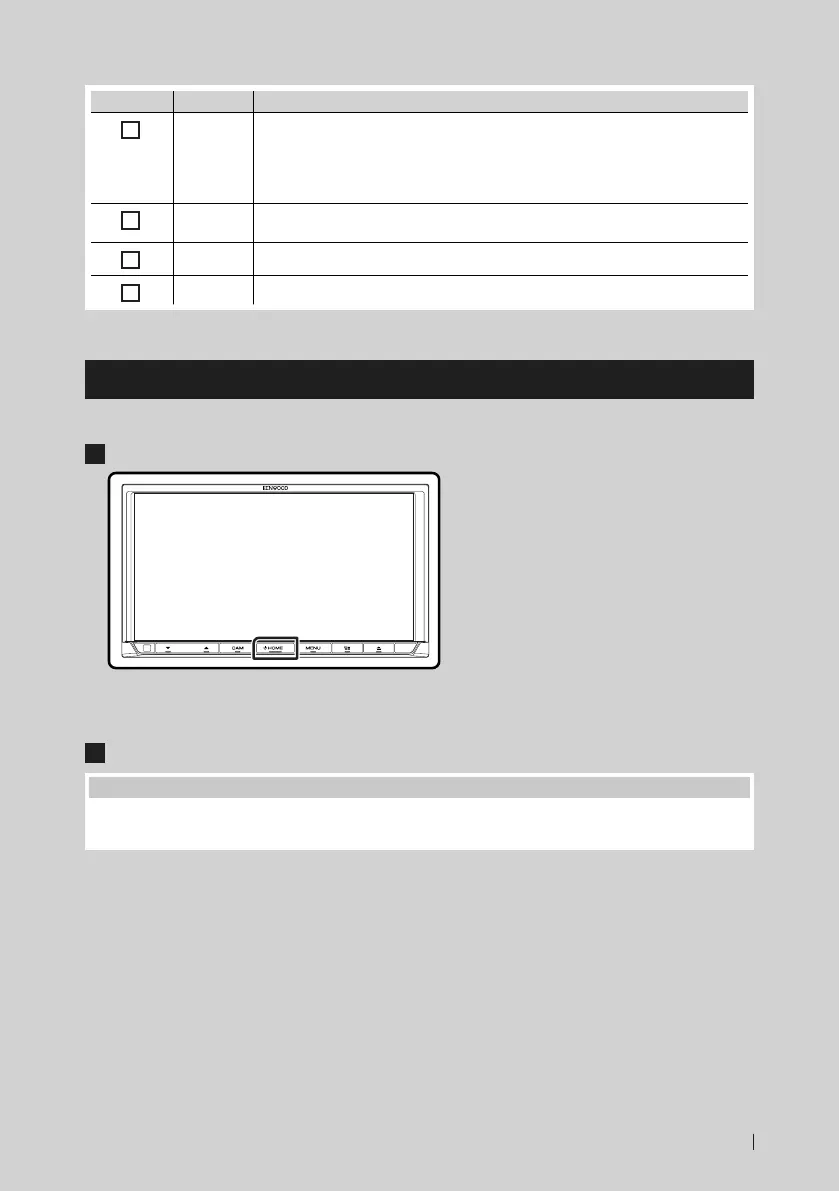
The method of turning on is different depending on the model.
1
Press the [HOME] button.
The unit is turned on.
● To turn off the unit:
1
Press the [HOME] button for 1 second.
NOTE
• If it is your first time turning the unit on after installation, it will be necessary to perform Initial setup (P.8).
• The function of the button when held varies depending on the "Manual Power OFF" setting. (P.59)

 To Next Page
 Loading...