Keysight 86120D and 86122C Multi-Wavelength Meters User’s Guide 23
Getting Started 1
Step 6. Turn On the Line Power
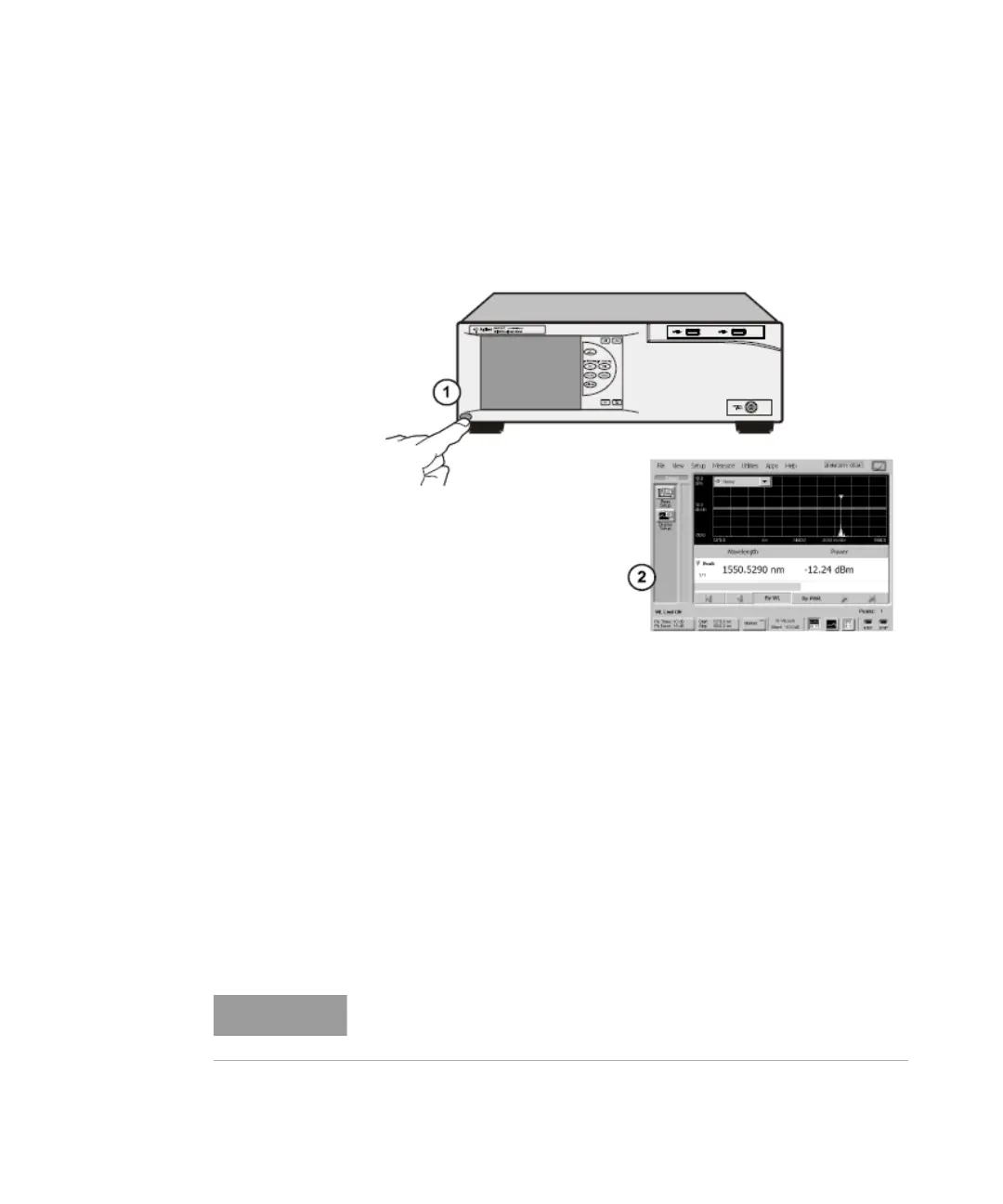
Press the power switch at the lower left-hand corner of the front panel.
After stabilization of the internal reference laser the instrument will show
application screen and is ready to use.
Figure 4
Interacting With the Display
The multi-wavelength meter is equipped with a touch screen display. You
can explore the instrument’s functions and settings by touching elements
on the display (such as menus, buttons, and other controls) with your
finger or the supplied stylus.
You can also operate the instrument by using an optional mouse. For
simplicity, the term “click” is used throughout this book to represent
clicking or touching an element on the display. When you see the term
“click,” please remember that you can always touch with your finger or
stylus instead.
The display will always function as a touch screen, even when a mouse
and keyboard are connected.















 To Next Page