80 Keysight 86120D and 86122C Multi-Wavelength Meters User’s Guide
2 Using the 86122C
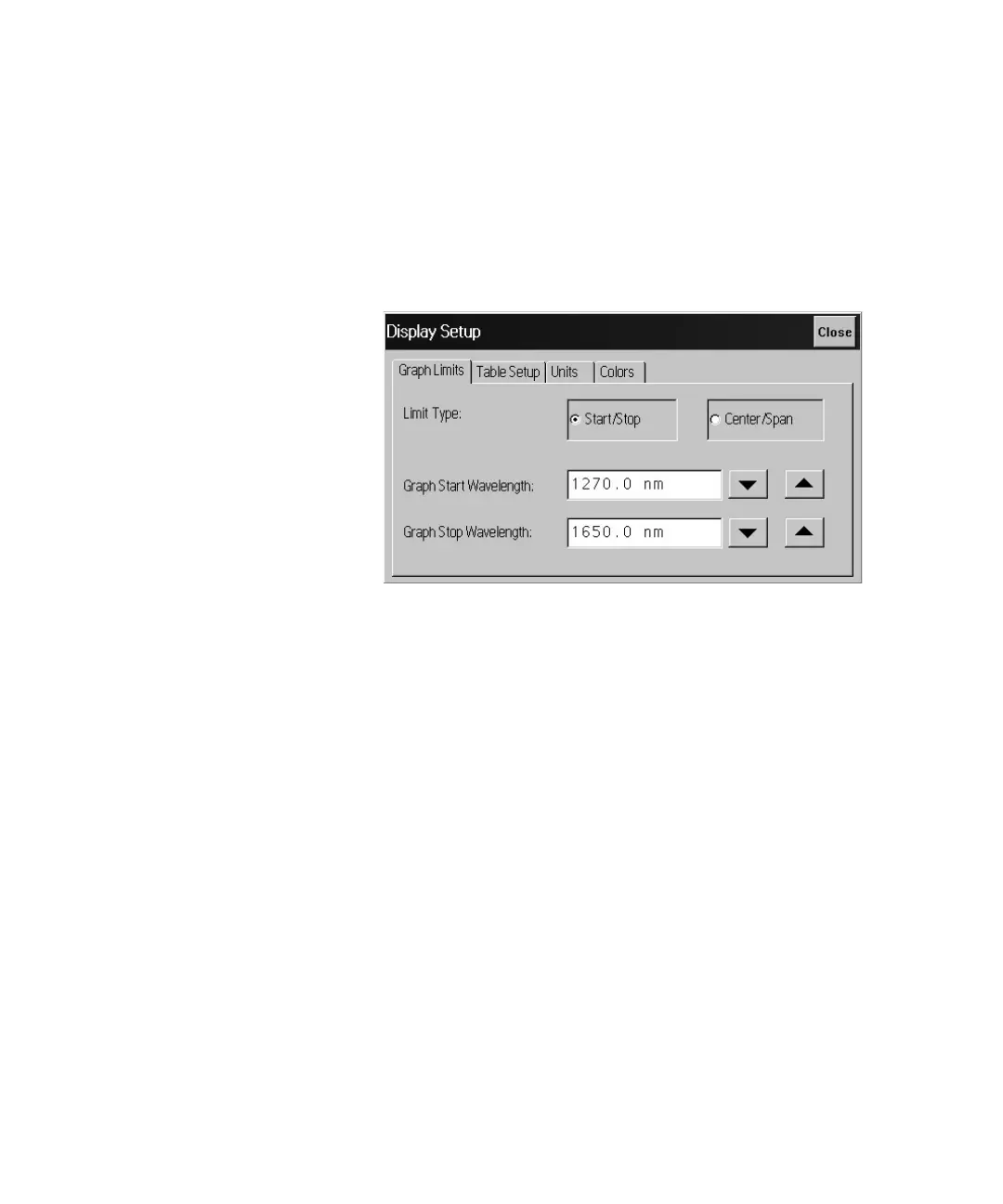
Dialog Box Operation
Dialog boxes allow real-time changes to the instrument's settings.
Because of this, the dialog boxes do not have OK, Apply, and Cancel
buttons. When you have finished changing a setting, simply click Close.
Figure 51















 To Next Page