Keysight 86120D and 86122C Multi-Wavelength Meters User’s Guide 39
Getting Started 1
Making Measurements
This chapter explains the steps required to make a measurement.
Step 1. Consider Measurement Limitations
Before connecting a signal and making a measurement, please consider
the following measurement limitations:
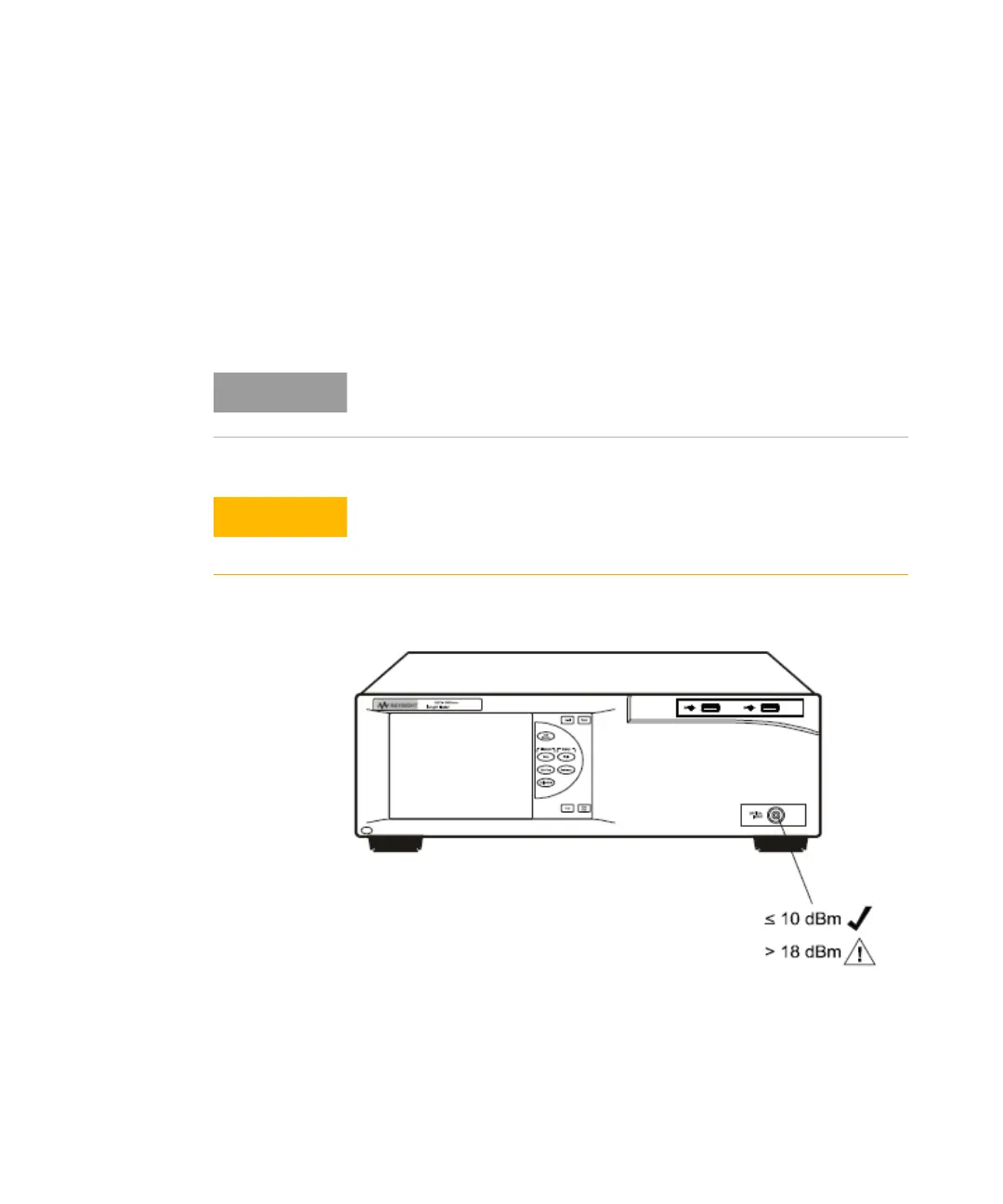
Figure 19
The front-panel OPTICAL INPUT connector uses a single-mode input
fiber.
+10 dBm is the maximum total displayed input power. Do not exceed +18
dBm source power. The Keysight 86120D or 86122C’s input circuitry can
be damaged when total input power exceeds this level.















 To Next Page