56 Keysight 86120D and 86122C Multi-Wavelength Meters User’s Guide
1 Getting Started
Step 6. Save Measurement Results
After you have set up your measurement and the graphical display, you ay
wish to save measurement results.
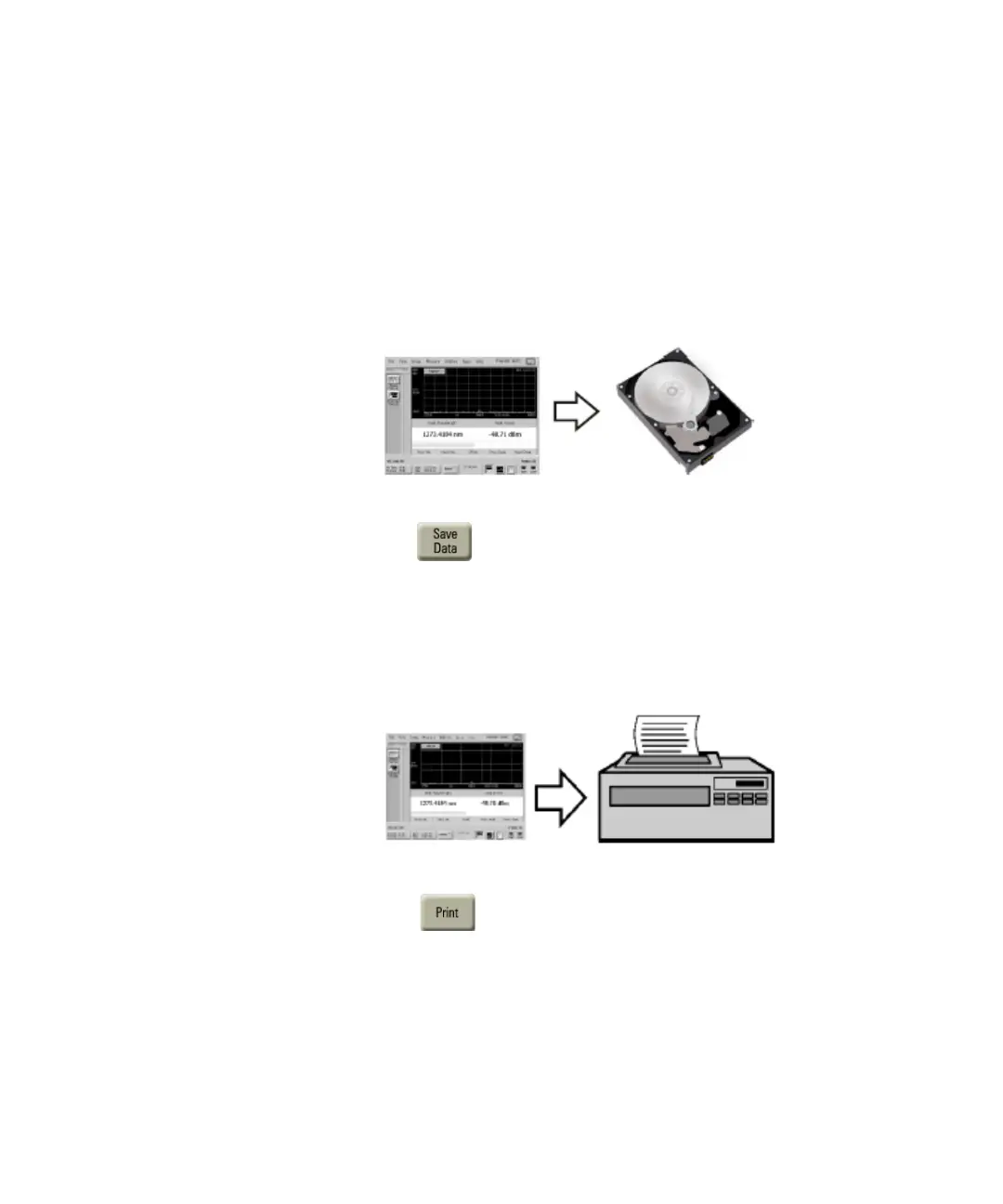
Save Data
Figure 34
Press to open the Save Meas Data dialog box. Select a file name
and click Save.
Print Data
Figure 35
Press to open the Print Setup dialog box. Select the Default
Printer and Printout Type, and click Print.















 To Next Page