Keysight 86120D and 86122C Multi-Wavelength Meters User’s Guide 55
Getting Started 1
Figure 33
• Select Peak Marker from the Graph Control list. Click close to a peak on
the graph.
• Select Peak Marker from the Graph Control list. Click anywhere on the
graph and drag to the left or right.
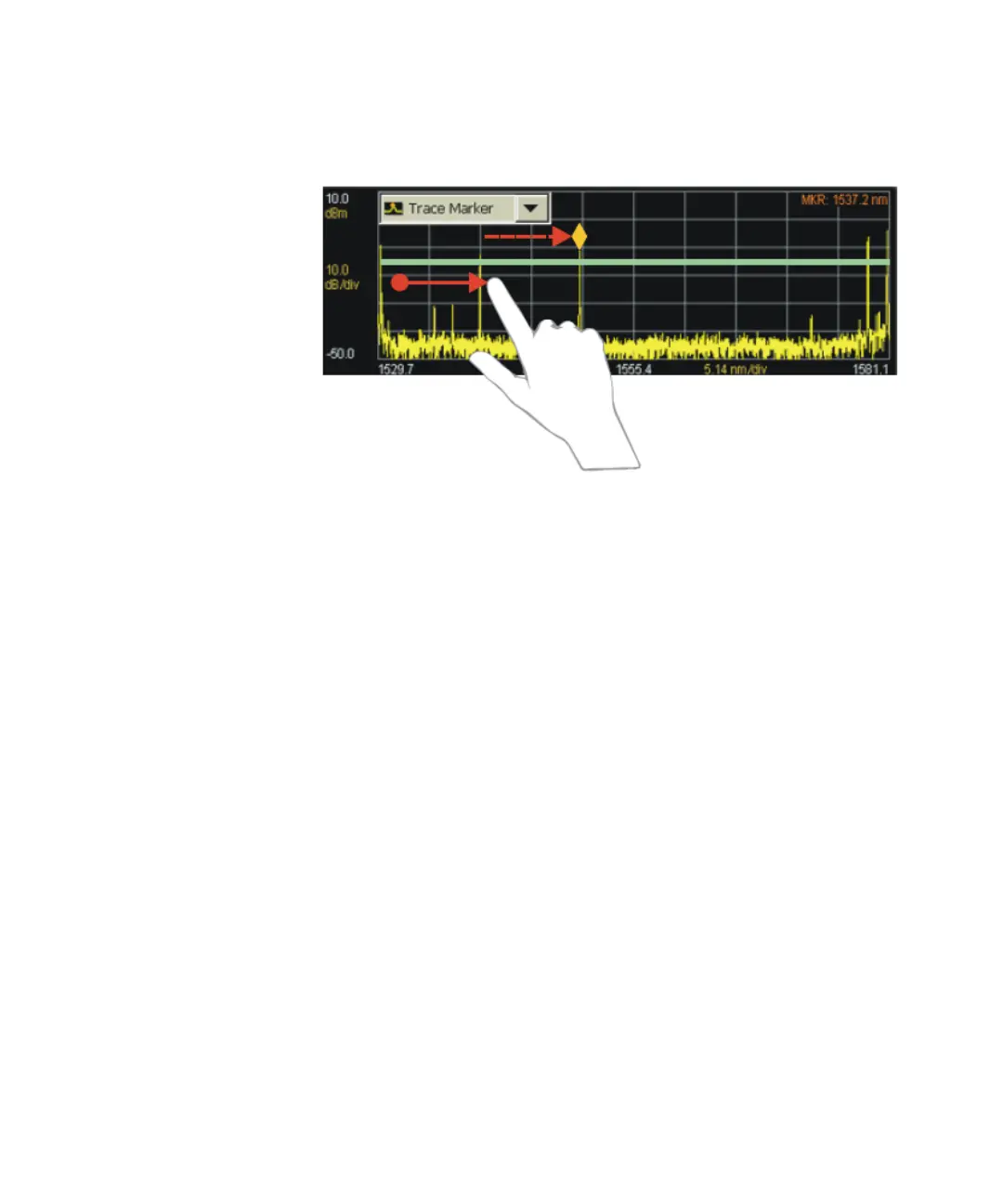
Move the Trace Marker
You can move the trace marker in any of the following ways:
• Select Trace Marker from the Graph Control list. Click any point on the
graph.
• Select Trace Marker from the Graph Control list. Click anywhere on the
graph and drag to the left or right.















 To Next Page