Keysight 86120D and 86122C Multi-Wavelength Meters User’s Guide 73
Using the 86122C 2
Front Panel Buttons
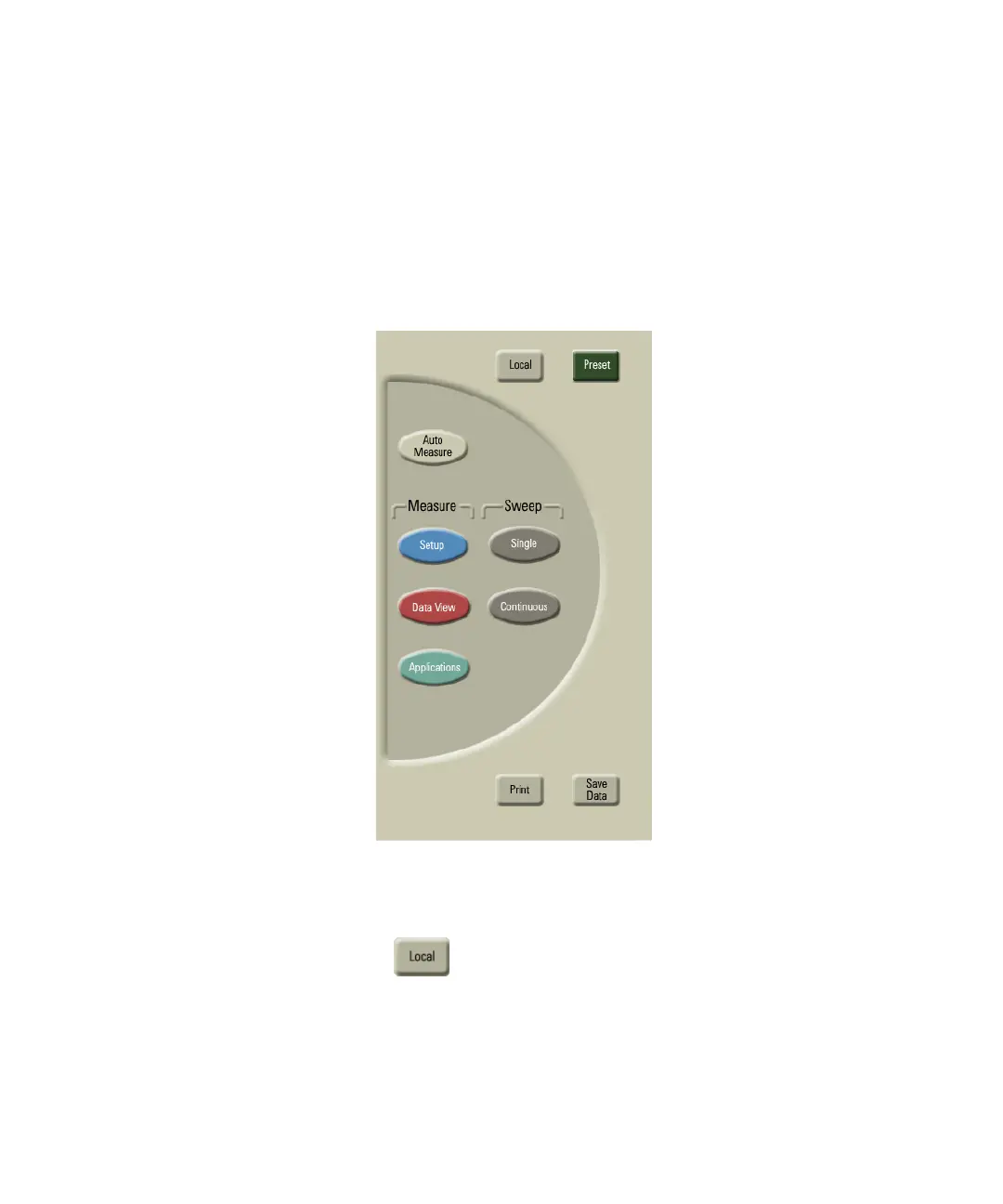
The touch screen extends to the right of the LCD display. This area
contains ten touchkeys buttons that can be accessed with your finger or a
stylus. These are referred to as the front panel buttons. This section
explains the function of each front panel button.
Figure 43
Press this button to return control of the instrument to the
front panel. The Local and AC power buttons are the only
front panel controls active when the instrument is in remote
operation.















 To Next Page