44 Keysight 86120D and 86122C Multi-Wavelength Meters User’s Guide
1 Getting Started
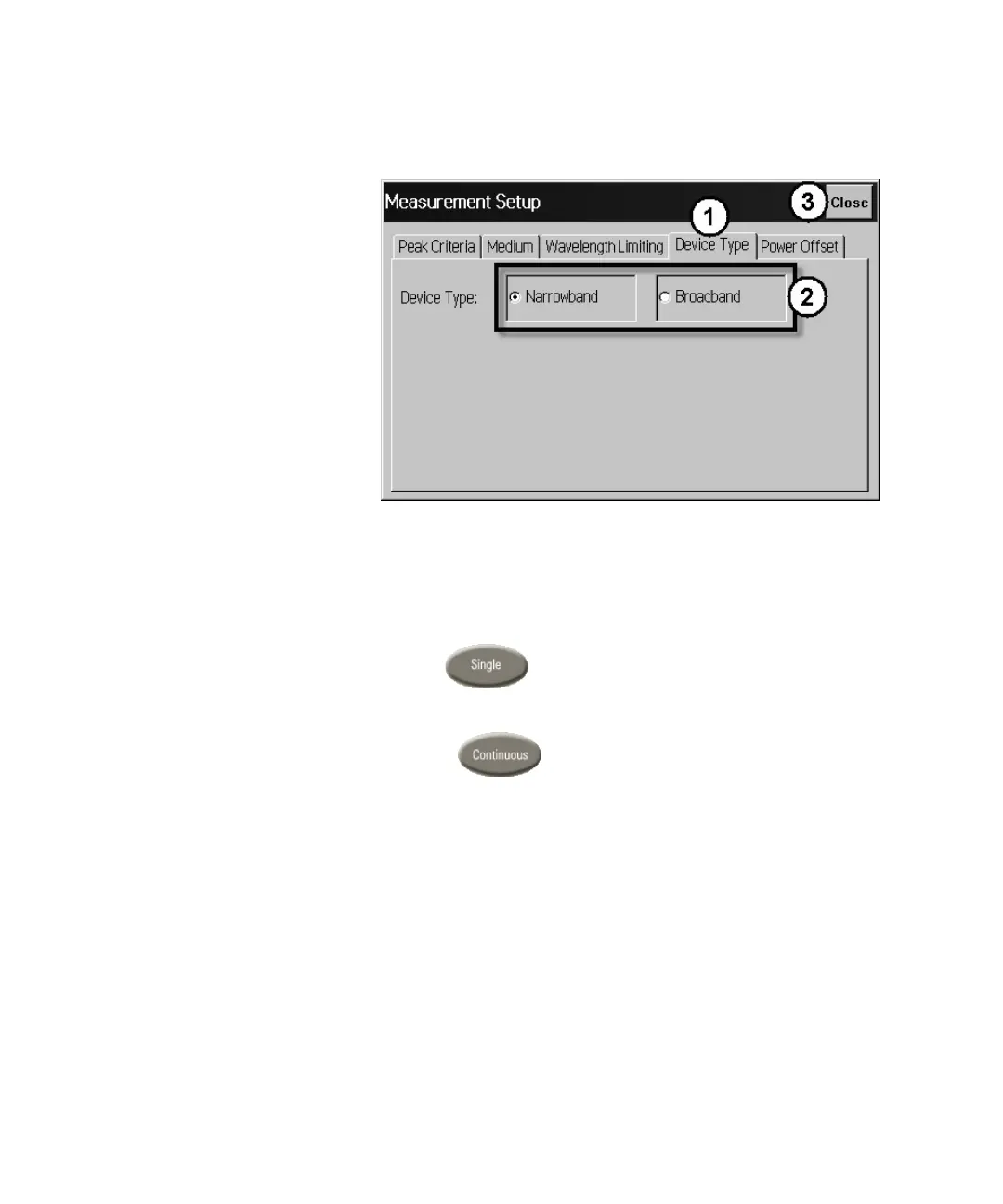
Figure 24
Select the Sweep Mode
• Press to initiate one measurement sweep. This is useful if
you want the data to remain static for saving results or printing.
• Press to continuously measure the input spectrum. In
this mode, a measurement sweeps occurs approximately every 0.3
seconds (86122C Option 110) or every 0.5 seconds (86122C Option
100) or every 0.6 seconds (86120D). This is useful if you want the data
to be continuously updated.
You can also set up data logging to perform measurement sweeps at any
desired interval. The green SWP indicator in the lower right-hand corner is
lit when a measurement is being acquired.















 To Next Page