U9361C/F/G/M RCal Measurement Guide 39
Making Measurements
Measuring Magnitude Cal with Multiple States
18. Select Input/Output > Calibration > Configuration. Scroll to the right to
μW Path Ctrl and then select μW Presel Bypass.
This should generate a warning that the current instrument state does not
match the applied calibration.
To handle both paths, an additional path must be added to the Calibration
Configuration table.
19. Select Meas Setup > Source > RF Output > Off.
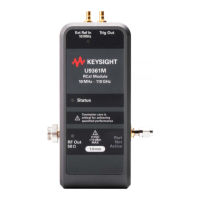
20. Disconnect the cable from the signal generator and connect it to the RCal
module.
21. Select Input Output > Calibration tab > Configuration.
22. Select Row 1 > Duplicate Row.


 To Next Page