43
6
6
Driving your vehicle Forward Collision-Avoidance Assist (FCA)
Volume to
High
,
Medium
,
Low
or
Off
for Forward Collision-Avoidance Assist.
However, even if
Off
is selected, the
Warning Volume of Forward Collision
Avoidance Assist will not turn off but the
volume will sound as
Low
.
If you change the Warning Volume, the
warning volume of other Driver Assis
-
tance systems may change.
僅 The setting of the Warning Timing
and Warning Volume applies to all
functions of Forward Collision-Avoid
-
ance Assist.
僅Even though
Normal
is selected for
Warning Timing, if the front vehicle
suddenly stops, the initial warning
activation time may seem late.
僅 Select
Late
for Warning Timing when
traffic is light and when driving speed
is slow.
If the vehicle is restarted, Warning Tim
-
ing and Warning Volume will maintain
the last setting.
Forward Collision-Avoidance
Assist operation
Basic function
Warning and control
The basic function for Forward Collision-
Avoidance Assist is warned and con
-
trolled by the following level.
僅 Collision Warning
僅Emergency Braking
僅 Stopping vehicle and ending brake
control
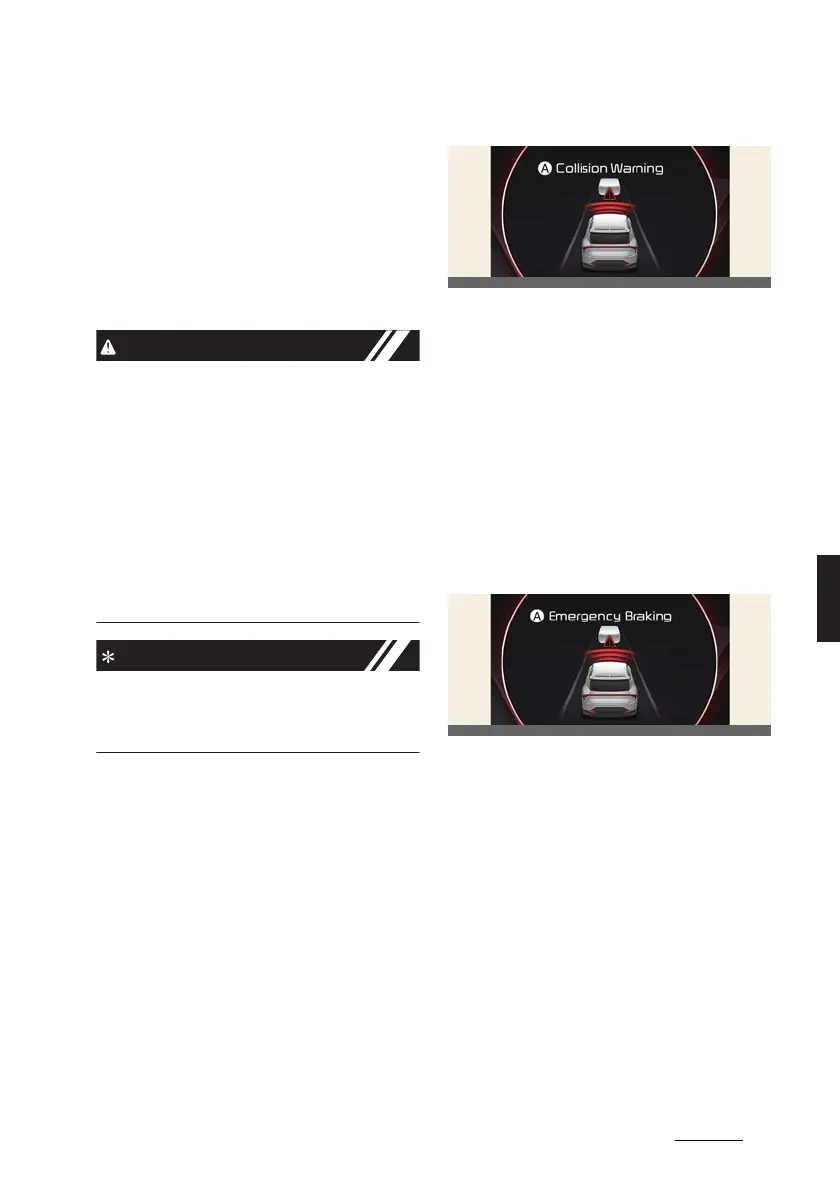
Collision Warning
A:
Collision Warning
The warning message, an audible warn
-
ing and the steering wheel will vibrate to
warn the driver of a collision.
Collision Warning will be activated in fol
-
lowing conditions.
僅 Vehicle: Your vehicle speed is approx
-
imately 10~200 km/h (6~124 mph)
僅 Pedestrian or cyclist: Your vehicle
speed is approximately 10~85 km/h
(6~53 mph)
Emergency braking
A:
Emergency braking
The warning message, an audible warn
-
ing and the steering wheel will vibrate to
warn the driver that emergency braking
will be assisted. The brake assist will be
activated and it helps avoiding collision
of a vehicle, pedestrian and cyclist.
Emergency Braking will be activated in
following conditions depending on the
target and the level of risk.
僅 Vehicle (weak braking): Your vehicle
speed is approximately 10~85 km/h
(6~53 mph)



 To Next Page