169
6
6
Driving your vehicle Remote Smart Parking Assist (RSPA)
Before selecting the Parking type, the
driver should check whether the parking
space is suitable.
If the searched parking space by
Remote Smart Parking Assist is narrow
or unsuitable for parking, do not select
the Parking type and move the vehicle
to search for another parking space.
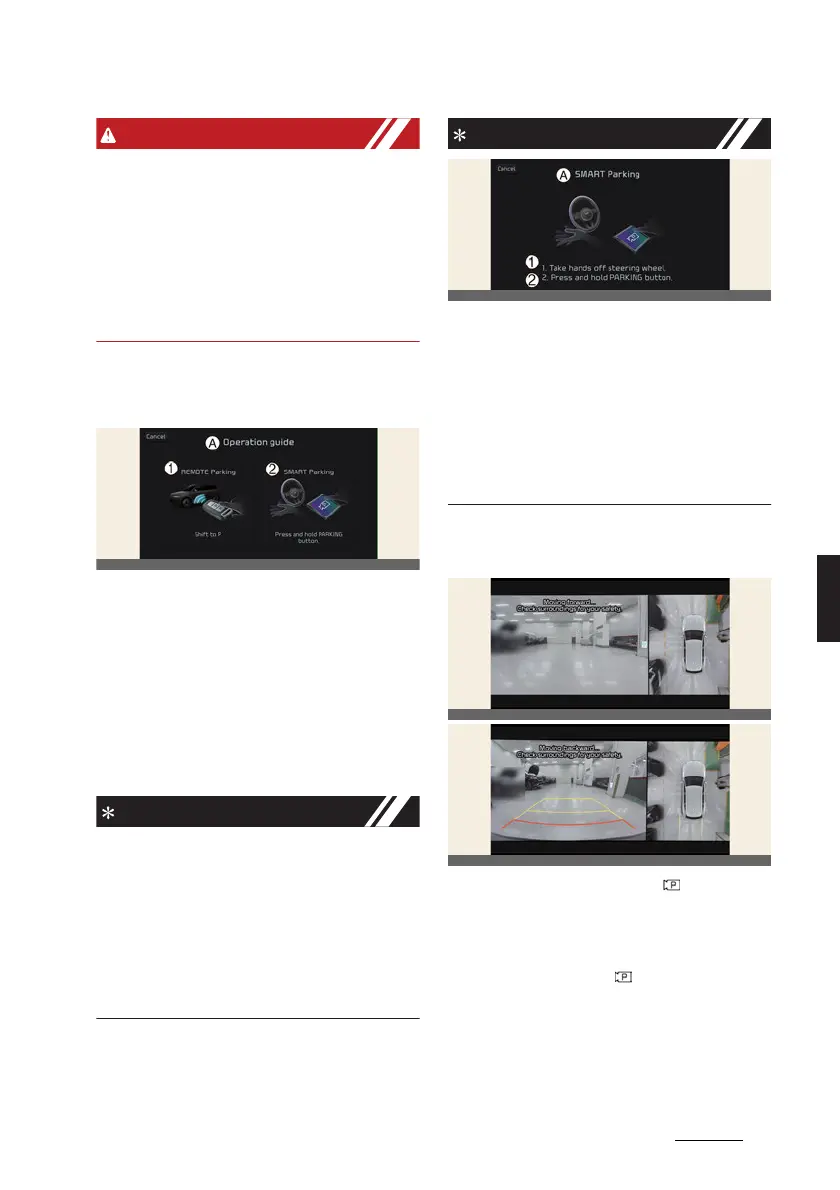
2. Operating mode – Remote
Parking, Smart Parking
A:
Operation guide
1 REMOTE Parking
2 SMART Parking
After selecting a parking type, the info
-
tainment system screen will guide you
with Remote Smart Parking function and
Smart Parking function. Follow the
instructions to operate Remote Smart
Parking Assist.
僅 Operating instructions will be dis
-
played on the screen for each desired
function you select.
僅 Do not take your foot off the brake
pedal during the Parking function
guide. When the vehicle moves,
Remote Smart Parking Assist will turn
off.
A:
SMART Parking
1 Take hands off steering wheel.
2 Press and hold PARKING button.
If Remote Smart Parking Assist cannot
activate Remote Smart Parking function,
only the Smart Parking guide will be dis
-
played on the infotainment system
screen.
4. Smart Parking
1. Press the Parking/View ( ) button
when the vehicle is stopped by
depressing the brake pedal.
2. Release the brake pedal while holding
the Parking/View ( ) button.
僅 Remote Smart Parking Assist will
automatically control the steering
wheel, vehicle speed and gear shift.
僅 If you do not hold down the Park
-
ing/View button, the vehicle will



 To Next Page