Appendix B: Worksheets
P/N 3102351-EN • REV 005 • ISS 28DEC18 217
Panel operation worksheet
The panel operation worksheet is used to document the configuration and settings of your
control panel programming options.
Note: For default settings, see “Factory default settings” on page 42.
Language ☐ English ☐ French ☐ Portuguese ☐ Spanish
Marketplace ☐ U.S. ☐ Canada ☐ Intl. (International)
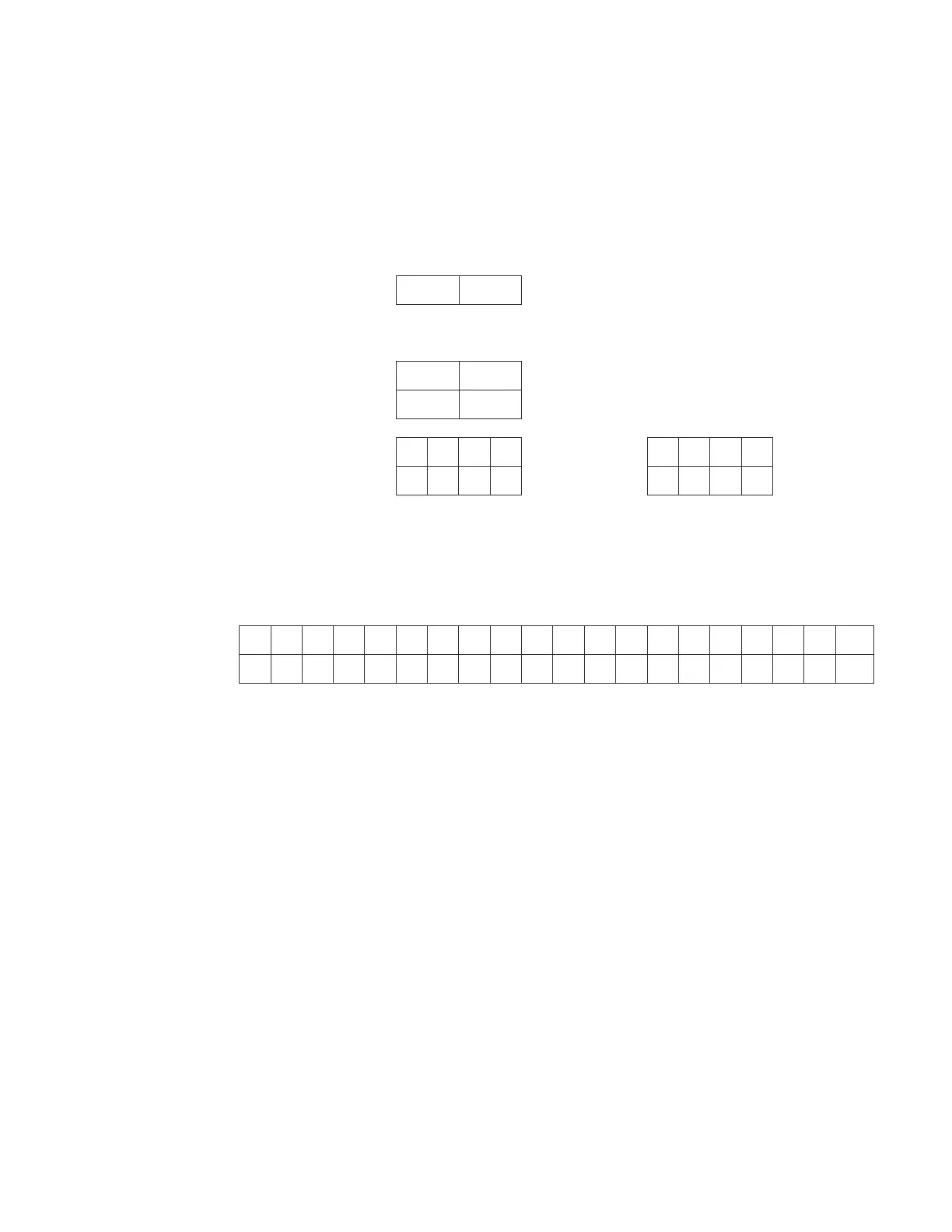
AC fail delay ☐ Off (01 – 15 hours)
Zone resound ☐ Off ☐ On
Reset inhibit ☐ Off ☐ 1 minute
Auto signal silence ☐ Off (05 – 30 minutes)
In suite signal sil. (01 – 10 minutes)
Day start Start time End time
Night start Start time End time
Date format ☐ U.S. (MM/DD/YYYY) ☐ Canada (DD/MM/YYYY)
Event notification ☐ Zone/device reporting ☐ Zone only reporting ☐ Device only reporting
Standalone Op ☐ No ☐ Yes
LCD banner
Line 1
Line 2
Aux power reset ☐ On ☐ Off
User key #1 ☐ Enabled ☐ Disabled
User key #2 ☐ Enabled ☐ Disabled



 To Next Page