6.8.4. Send a report of the device to the After-Sales Service
➢ Click on the button.
Kimo after-sales service will receive a report about the general state of the device only readable by the after-sales service.
6.8.5. Back to factory parameters
It is possible to set the device with the factory parameters.
The “Settings” window is open on “Information”.
➢ Click on the button.
The device is now set with the factory parameters.(see the factory parameters page 21).
7. Options
7.1. E-mail
This option allows to set the email sending parameters in order to send report to the after-
sales service.
➢ Click on the “Options” menu then on the “Email” sub-menu.
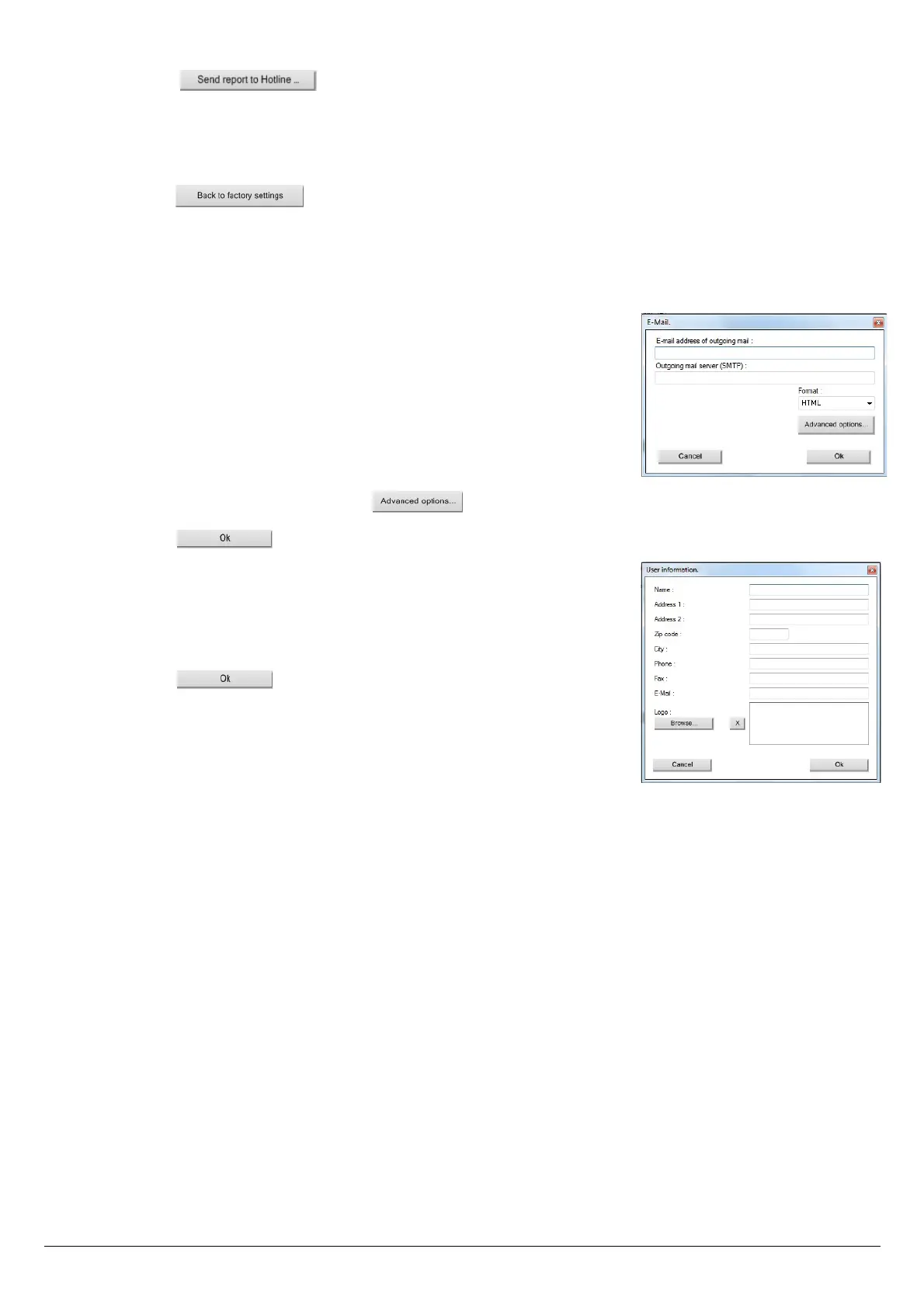
The following window is displayed:
➢ Fill in the different fields:
• Email address of the outgoing mail: e-mail address of the sender
(p.durand@orange.fr)
• Outgoing mail server: server address used to send e-mail (ex: smtp.orange.fr).
• Mail format: plain text or html
• Advanced options: by clicking on the button, the email setting window opens and allows to set the
SMTP outgoing server. This information is delivered in the subscription documents of the Internet access provider
➢ Click on the button.
7.2. User information
This option allows to give information about the software user.
➢ Click on the “Options” menu then on the “User” sub-menu.
The following window is displayed:
➢ Fill in the different fields.
➢ Click on the button.
7.3. Change the language
This option allows to change the interface language.
➢ Click on “Options” menu.
➢ Click on “Languages” sub-menu.
➢ Select the required language.
Options 55



 To Next Page