5. Use the different databases
Databases are used to give information about features of boilers and customers. LIGAZ-2 software allows to recover customers and
boilers created in the analyser and allows to transfer customers and boilers created with LIGAZ-2 software in the analyser.
➢ Launch the software by double-clicking on the icon in the desktop.
➢ These databases are saved in the hard disk of the computer. See page 50 for the “Database settings”.
5.1. Use the customer database
➢ Click on the button of the tool bar or click on “Database” menu, then on “Customer”.
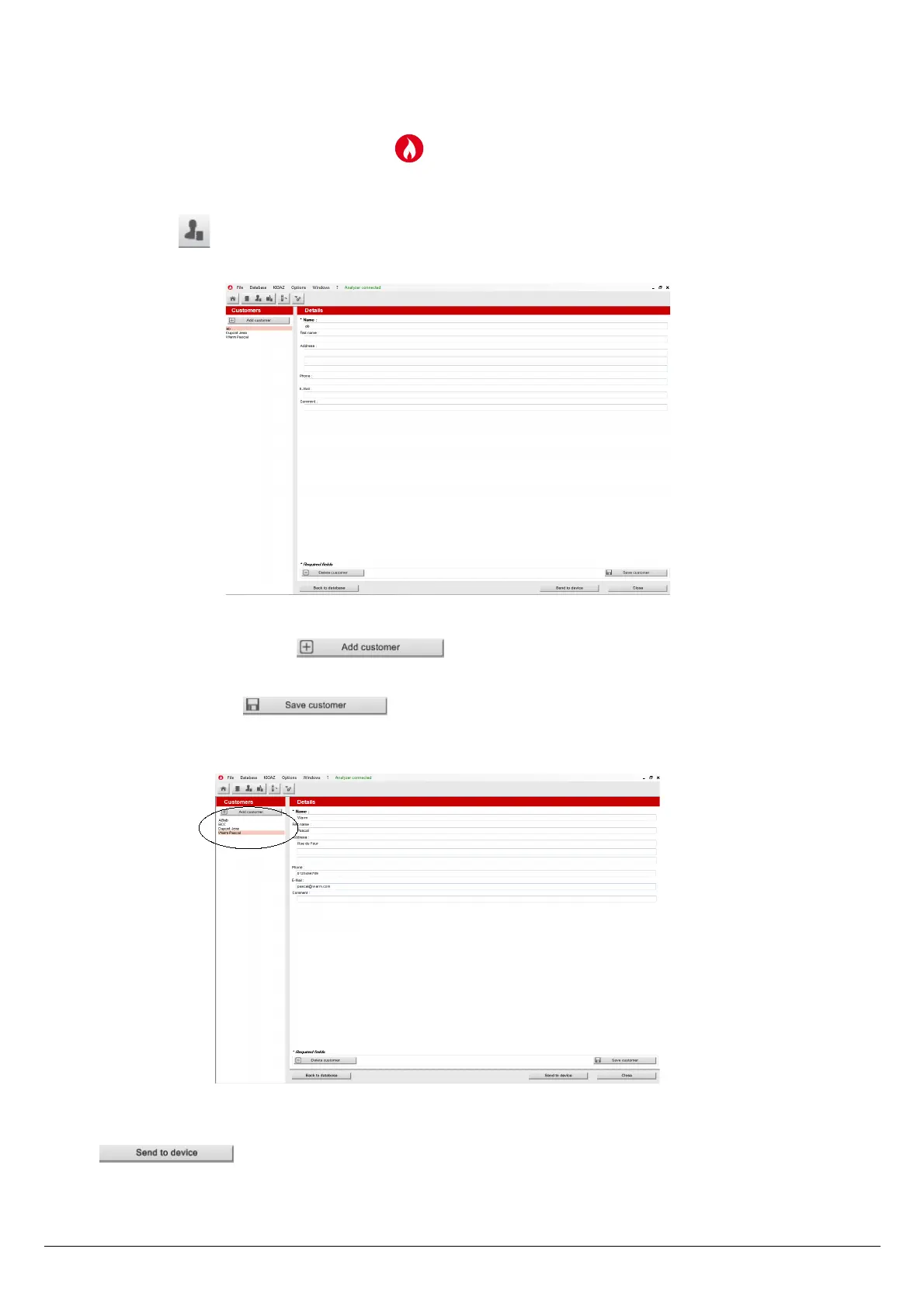
The following window is displayed:
The fields are not accessible.
The customer list created on the device are displayed on the left of the screen.
➢ To add a customer, click on the button.
The fields become accessible.
➢ Fill in the different fields. The “Name” field is required.
➢ To save it, click on the button.
A confirmation message is displayed.
➢ Click on OK.
The created customer appears in the list on the left of the screen:
➢ Repeat the procedure to add other customers.
➢ To transfer a customer to the analyser, select it on the customer list on the left of the screen and click on the following button:
. If it is inaccessible, check the device connection.
A message confirms the successful transfer.
➢ Click on OK.
➢ To download customers from the analyser to the software database, it is necessary to download inspections present on the
Use the different databases 47



 To Next Page