Accessories
The sensor has an option to
fit accessories through the top magnetic coupling.
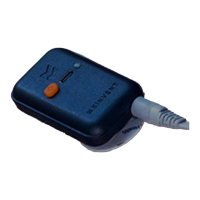
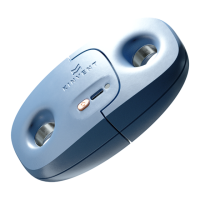
The Twin Handle is an accessory that makes the K-Push easier to handle at greater forces.
It is suitable for measures that require a stable and controlled two-handed grip. The use of
a hand-held dynamometer has never been so comfortable
The Nordic assessment set, allows secure mounting of the K Push on gym bars or iso-box
to use for the nordic hamstring assessment protocol.
Get Started
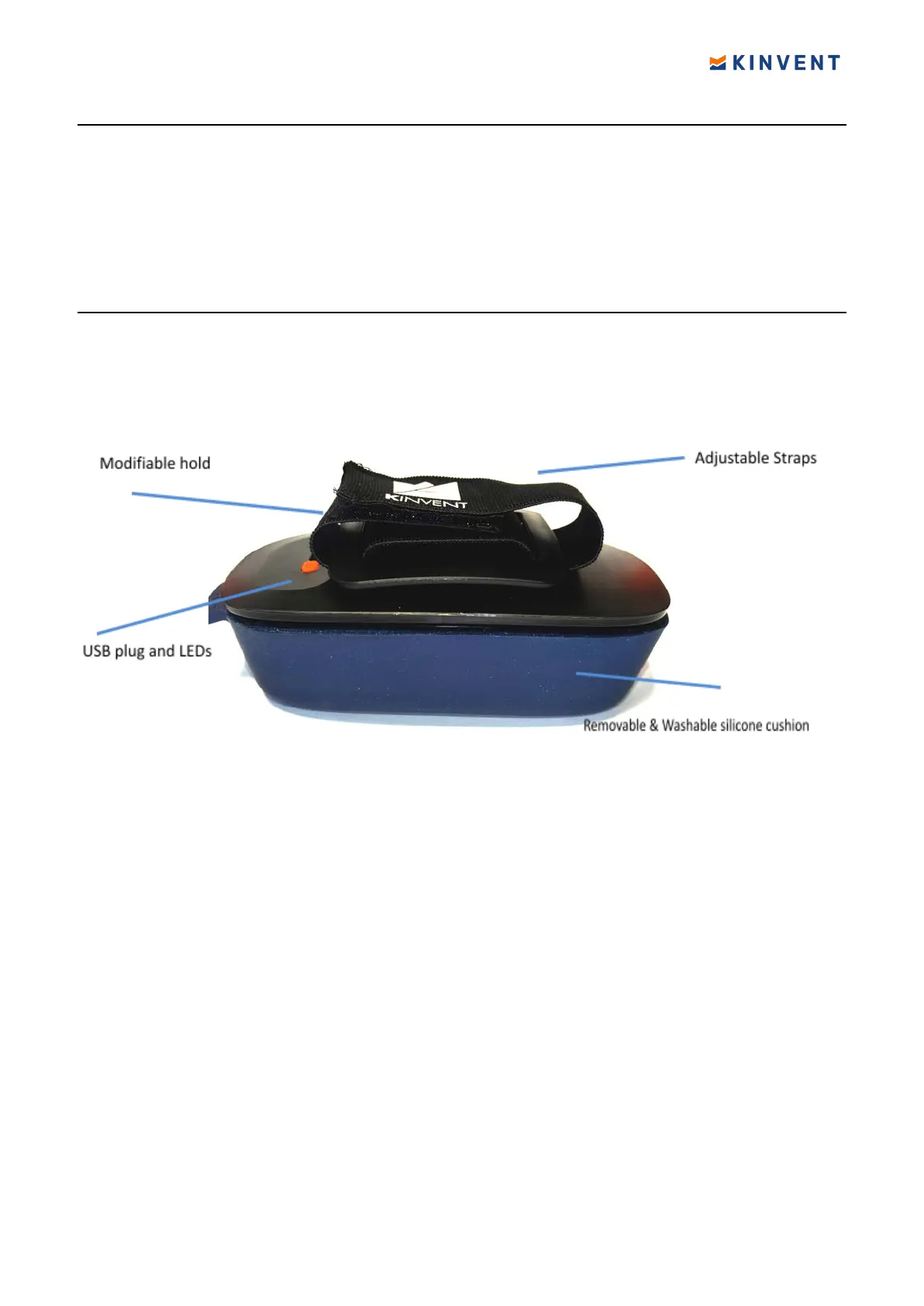
The sensor comes with the cushion preinstalled on the sensor. The cushion can be very
easily installed as it snaps in place
Next, con
figure the strap length according to your hand and place it over it. Otherwise,
you can replace the default handle by the Nordic or the Twin Handle accessory.
The cushion can be removed for cleaning. Use antiseptic alcohol wipes to disinfect the
cushion prior to use.
To change the handle twist clockwise 45 degrees (diagonal position). The handle will lift
on its own, so you can then easily pull and remove
On the top surface of the sensor there are
One USB-C port used for charging, one LED indicator for the working state/charging state
and one push-button.
You can charge your K-Push sensor through the USB A to USB C cable provided or with
any USB-C charging cable. The sensor is supplied with the appropriate IEC 60601 medical
USB power supply. If a different charger is used, ensure that it meets the minimum
medical safety requirements and if unsure please do not use the sensor while plugged
in/charging
sensor
Press the orange power on button on K Push. The indicator begins
flashing green. Your
sensor is ON! Your sensor will turn off after 10 minutes of no Bluetooth connection or no
application connection.
Once the sensor is turned on, select the K Push sensor in the Home Page. Select the body
part you want to measure and then select one of the proposed exercises. Once the K Push
is connected, the LED turns Blue.
While your sensor is connecting, do not load the sensor, do not step on the sensor, do
not move the sensor, and do not apply force on the sensor.
15 © 2022 KINVENT Biomecanique E2022C_EN


 To Next Page