Part 1 Basic Functions 1-12
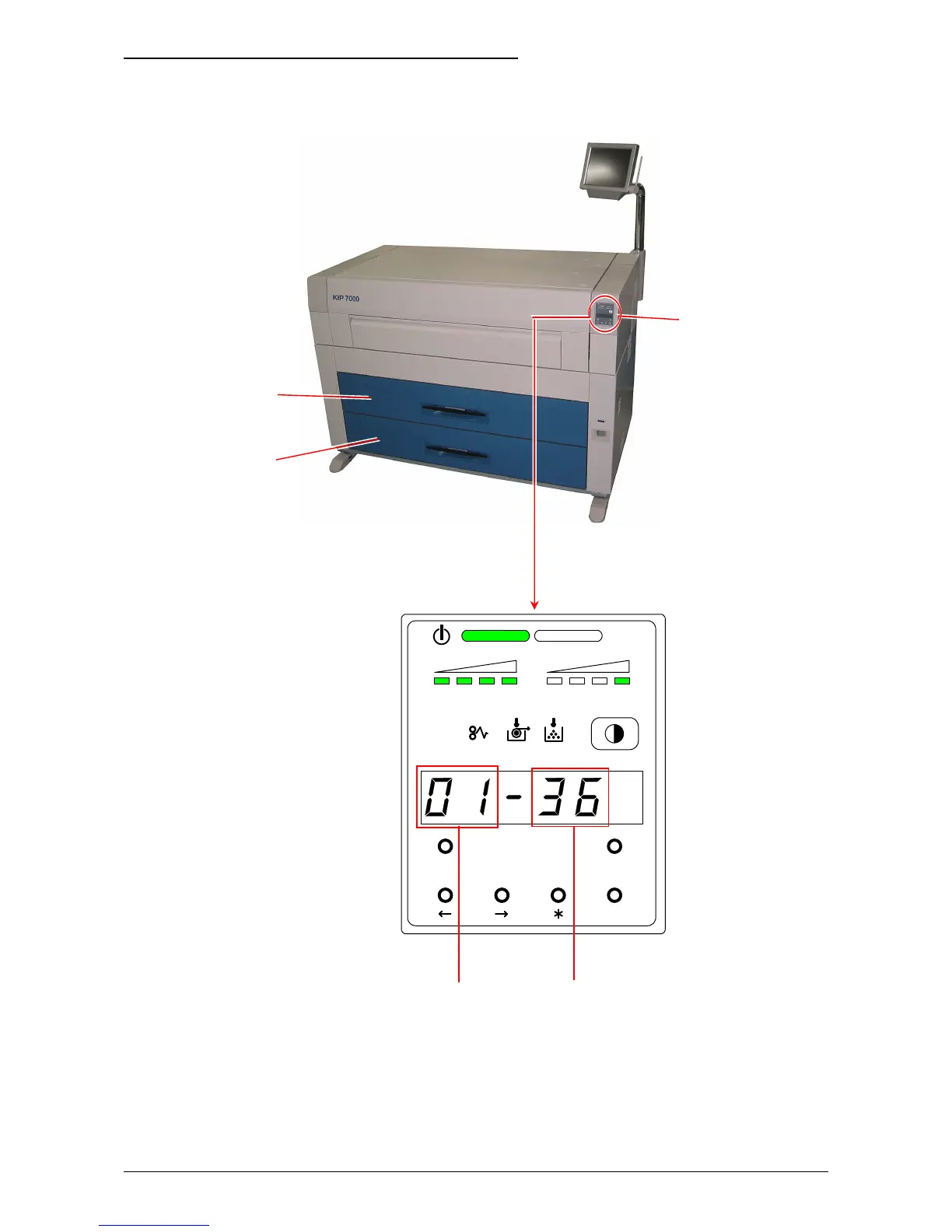
(3) Roll Deck, roll width and roll material currently used
Before printing, you can select on the controller or on the scanner which roll media is used
for printing.
The Sub Display Panel indicates the selected Roll Deck Number and the media width.
Roll Deck No. Paper Width
MENU TEST
TONER REMAIN IMAGE DENSITY
job
ENTER
Sub Display Panel
Roll 1 (Front)
Roll 2 (Rear)
Roll 3 (Front)
Roll 4 (Rear)



 To Next Page