Part 1 Basic Functions 1-11
MENU TEST
TONER REMAIN IMAGE DENSITY
job
ENTER
1. 6 Indications during Normal Use
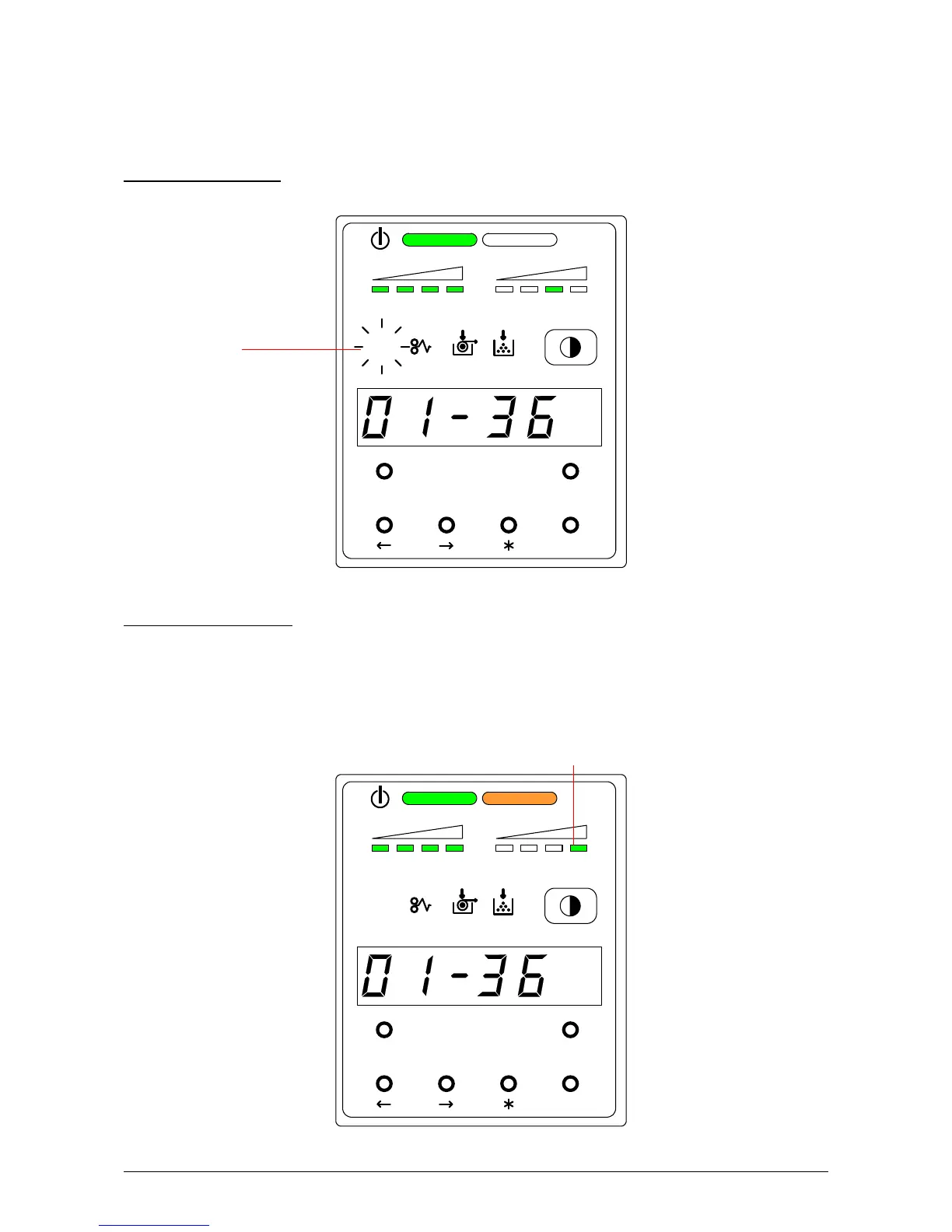
The Sub Display Panel indicates the following information during normal use.
(1) Processing a print
The Job Indicator lights green when the printer receives a job.
(2) Image Density level
Any of the 4 LEDs of the Image Density Indicator will light according to the density level you
selected.
Image density becomes darker when you select LEDs further right.
Refer to [3.1 Changing the Density Level] on the page 1-39 as for the way to change
the Image Density Level.
Image Density Indicator
MENU TEST
TONER REMAIN IMAGE DENSITY
job
ENTER
Job Indicator



 To Next Page