Part 1 Basic Functions 1-62
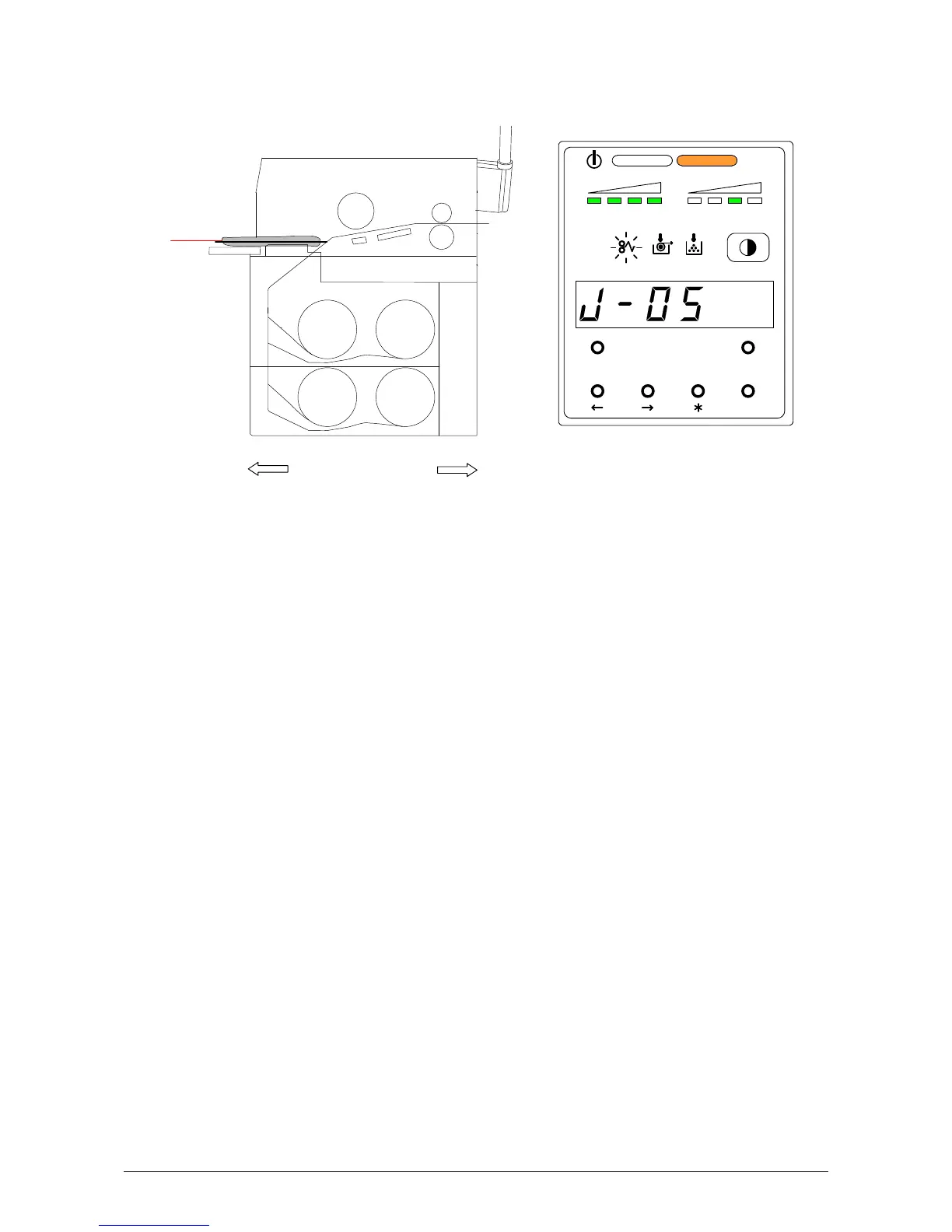
4. 1. 2 Paper Mis-feed in the Manual Feeder Section (J-05)
When the paper mis-feed occurs in the Manual Feeder, the Sub Display Panel indicates “J-05”.
Clear the Paper Mis-feed using the following procedure:
1) Pull out the mis-fed paper from the Manual Feeder, and if the leading edge of the paper is torn
or folded, replace with the new one.
MENU TEST
TONER REMAIN IMAGE DENSITY
job
ENTER
J-05
Roll 1
Roll 3
Roll 4
Roll 2
Front Rear



 To Next Page