Part 1 Basic Functions 1-51
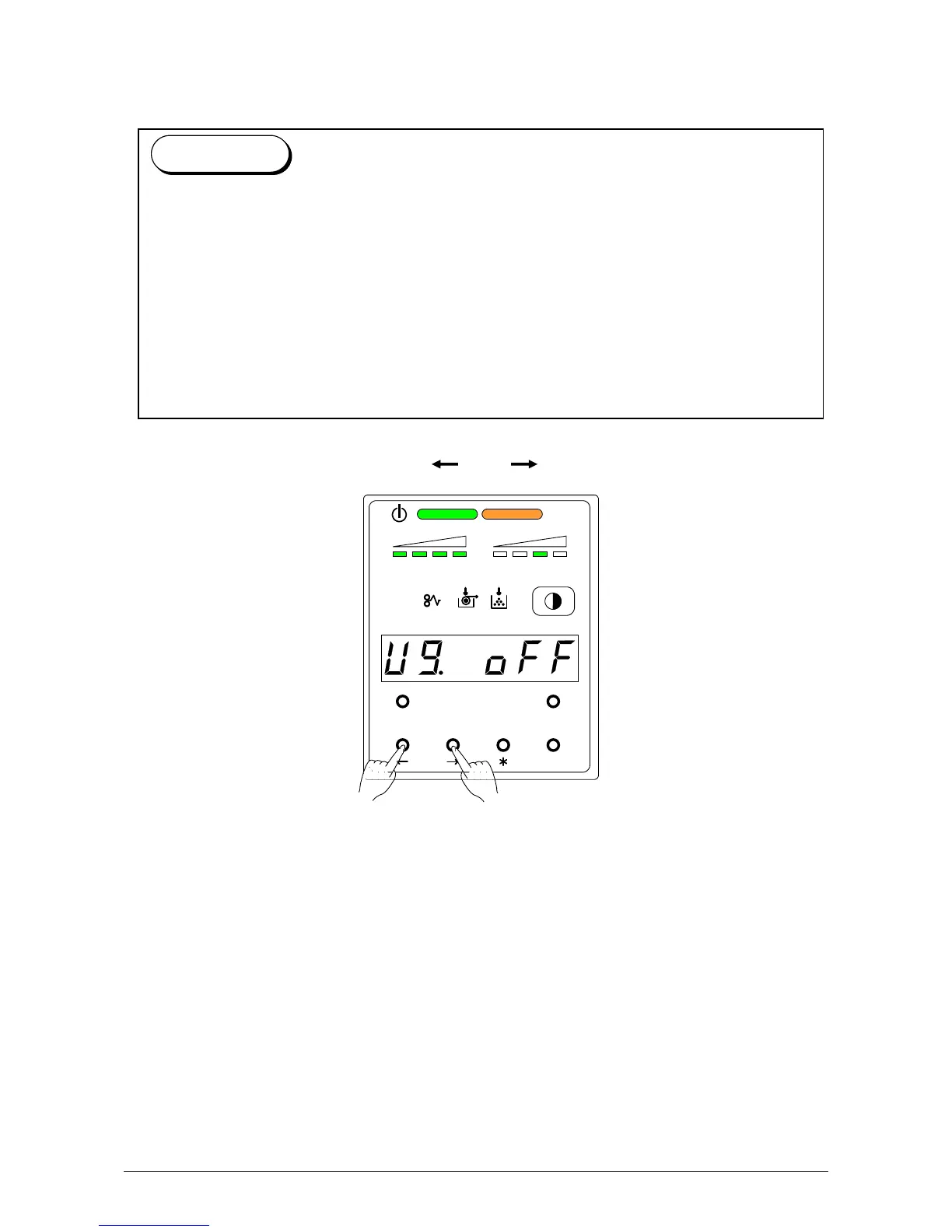
3. 2.10 User Mode 9: L/L Environment Setting Mode
It is possible to select whether or not the L/L Environment Setting Mode should work.
1) Select User Mode 9 “U9.” by pressing [ ] or [ ] key.
U 9. o n : Low Temperature / Low Humidity Environment Setting works.
U 9. o F F : Low Temperature / Low Humidity Environment Setting does not work.
(Normal operation)
MENU TEST
TONER REMAIN IMAGE DENSITY
job
ENTER
“Crease of paper” or “Defective fusing” may occur when a large paper (wider than 30”) is
used in the low temperature and low humidity environment (It is called L/L Environment).
This is caused by the fall of temperature of the Heater Unit (hot part inside of the Exit Cover).
If the L/L Environment Setting Mode works, the interval of prints becomes longer than usual
to recover the temperature. (Print productivity is reduced to about 3 sheets / minute although
it is about 7 sheets / minute usually.)
The L/L Environment Mode works not always but only in some specific case, for example
when the remaining volume of roll is very small or when a tracing paper is used.
Reference



 To Next Page