Part 1 Basic Functions 1-74
MENU TEST
TONER REMAIN IMAGE DENSITY
job
ENTER
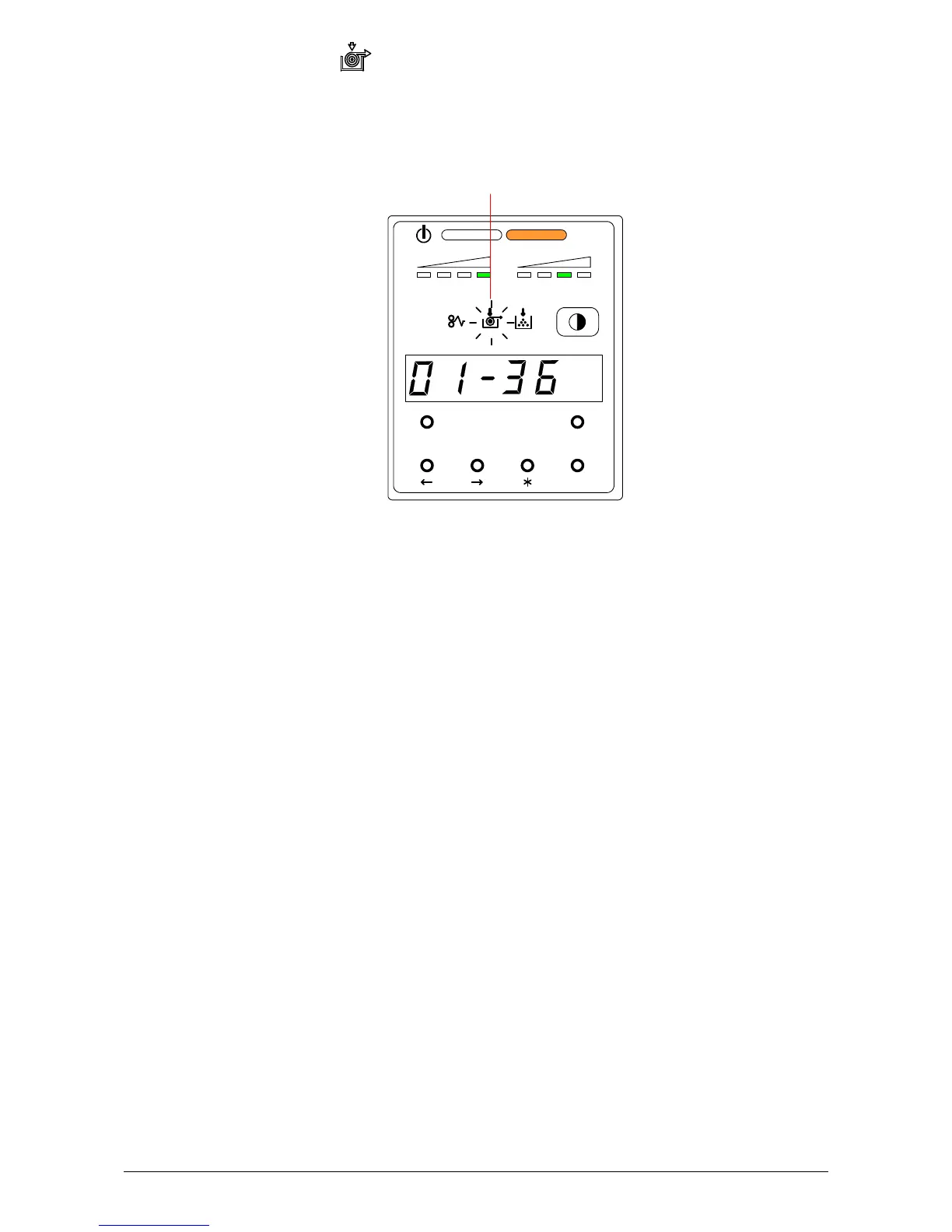
4. 3. 2 Roll Empty
The machine indicates a “Roll Empty” by lighting the Roll Empty Indicator on the Sub Display
Panel if the roll media currently in use is consumed during printing.
Installation of a new roll is required.
Refer to [2.3 Replacing the Roll Media] on page 1-23.
Roll Empty Indicator



 To Next Page