Part 1 Basic Functions 1-32
2. 4 Replacing the Toner Cartridge
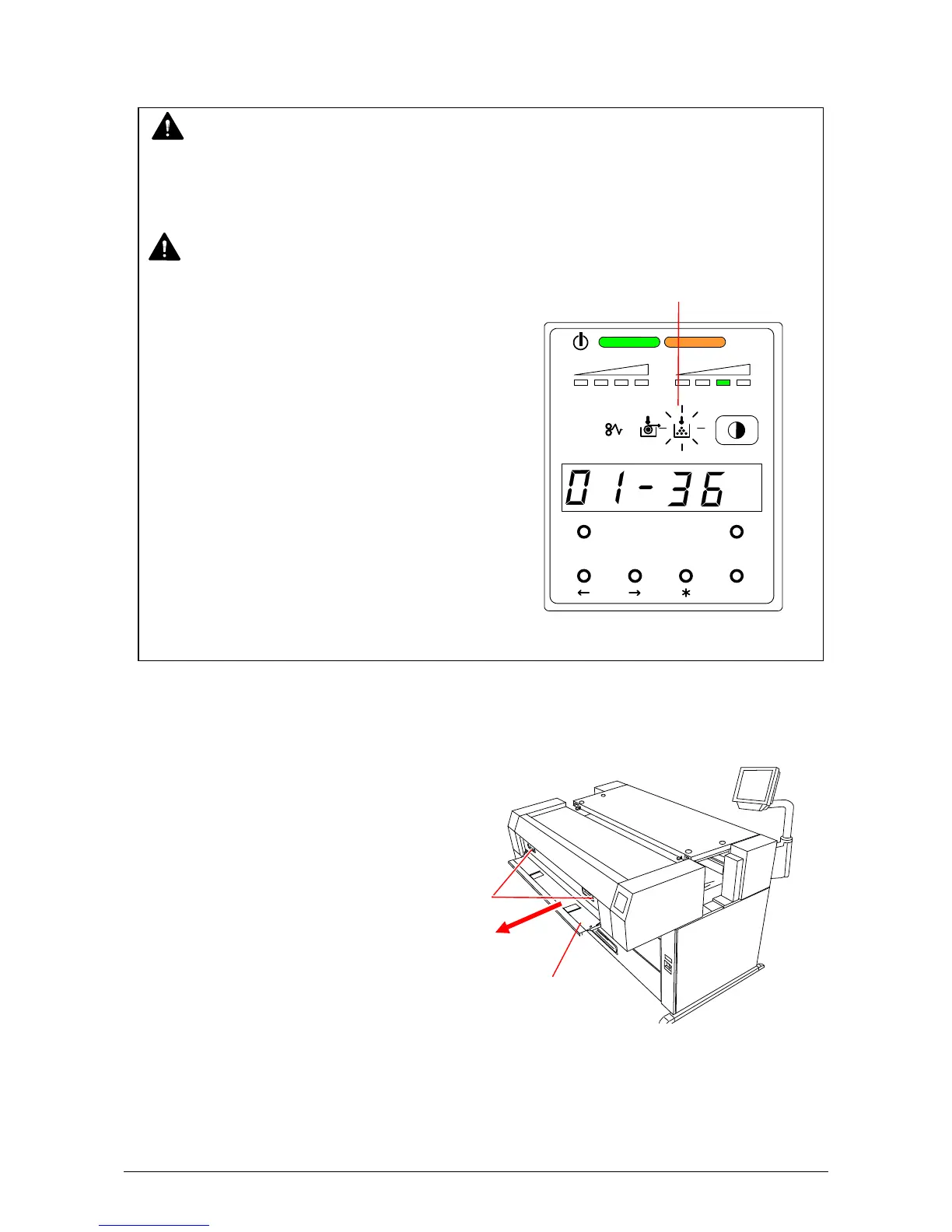
1) Open the Manual Table.
2) Pull out the Upper Frame Unit to your side
with holding both handles.
WARNING
There is combustible powder in the toner cartridge.
Do not burn up the used toner cartridge.
NOTE
The printer will indicate a “Toner Low Error” by Toner Low Indicator
lighting the Toner Low Indicator on the Sub
Display Panel.
Replace the Toner Cartridge with the new
cartridge using the following procedure:
(Please use the KIP Toner Cartridge.)
MENU TEST
TONER REMAIN IMAGE DENSITY
job
ENTER
Handle
Manual Table



 To Next Page