Part 1 Basic Functions 1-31
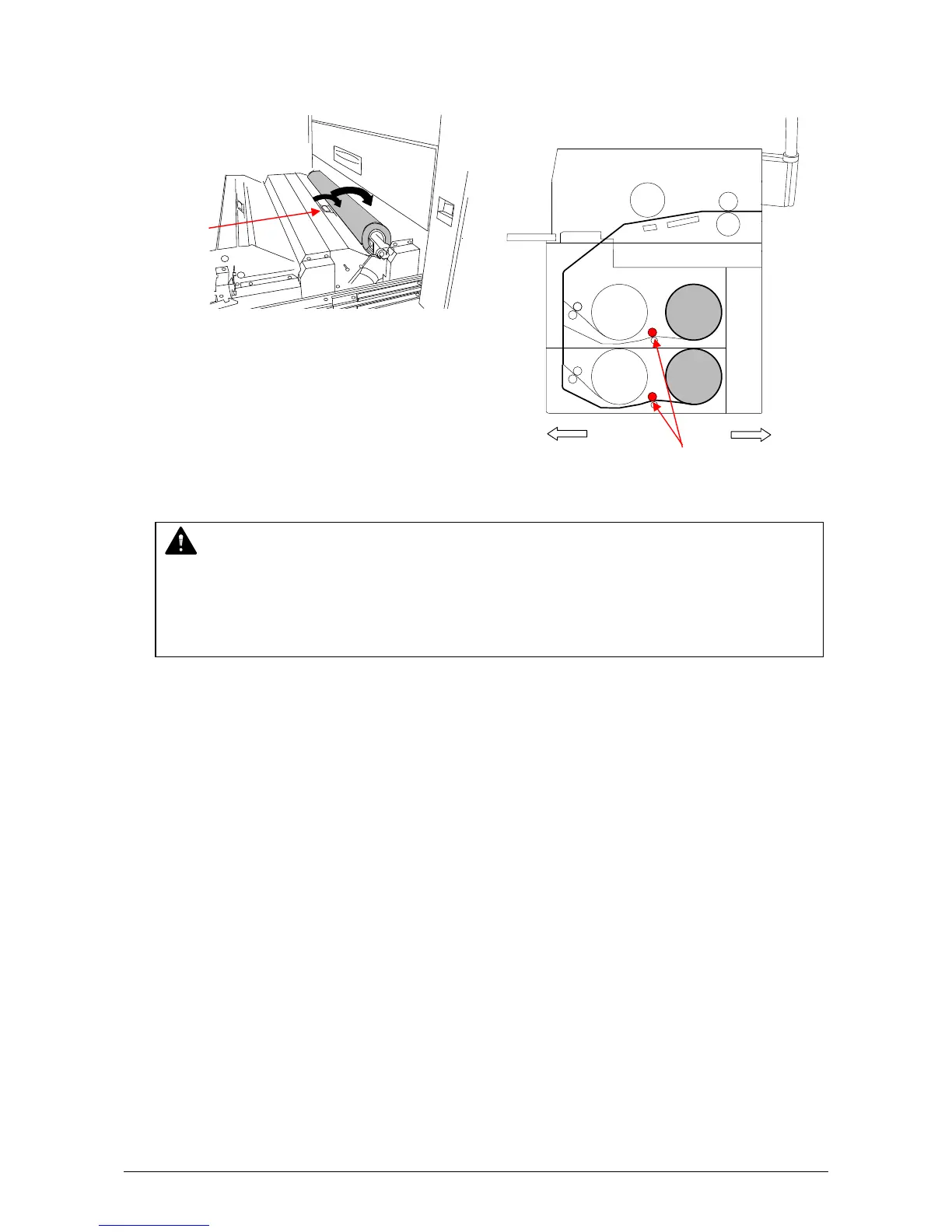
8-3) Rotate the green knob as shown arrow and feed the leading edge of the media between
Feeding Rollers.
8-4) Close the Roll Deck.
8-5) Press the Initial Cut Key on the User Interface (UI) to cut the leading edge.
Remove the paper portion.
NOTE
When you load the media, rotate the Paper Feeding Roller Knob.
Do not feed the media so much because the leading edge may come out from the slit.
If you close the Roll Deck while the leading edge is out of the slit, the roll media is folded
and printing becomes not available.
Knob
Front Rear
Roll 1
Roll 2
Roll 3
Roll 4
Knob



 To Next Page