Part 1 Basic Functions 1-68
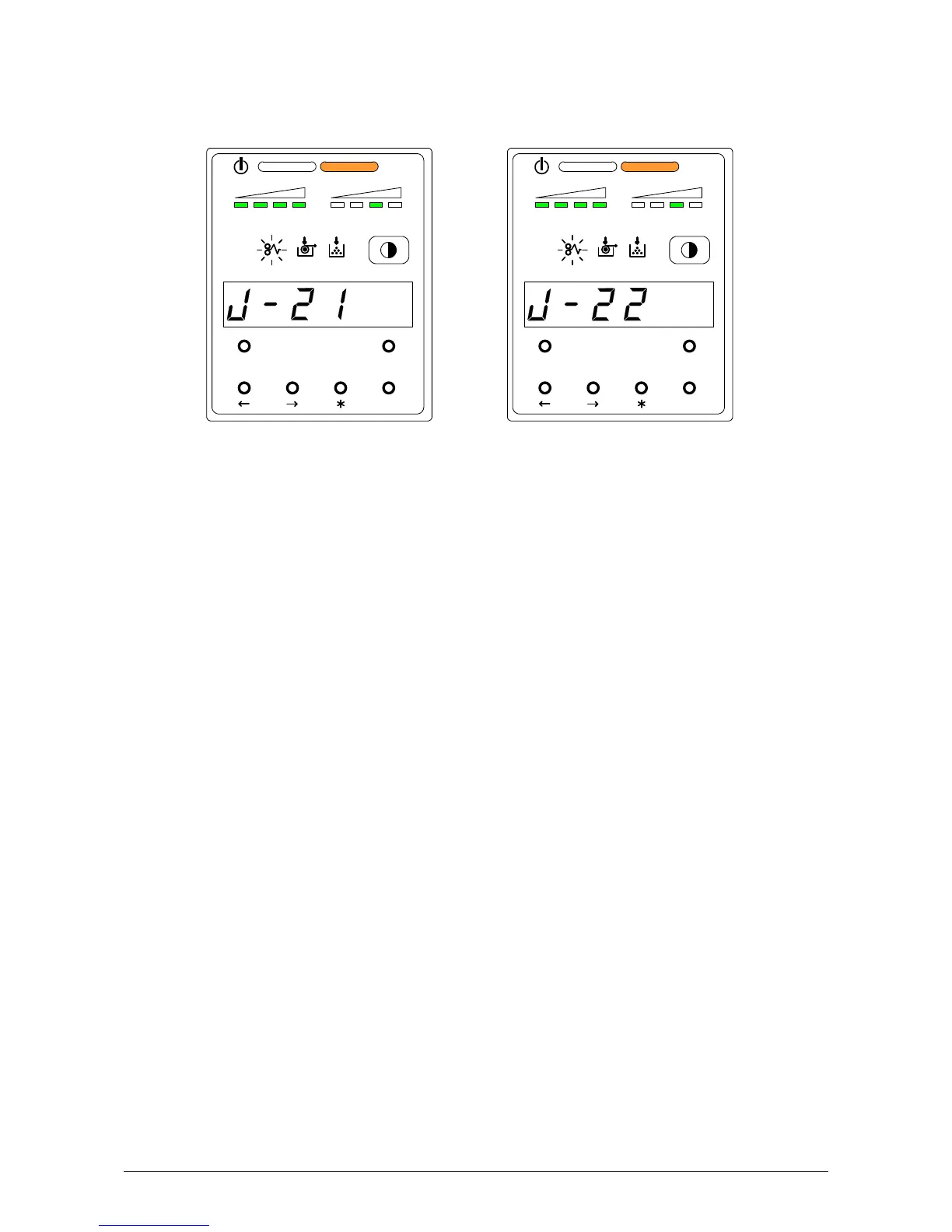
4. 1. 5 Paper Mis-feed in Outer Device (J-21, J-22)
When the Paper Mis-feed occurs in Outer Device, the Sub Display Panel indicates either of
“J-21” or “J-22”.
Clear the mis-feed using the following procedure:
1) As for the way to clear the mis-feed, refer to the User’s Manual for the Outer Device.
MENU TEST
job
ENTER
TONER REMAIN IMAGE DENSITY
MENU TEST
job
ENTER
TONER REMAIN IMAGE DENSITY



 To Next Page