Part 1 Basic Functions 1-35
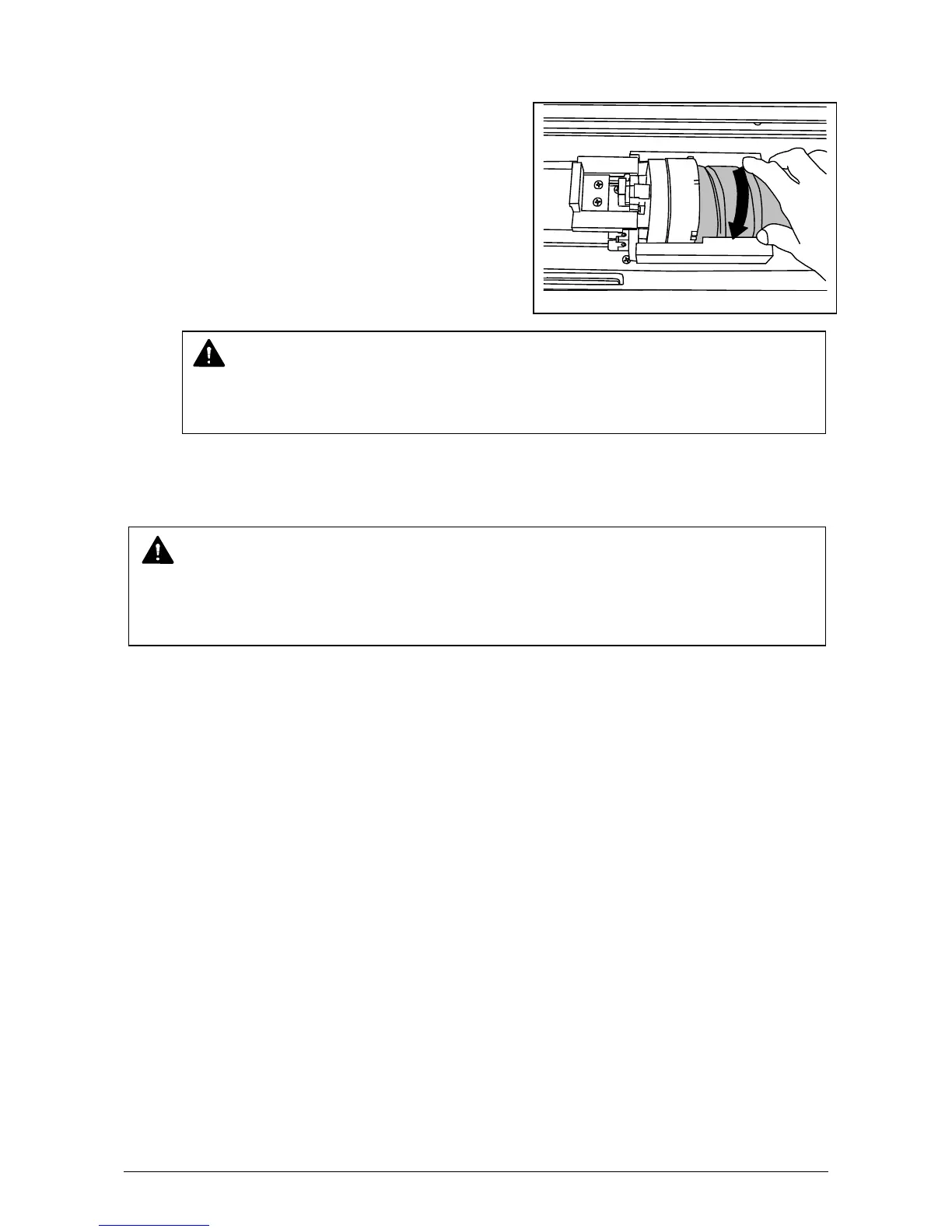
9) Rotate the Toner Cartridge to the arrow direction at least 90 degrees.
(The new Toner Cartridge is closed firmly so as not to lose the toner during the transportation)
10) Push in the Upper Frame Unit firmly.
NOTE
Even if the Joint is not fit to the Toner Cartridge, when you turn on the power, it is
automatically fit properly.
NOTE
If your hand or your clothing are soiled by toner, dust the toner.
If it is unable to dust it, wash the clothing with the cold water.
(Do not use the hot water at this time because the toner will soak into fiber.)



 To Next Page