24
INSTALLATION
INSTALLATION
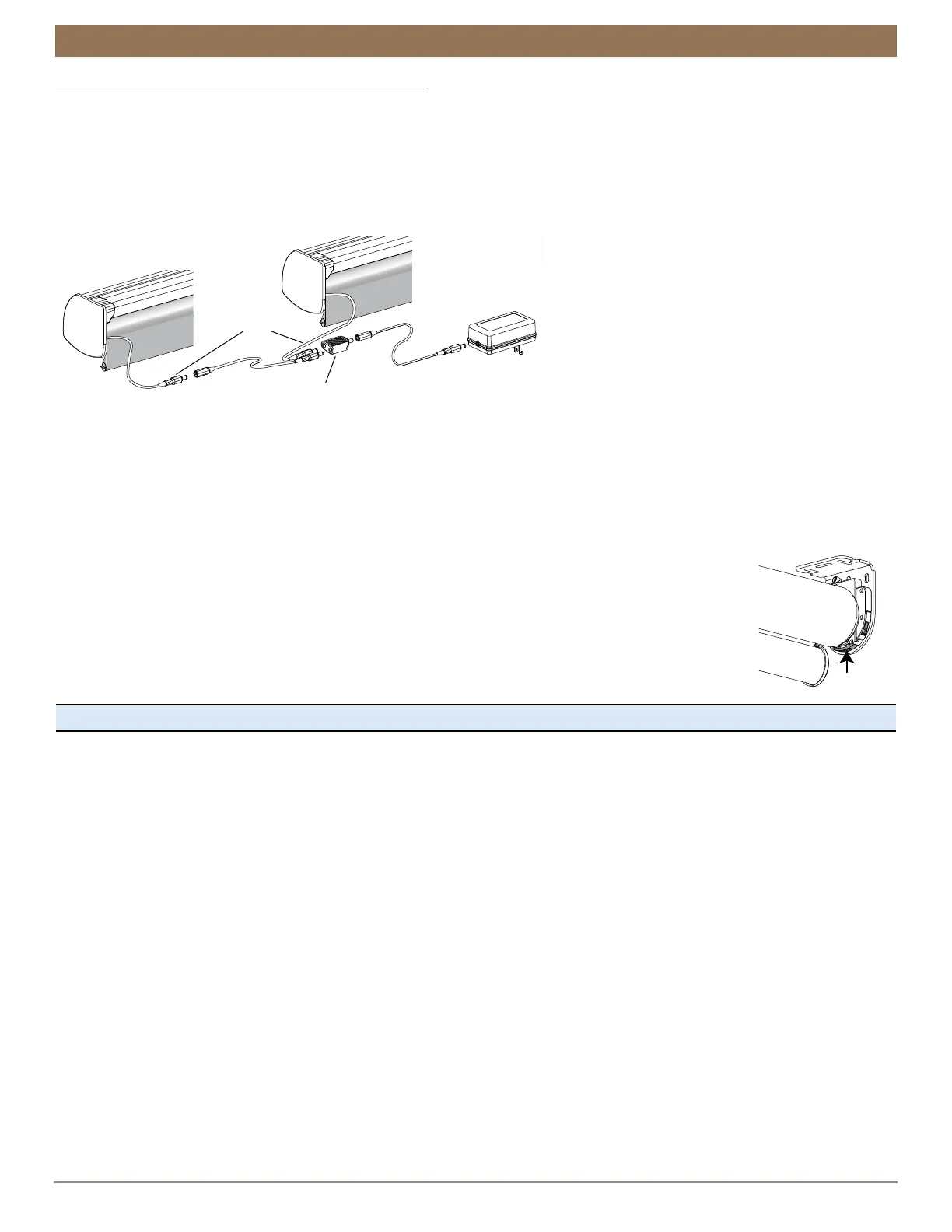
18V DC Power Supply with Daisy-Chain Connections
NOTE: The daisy-chain feature is only available with the 18V DC Power Supply option. Refer to this section if you have an 18V
Power Supply with daisy-chain connections.
The daisy-chain feature allows up to three Automation III automated shades to be powered by a single 18V DC Power Supply.
However, each shade can operate independently.
■
Route the power cables from each shade to the Y Adapter using extension cables (if necessary).
■
Plug an extension cable into the Y Adapter and the 18V DC Power Supply. A two-shade configuration is shown below.
■
Plug the 18V DC Power Supply into a standard outlet. An additional Y Adapter and two additional extension cables are used for
three shades.
Testing the Shade
Testing the shade with the control button will allow you to ensure the motor and power source are working correctly. If the shade
does not operate, see “Troubleshooting” on page 28.
■
Press and release the control button (located on the bottom or front depending on your shade type) to
test operation. Use a flat head screwdriver, if necessary. The shade will open, stall, and jog when reaching
the top.
■
Press and release the control button to fully lower the shade.
■
The control button can also be used in combination with the Automation App for control of advanced
shade functions and home access. Simply open the app and then press and hold the control button to
see a list of available functions. See “Operating the Automation App and Automation III Remote” on
page 29 for more information on setup with the Automation App.
Proceed to “Operating the Automation App and Automation III Remote” on page 25.
Extension
Cable
Y Adapter
18V DC Power
Supply
Power
Cable
from
Shade
Extension
Cable
Control
Button

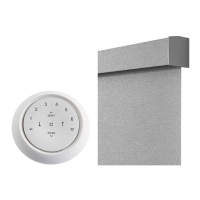

 To Next Page