28
INSTALLATION
OPERATION
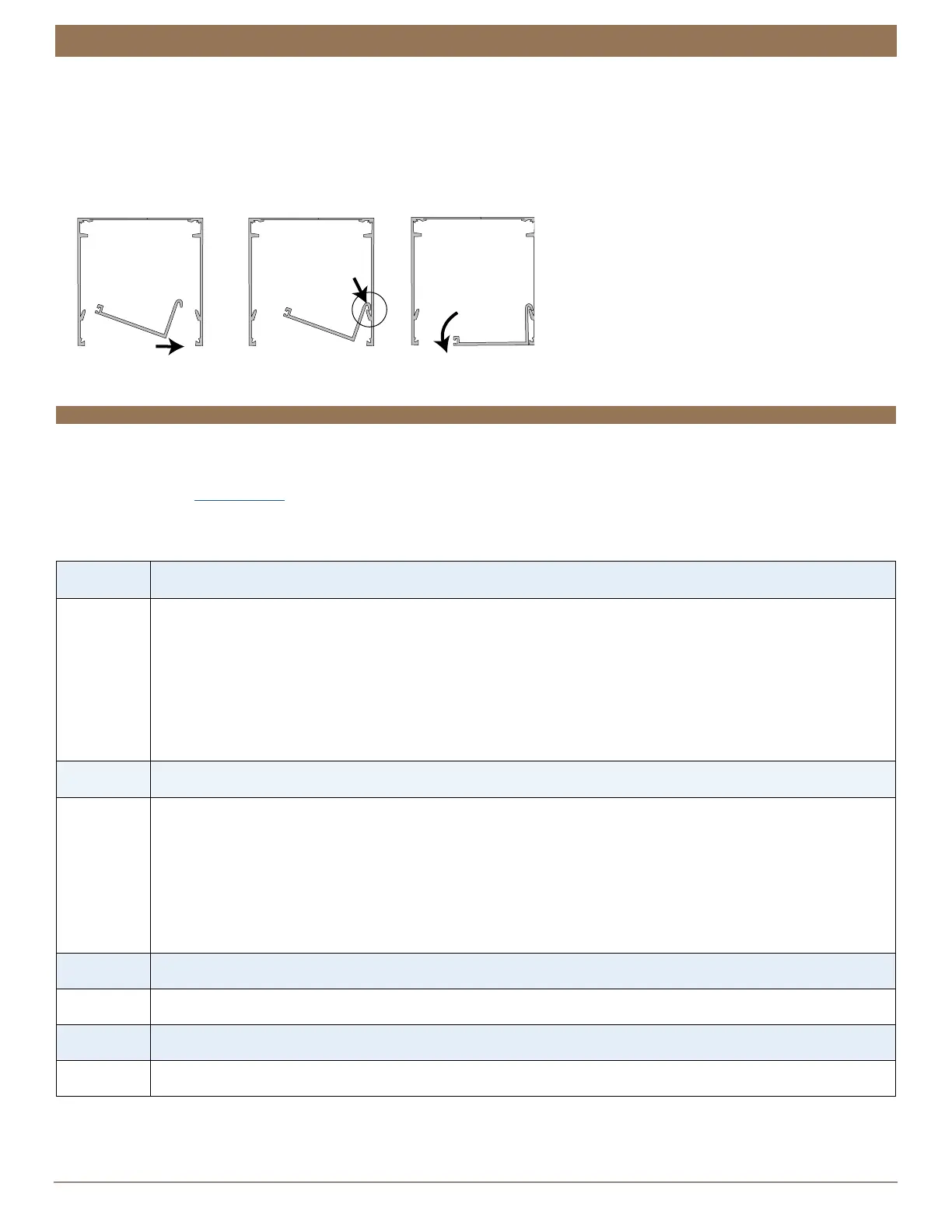
Install the Pocket Bottom — Pocket Shades Only (Optional)
■
Attach the bottom of the pocket.
➤
Place the bottom into the pocket at an angle.
➤
Hook the bottom to the ledge inside the pocket.
➤
Rotate it down to secure it into place.
TROUBLESHOOTING
Troubleshooting
If your shade is not operating correctly:
■
Review the digital support guide for your control device.
■
Refer to the following troubleshooting procedures below for the specific solutions for your shade.
If questions remain, please contact Kirsch
®
Consumer Support at 844-KIRSCH2 (844-547-7242).
Problem The shade will not fit into the installation brackets.
Solution
Check that the installation brackets are aligned andlevel.
Check that the roller tube or cassette is completely inserted into the installation brackets. See “STEP 3: Install the
Shade” on page 20.
Bracket shades only: Check to ensure the bracket distance is correct. If the brackets are mounted too closely to
one another the shade will not operate correctly.
Fascia shade only. If the tab on the fascia bracket interferes with installing the shade, remove the paper band and
gently move the bottom rail away from the tab.
Problem The shade does not operate using the control button.
Solution
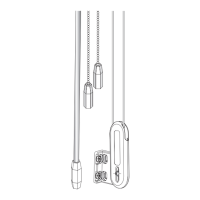
Unplug the power cable from the motor, then plug it back in. A blue LED inside the control button housing should
flash to indicate the motor has power.
Check that the batteries in the battery wand, satellite battery pack, or C-size satellite battery wand are correctly
inserted and fresh.
Check that the power source is securely connected to the power cable and the cables are not pinched or caught
in the headrail or installation brackets. If you have the rechargeable battery wand, check to see that the battery
wand is correctly positioned in the mount.
Problem The shade limits need to be adjusted — top limit.
Solution
See “Electronic Limit Adjustments” on page 31.
Problem The shade limits need to be adjusted — bottom limit.
Solution
See “Electronic Limit Adjustments” on page 31.
Brackets/Shade Removed for Clarity


 To Next Page