29
INSTALLATION
TROUBLESHOOTING
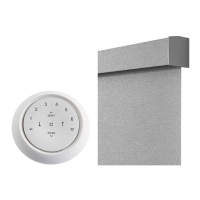
Problem The shade is not responding to the Automation III remote.
Solution
IMPORTANT: A shade will not operate using the remote until it has been joined to a group.
Check that the correct group number is selected. The LED on that group number will light up. You can also check
which group number the shade is joined to on the remote in the Automation App. You can find this under
MORE > ACCESSORIES in the app.
Check if the batteries need to be replaced. If the batteries are completely drained, none of the lights will turn on.
If the batteries are running low, the inner ring buttons (open, close, right arrow, le arrow, stop) light up RED. In
either case, the batteries need to be replaced. The remote takes two CR2032 batteries.
Problem The shade operation is slow.
Solution
The batteries may be low in the battery wand, satellite battery pack, or C-size battery wand. Check battery
orientation or replace the batteries.
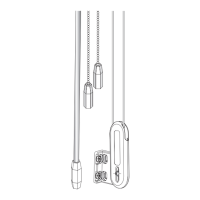
Check that the battery wand, satellite battery pack, C-size satellite battery wand, or DC power supply is securely
connected to the power cable and the cables are not pinched or caught.
Problem An opaque fabric panel is wrinkled, creased, or is rippling.
Solution
Place a hair dryer 6" away from the shade and apply heat for 30 seconds to release the creases, wrinkles, or ripples
in the fabric.
Problem Batteries in the battery wand need to be replaced.
Solution
Replace the batteries in the battery wand.
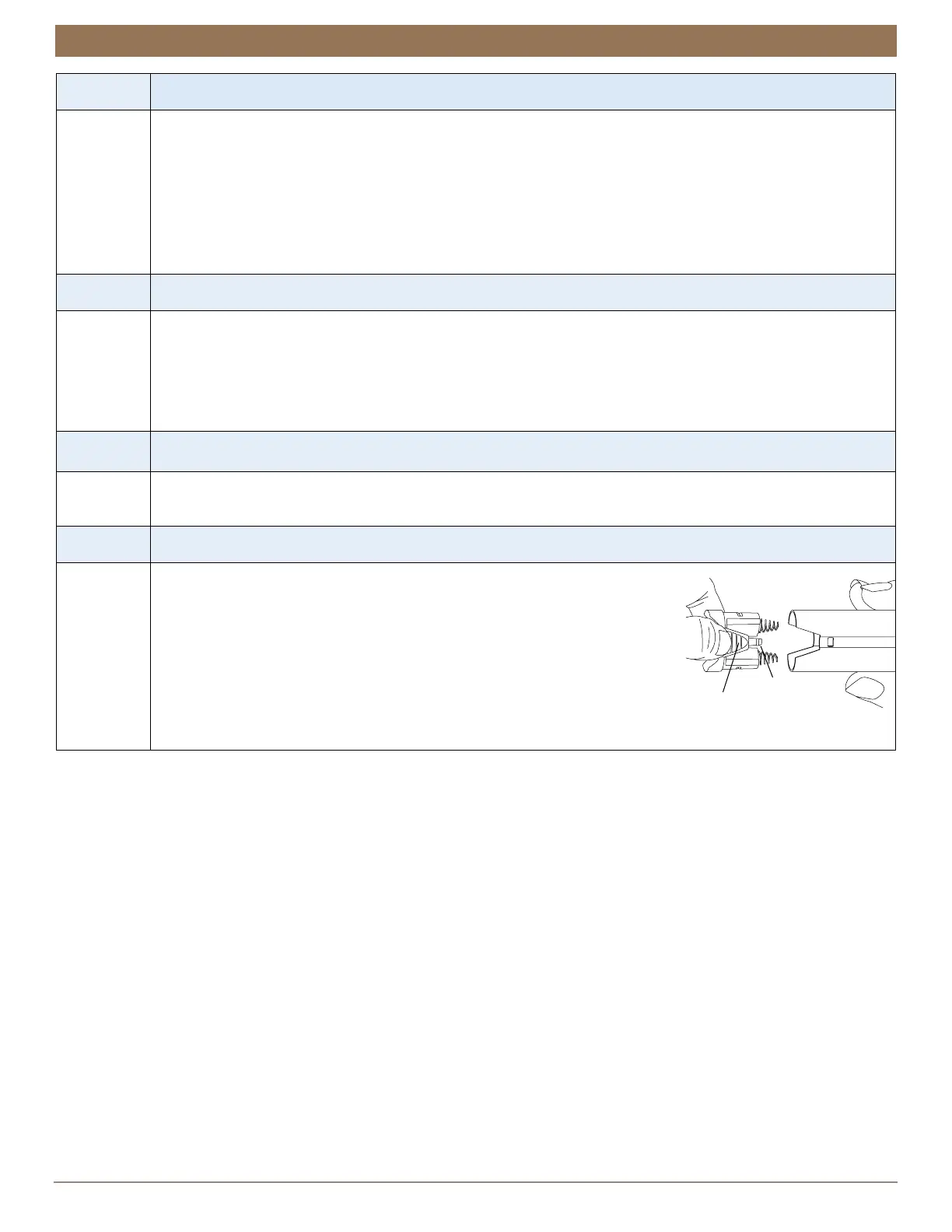
Squeeze the cap latch to release the cap and remove the cap from the battery
wand.
Install the batteries according to the instructions on the battery wand label.
Press the cap on until it latches.
NOTE: Kirsch® recommends AA alkaline batteries for use with our battery-
powered shades. These will provide more than one year of operation, depending
on usage. Lithium and rechargeable batteries are not recommended.
Cap
Battery Wand
Squeeze


 To Next Page