4-4
REMOVING THE USER INTERFACE ASSEMBLY
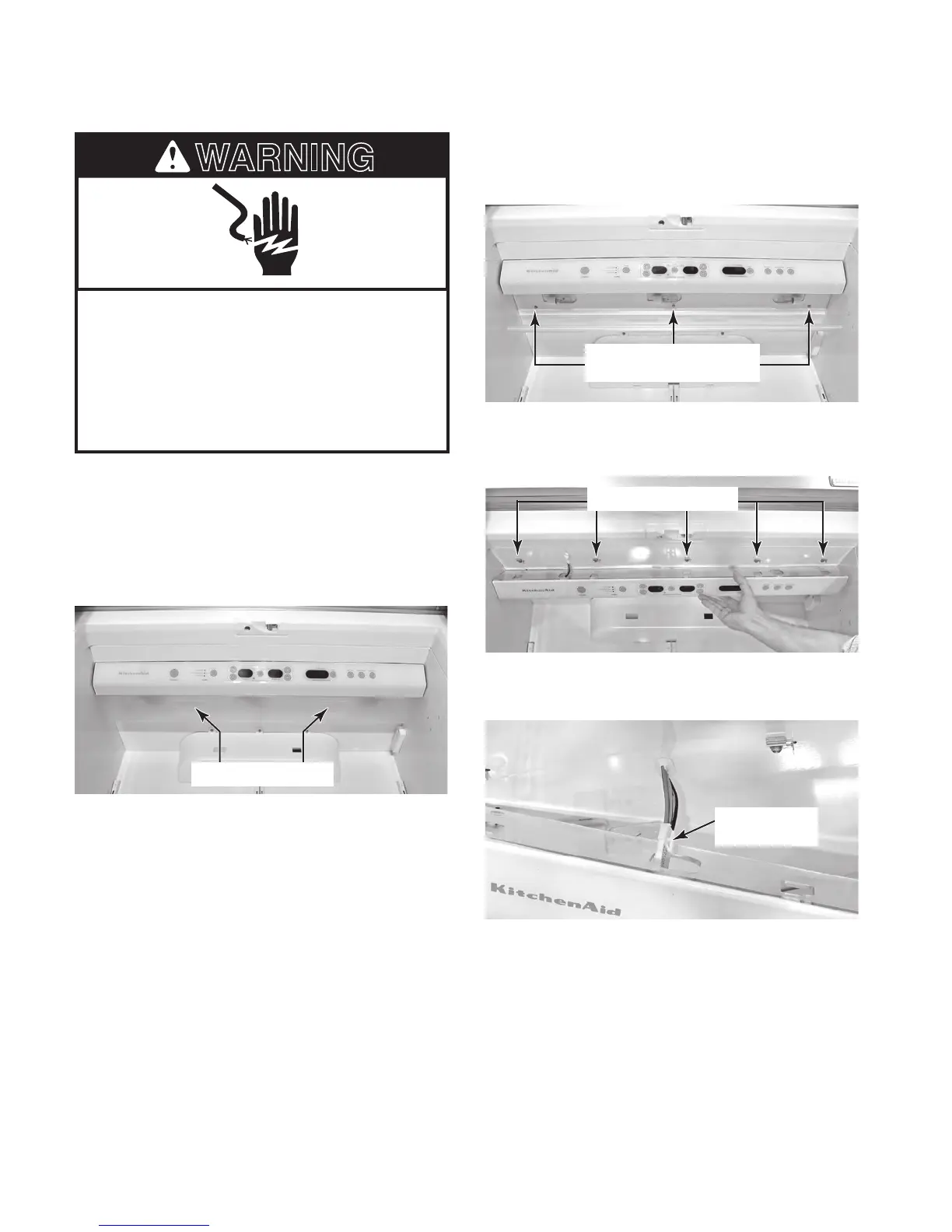
Electrical Shock Hazard
Disconnect power before servicing.
Replace all parts and panels before
operating.
Failure to do so can result in death or
electrical shock.
1.
Unplug refrigerator or disconnect power.
2. If needed, remove the food and racks from
the upper shelf.
3. Place the fingers of both hands into the
light cover slots and pull the cover down.
4. Remove the six hex-head screws from
the user interface frame and remove the
frame.
5
. Pull the user interface assembly forward
and remove it from the five retainer clips.
User Interface Frame
Screws (3 of 6)
Light Cover Slots
6. Unlock and disconnect the user interface
connector from the wiring harness.
User Interface Clips
User Interface
Connector



 To Next Page