The stove enters functioning economy upon reaching said temperature.
The stove now automatically switches off if at least one of the following conditions exist:
If it remains in Functioning Economy “ECO-H2O” for a time set on Pr23 (120 minute default setting).
If it exceeds temperature differential set on Pr12 (10°C default setting) or H2O Temperature > (“SET
H2O” + Pr12)
- DHW Temperature (only on prepared models)
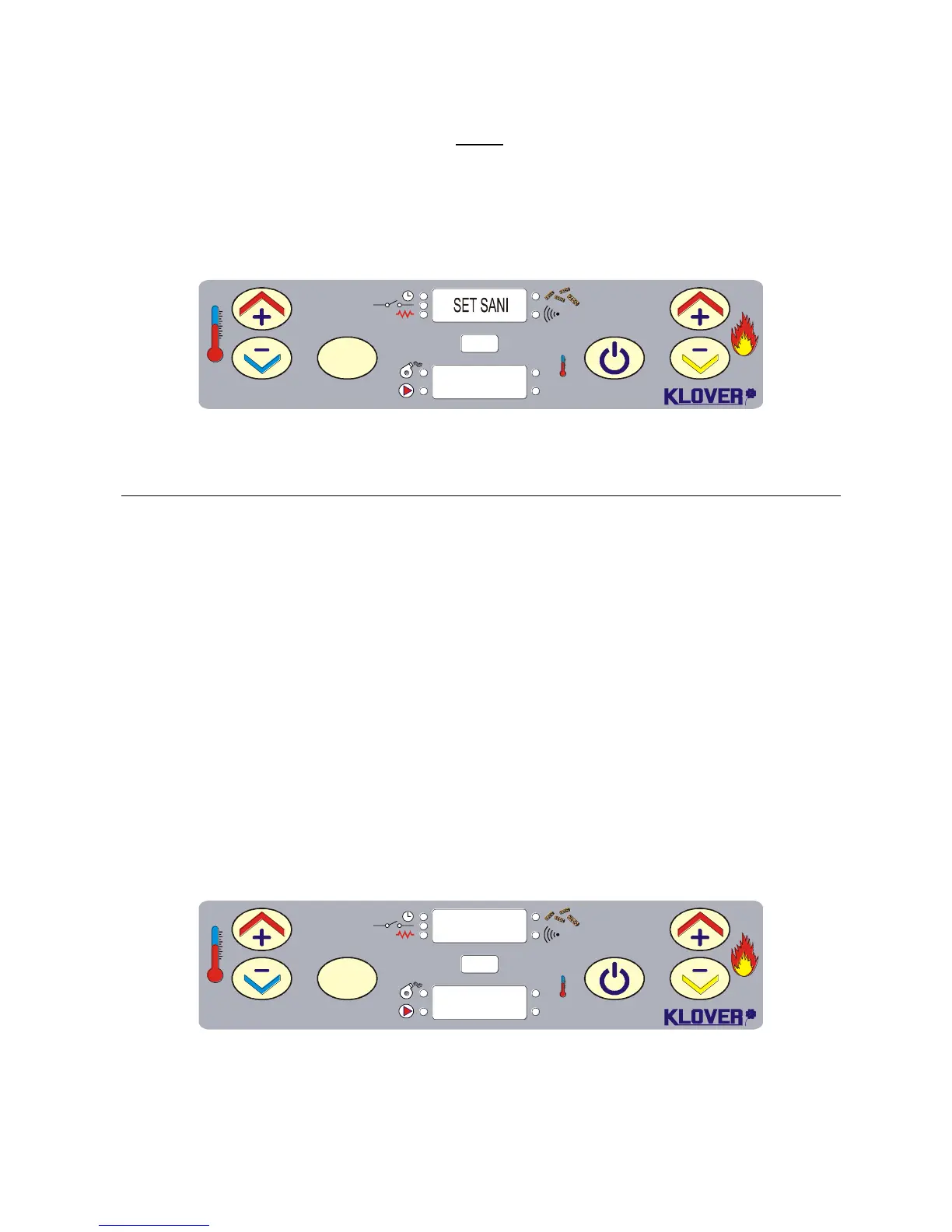
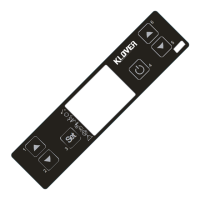
Press key 3 to select “SET SANI” (with work power set on DHW Power) to modify DHW temperature.
Press keys 1 and 2. The display appears as in figure 9 during this operation.
Wait 5 seconds after setting wanted value.
4. TEMPERATURE PROBES
The used temperature probes' features are given below.
4.1 Room/water temperature probe
The room/water probe used to measure water or room (in case of air stoves) temperature has the
following features:
IP67, NTC Thermoplastic probe: like NTC 10K ± 1% = 3435
Measuring field: -50/+120°C
Obtain a tester to check if probe is faulty, set it in ohm and measure the two probe pins (wire ends):
The probe measures about 10kohm at 25°C if it works correctly
If the probe is faulty: - resistance greater than 1Mohm (open)
- resistance to 0 ohm (in short)
The tester can also be used to check if the probe connection to the power board contacts are in short;
if 0 ohm resistance is measured by connecting the tester to the contacts, these are in short.
The lower display shows water (or room) temperature at 02°C if the room/water probe is not
connected to the power board. The display appears as in figure 10.



 To Next Page