10. POWER BOARD CALIBRATIONS
N.B. The following description is reserved to the Authorised Technical Assistance Centre with specific
product competence. Haphazardly modifying parameters can seriously damage the equipment, persons
and the environment.
10.1 Calibrations access keys reserved to T.A.C. table
The access keys in the table allow access to all that is reserved to Technical Assistance Centre accessing
from UT04 menu (menu reserved to TAC).
General parameters technical menu access key
Pre-load + additional parameters technical menu access key
Ventilation + additional parameters technical menu access key
Flue gas probe calibration access key
10.2 How to calibrate parameters
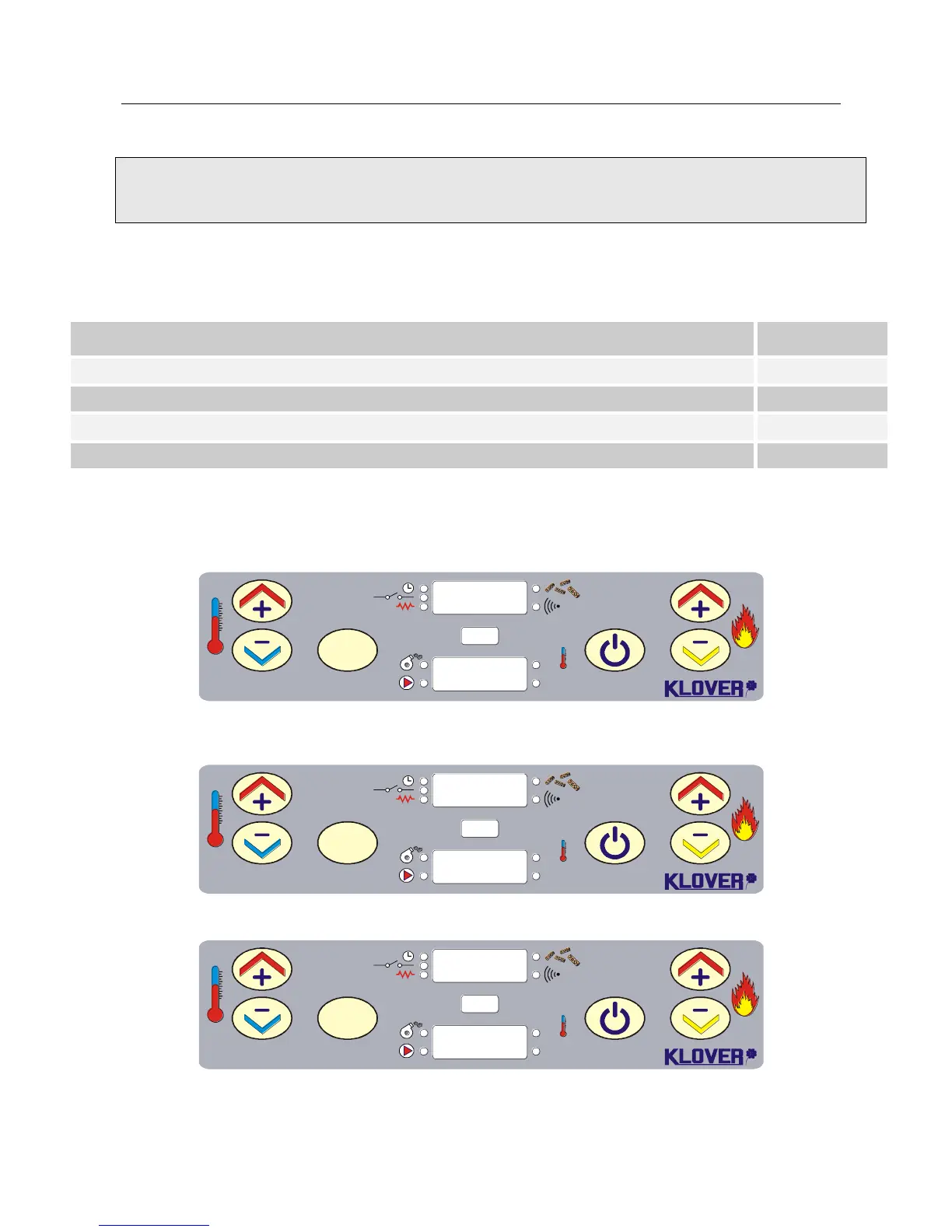
Press SET (no. 3) 5 times.
With “temperature increase/decrease” keys (no. 1 or 2)
Set code "A9" in lower display.
Confirm with SET key (no. 3).
The parameter value can be varied using “temperature increase/decrease” keys (no. 1 or 2).
Press SET (no. 3) to confirm parameters moving onto subsequent one.
Exit calibration by pressing "switch-off" key (no. 4).
S.R.L.
SET
OK
Set
°C
1
2 3 4 6
5
S.R.L.
SET
OK
Set
°C
1
2 3 4 6
5
S.R.L.
SET
OK
Set
°C
1
2 3 4 6
5



 To Next Page