9. DATABASE
A range of default settings called “Database” (recipes) can be found inside every firmware. These settings
with dependent number from the firmware version, are available but not modifiable. This to allow adapting to
only one firmware to different types of stoves, without having to manually program one parameter at a time.
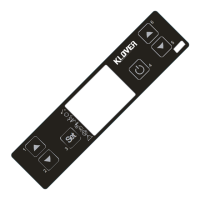
Enter the key corresponding to the wanted “Database” in menu “UT04” to load the "recipes" (parameters
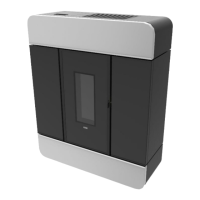
tables). For example, the key corresponding to the “Database” in DIVA PLUS, is “o0”; with the same
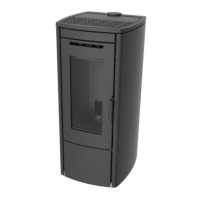
firmware loaded, the key corresponding to the “Database” in DIVA MID, is “P0”.
ATTENTION: the equipment is restored with default settings by loading a “Database” , therefore restoring all
temperature and power SET, the chrono-thermostat and the values set in other menus.
Databases may be updated. The values in the instruction manual of every equipment may not correspond to
parameters loaded in “Database”. Always check that the loaded values and those in the instructions manual
correspond.
9.1 DATABASE access keys
The “Database” of each individual equipment can be loaded thanks to the access keys in the table (see
“Parameters tables” to see the default settings).



 To Next Page