KMS MP25(M)/MA25(M) manual Version 4.2
41
3.2.4.1.15 External Dashboard
The KMS Management system can sent all sensor values to
an external dashboard or data-logger.
Output (TXD) : Pin 7 of the serial port connector
Input (RXD) : Pin 6 of the serial port connector
Especially for AIM dashboards there’s a protocol in the KMS
software.
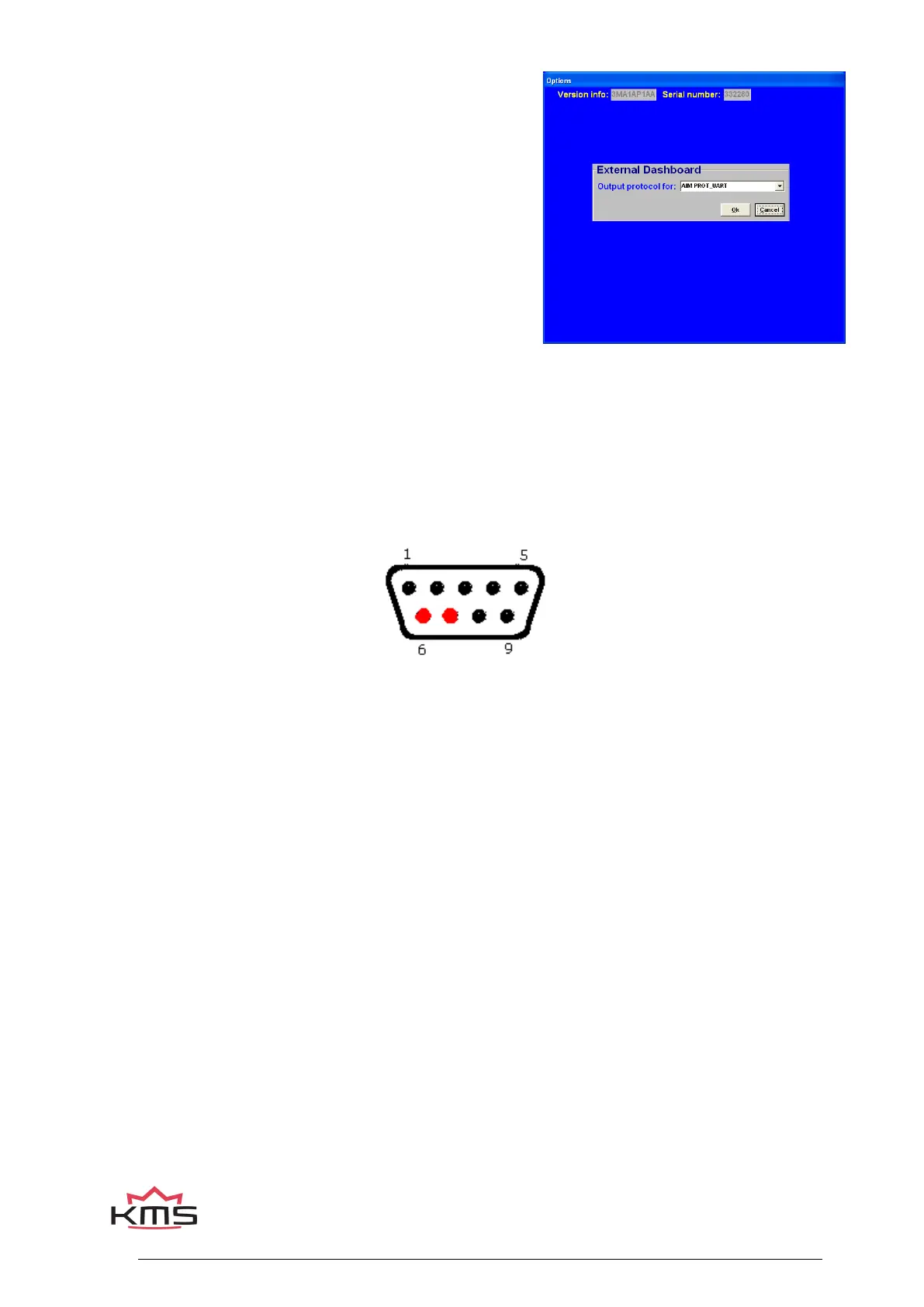
You can make this work by selecting AIM Prot_Uart in the
output protocol selecting screen.
You have to select in the Racestudio2 software a new
configuration with ECU manufacturer AIM and model
PROT_UART.
Configure the channels, design your display and ‘transmit’
the configuration to the AIM logger.
For the new AIM displays with new firmware, you can select the KMS protocol in the AIM software.
In the KMS software please select AIM_KMS for this protocol. Even more options are available with
this communication protocol. The channels that can be transmitted to the AIM display are shown in
Appendix 2: AIM display connection and channels. Please contact your AIM dealer for more details.
In case an external dashboard is connected with the AIM protocol selected the communication can
get interrupted. By cutting pin 6 and 7 of the RS232 data cable (cable between PC and ECU) the
interruption problem is solved. Pin 6 and 7 are marked red in the picture below.


 To Next Page