KMS MP25(M)/MA25(M) manual Version 4.2
6
2 Software installation
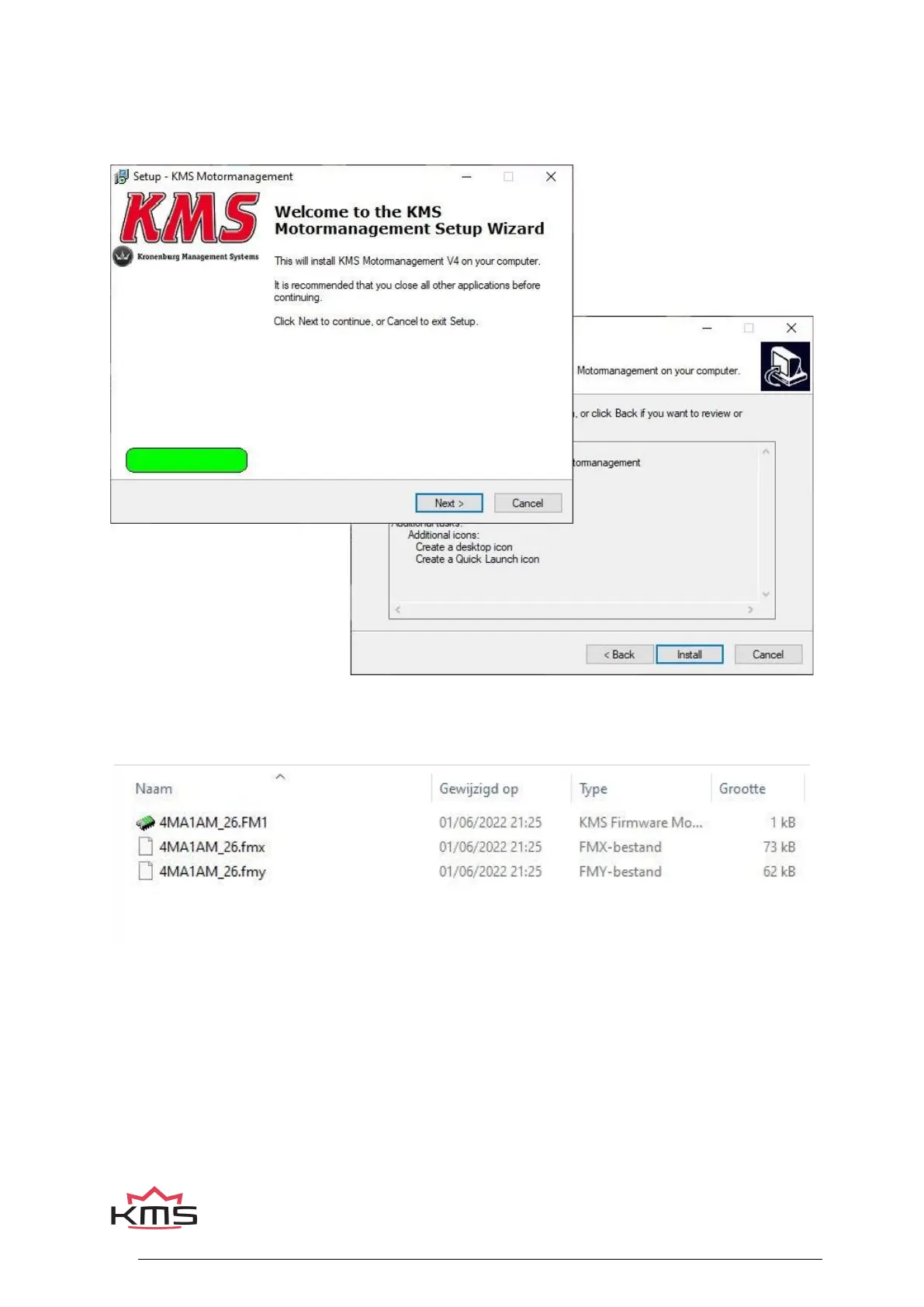
The software is supplied together with the system, on a USB Stick. Or you can download the latest
version from our website. Installing the software is very easy. The USB carries the KMS installation
program.
The program KMS FIRMWARE DOWNLOADER can be used to update the ECU. When there are new
options available, they can be downloaded as a zip file from the Van Kronenburg website. The zip file
consists of 3 files, see figure below.
Unpack the zip file on your computer in the KMS Firmware downloader folder. This is the location
where you installed the Firmware downloader, see example below.


 To Next Page