Payload Meter III - Section 60 OM6009 8/11
Page 60-20
Sorting on Date Range
The default query starts in 1995 and runs through the
current date on the computer. To narrow the range to
a specific date, change the “From” and “To” dates.
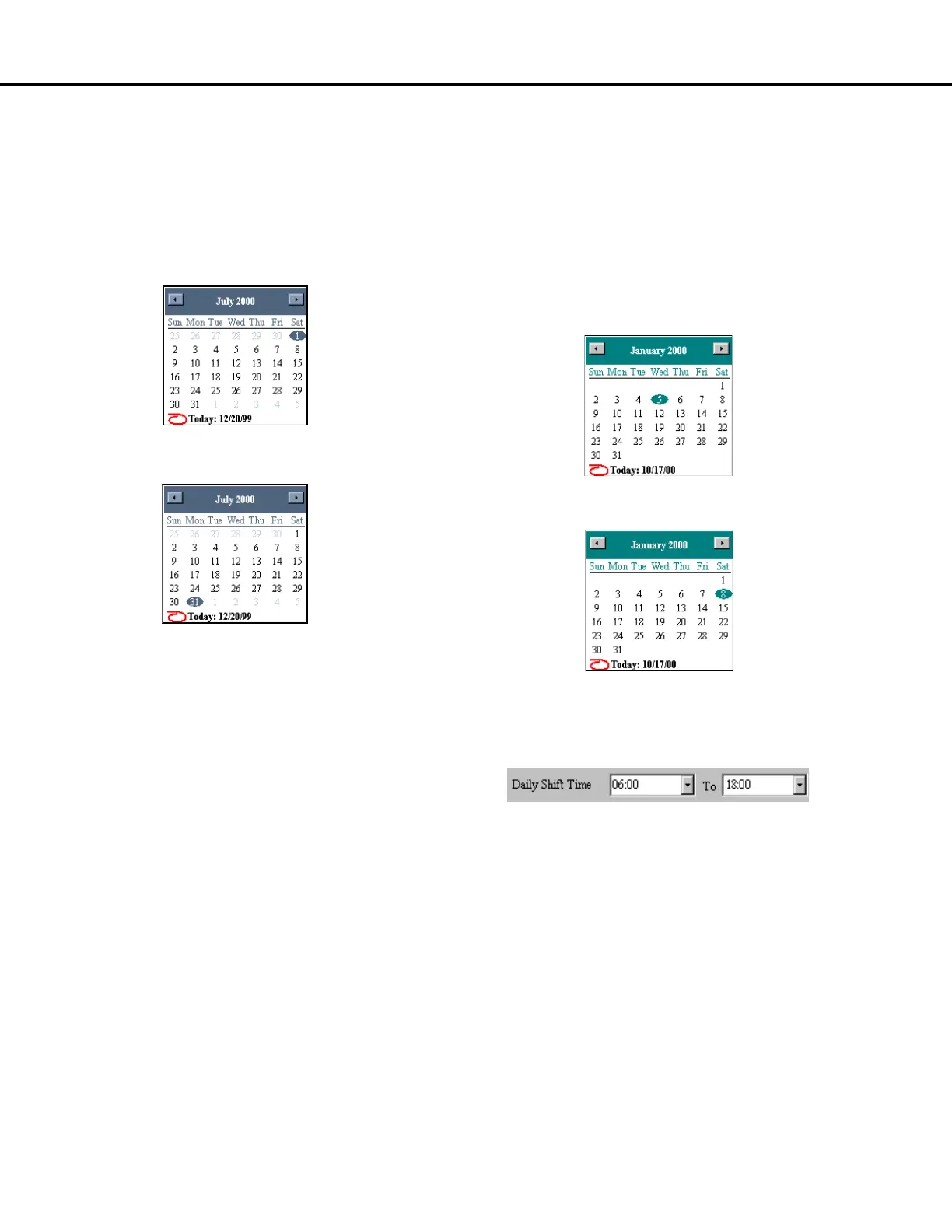
For example, to view the haul cycle reports from
truck 374 for the month of July, 2000:
1. Select “374” from the Truck Unit pull-down
menu.
2. Change the “From” date to July 1, 2000.
3. Change the “To” date to July 31, 2000.
4. Click on "Query Database and Display" to view
the results.
Sorting on Time Range
The time range sorts the times of the day for valid
dates. Changing the time range to 6:00AM to 6:00PM
will limit the payloads displayed to the loads that
occurred between those times for each day of the
date range. Times are entered in 24:00 format. To
view the haul cycle reports from the first shift for truck
374 from January 5, 2000 to January 8, 2000:
1. Select “374” from the Truck Unit pull-down
menu.
2. Change the “From” date to January 5, 2000.
3. Change the “To” date to January 8, 2000.
4. Change the “From” time to 06:00.
5. Change the “To” time to 18:00.
6. Click on "Query Database and Display" to view
the results.



 To Next Page