OM3223 Operation - Section 32
Operator Cab and Controls Page 32-13
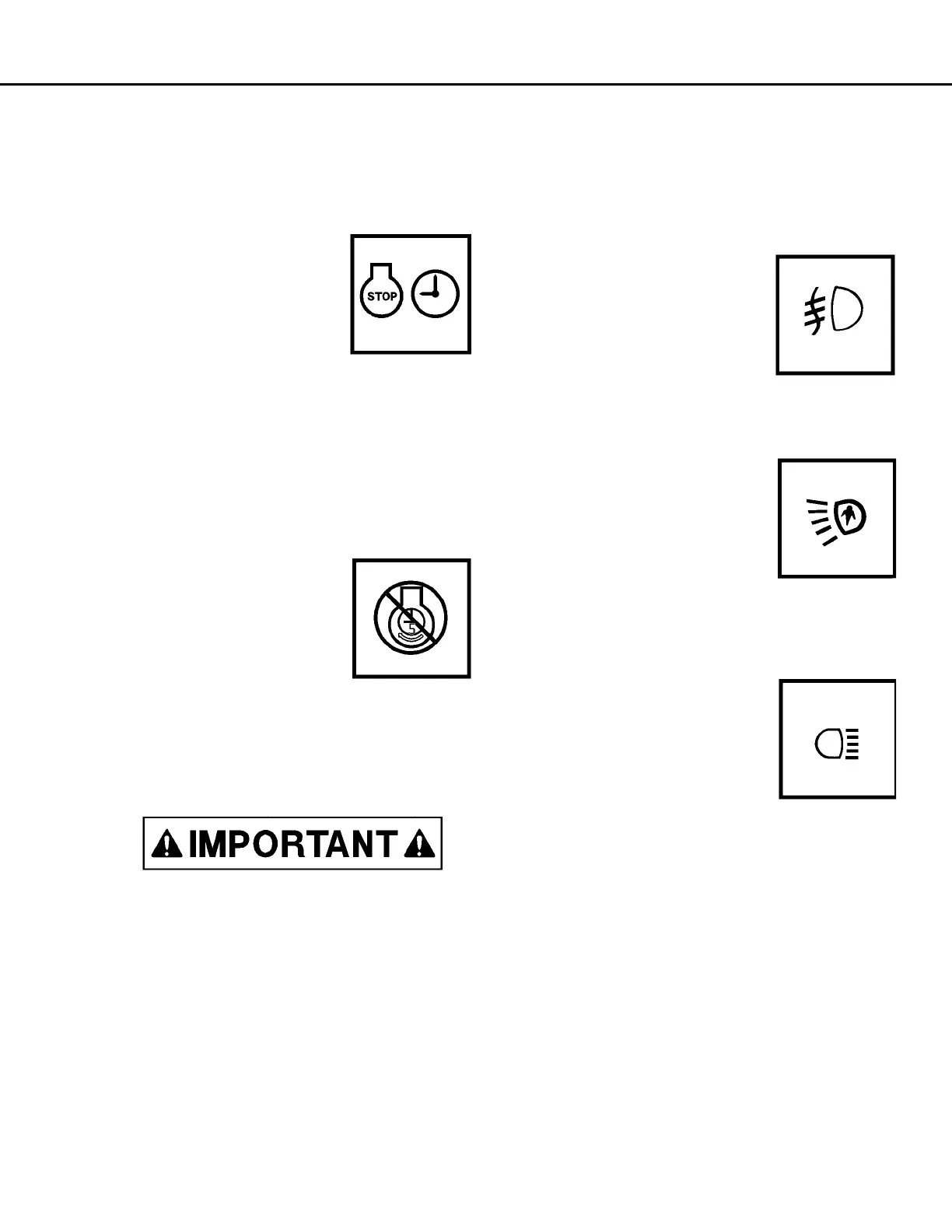
Engine Shut down Switch with Timer Delay
Engine shut down switch (2) is a three-position
rocker-type switch (OFF-ON-MOMENTARY). Refer
to Operating Instructions section, delayed engine
shutdown procedure, for a complete detailed opera-
tion of this switch.
1. Press the top of the switch
to the ON (center) position,
then press firmly to the
Momentary (upper position)
and hold this position briefly
to activate the five minute
idle timer (switch is spring-
loaded to return to ON posi-
tion when released).
2. When the engine shutdown timer has been acti-
vated, the timer delay indicator light in the over-
head display panel (C4, Figure 32-12) will
illuminate to indicate that the timing sequence
has been started. The engine will continue to
run at idle rpm for approximately five minutes to
allow for proper engine cool-down before stop-
ping.
3. The engine shutdown Timer
switch does not turn off the
24 vdc electric power. Turn
Key switch counterclock-
wise to the OFF position to
cause the engine to turn off
when the timing sequence
is complete. When the
engine stops after the five minute idle period,
the hydraulic bleeddown timer will be activated
and turn off the 24 vdc electric circuits con-
trolled by the key switch.
The engine will not shut down, if key switch is
not turned to the OFF position.
NOTE: To cancel the five minute idle timer sequence,
press the timer delay shutdown switch to the OFF
(lower) position.
• If the key switch is in the OFF position, the
engine will stop.
• If the keyswitch is in the ON position, the
engine will continue to operate.
If the engine does not turn off with key switch,
use the engine shutdown switch on the operator
cab center console. Hold this switch down until
the engine stops. The ground level shut down
switch will also stop the engine during this time-
out.
Fog Lights (Optional)
Fog lights (3) are optional
equipment that are useful in
foggy conditions and heavy
rain. Pressing the top of the
rocker switch turns the
lights on. Pressing the bot-
tom of the switch turns the lights off.
Ladder Light Switch
Ladder light switch turns the lad-
der lights (4) on or off after or
before using ladder. Pressing the
top of the rocker switch turns the
lights on. Pressing the bottom of
the switch turns the lights off.
Another switch is mounted at the
front left of truck near the base of ladder.
Manual Backup Switch
Manual backup switch (5) allows
the backup lights to be turned on
providing added visibility and
safety when the selector switch
is not in the REV position. When
the switch is pressed toward the
on position, the manual backup light indicator (B4,
Overhead Panel) will be illuminated.
Panel Illumination Lights
Panel illumination lights (6) provide illumination for
the instrument panel. Brightness is controlled by
panel light dimmer switch (28).
Cab Air Conditioner / Heater Vents
Cab air conditioner / heater vents (7) are spherically
mounted and may be directed by the operator to pro-
vide the most comfortable cabin air flow.



 To Next Page