EasyManua.ls Logo

Konami Mocap Boxing - User Manual

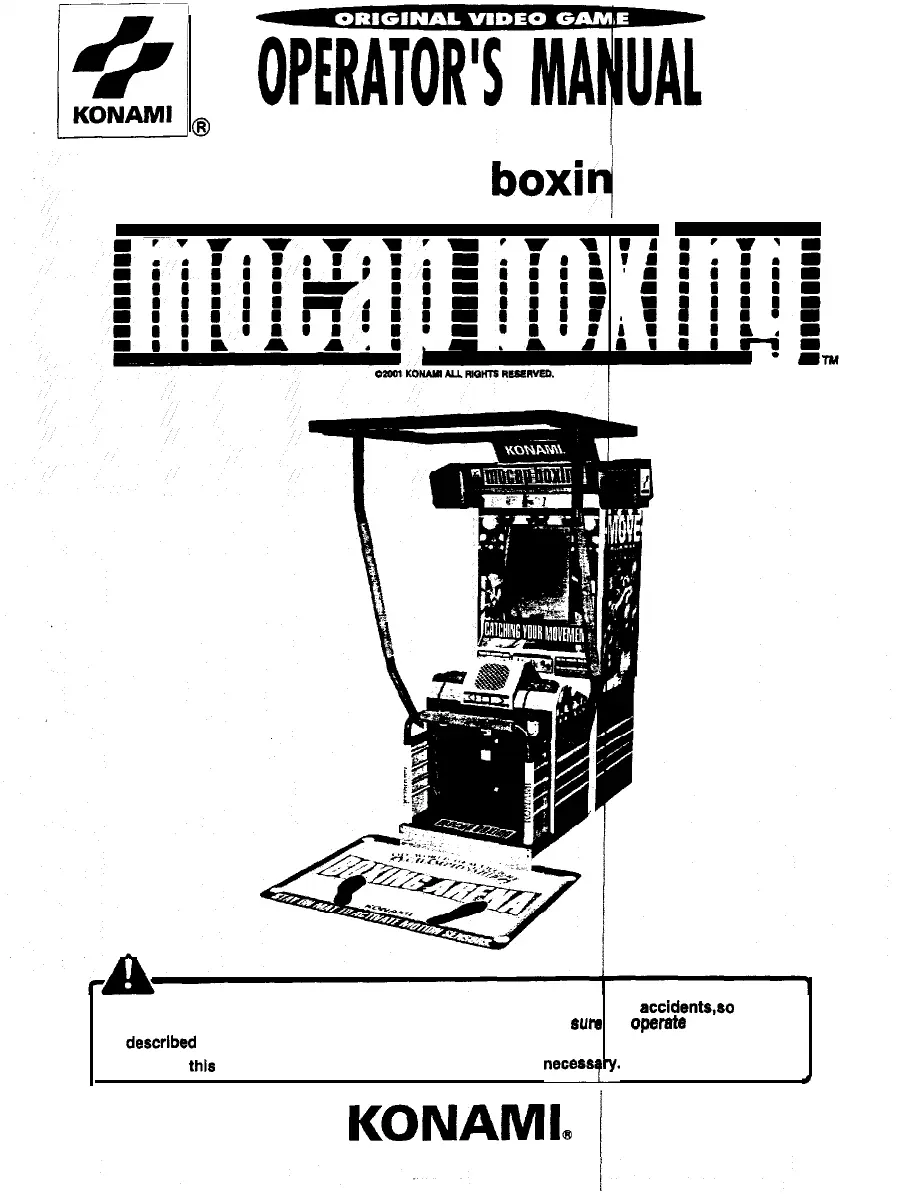
Konami Mocap Boxing
52 pages
Print Icon
To Next Page IconTo Next Page
Loading...
n
mocap
boxi
4
g
l
l
Failure to operate the machine correctly could result in malfunction or accidents,eo please
read this manual carefully before commencing operation.
Be sum to
operate
the machine as
described in this manual.
l
Keep this manual carefully so as to be ready for use when necessqry.
.
I
/
P.N. 400814
KONAML
(

Questions and Answers

  • J
    jamesbryantSep 9, 2025
    What to do if 'GLOVE SENSOR BAD' appears on Konami Mocap Boxing?
    • A
      angelaweberSep 9, 2025
      If there is no reaction or only occasional reaction when the glove unit is waved, and 'GLOVE SENSOR BAD' appears on your Konami Arcade Game Machine, the connectors of the glove unit may be disconnected, or the glove unit may be defective. Check the connectors for poor contact. Check the performance on the 'GLOVE CHECK' screen. If malfunctioning, contact your nearest dealer.
  • H
    Heather CarrSep 12, 2025
    What does 'HARDWARE ERROR' mean on Konami Arcade Game Machines?
    • M
      Michael EdwardsSep 12, 2025
      If “HARDWARE ERROR (***) is displayed on the screen of your Konami Arcade Game Machine, the memory card may not be set correctly or the memory card may be broken. Check that the memory card is set correctly. Contact your nearest dealer.
  • L
    Luke ReedSep 13, 2025
    What does 'BAD' on memory card check mean for Konami Mocap Boxing Arcade Game Machines?
    • S
      Sharon ReyesSep 14, 2025
      If “BAD” is displayed on the “MEMORY CARD CHECK” screen in test mode on your Konami Arcade Game Machine, the memory card may be defective. Immediately turn OFF the main power switch, unplug the power cord from the receptacle and contact your nearest dealer.
  • K
    Karen PittmanSep 16, 2025
    Why does the initial device check repeat on Konami Mocap Boxing Arcade Game Machines?
    • C
      Christina PorterSep 16, 2025
      If “0K” appears at the initial device check, but this check is repeated without going to the game mode on your Konami Arcade Game Machine, some connectors may be disconnected or wires may be broken. Turn OFF the main power switch, unplug the power cord from the receptacle and check all the connectors for poor contact. If all the connectors are tightly connected but the same trouble occurs, contact your nearest dealer.

Summary

Precautions for Use

Setting Up Precautions

Safety guidelines and procedures for machine installation and placement.

Operation Precautions

Important safety warnings and precautions during game operation.

Specifications

How to Play

Game Settings

Game Mode Settings

How to access and adjust various game mode settings and options.

Game Options Configuration

Configuration of game-specific options like difficulty, continuation, and lights.

Coin Options Configuration

Settings related to coin mechanisms, slots, and credit management.

Installation and Assembly

Maintenance

Troubleshooting Guide

Common problems, their causes, and recommended solutions for machine malfunctions.

Konami Mocap Boxing Specifications

General IconGeneral
CategoryArcade Game Machines
DeveloperKonami
Motion Capture TechnologyYes
Cabinet TypeUpright
MonitorCRT
ManufacturerKonami
GenreBoxing
DisplayCRT monitor
InputMotion sensors

Related product manuals