OVERVIEW
ICONS
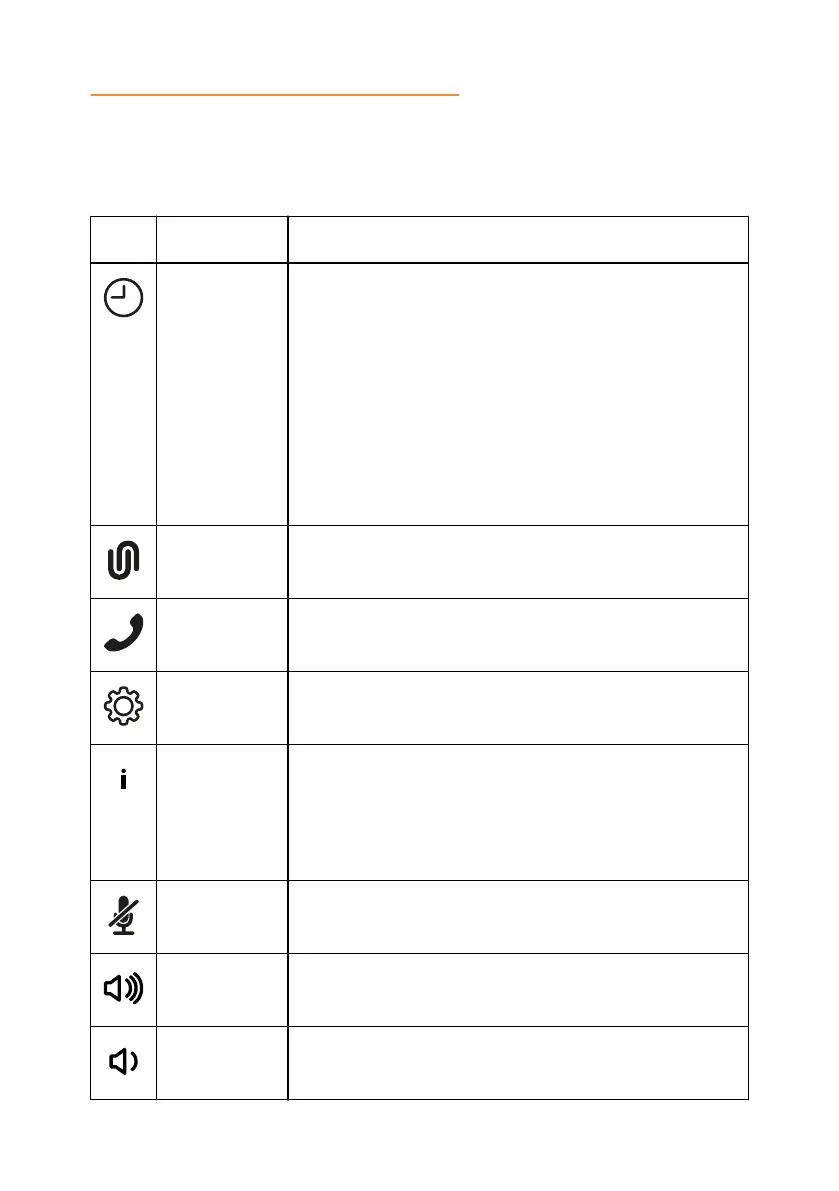
Icons on the home screen of Konftel 800
Icon Name Description
Recent To check the call list. The phone provides the following
information about the calls:
•
Number. View the phone number of the contact.
•
Date. View the information when the phone received
the call. This applies only to the calls preceding the
current day.
•
Time. For the current day, the phone shows the time
of the call in the convenient time format.
•
Direction. View the incoming, outgoing and missed
calls.
Unite To access the Konftel Unite settings.
Call To dial phone numbers and codes for telephone
operations or Konftel Unite connection.
Settings To check and configure the settings from the phone.
View the phone status and reach the menu.
Warning To notify that the SIP account registration failed. When
you tap the Warning icon, the phone shows the
following pop-up message: No sip service
registered (Wrong username/password or
registrar?).
Microphone
Muted
To mute and unmute the phone.
Volume Up To increase the phone volume level.
Volume Down To decrease the phone volume level.
12



 To Next Page