OVERVIEW
Icon Name Description
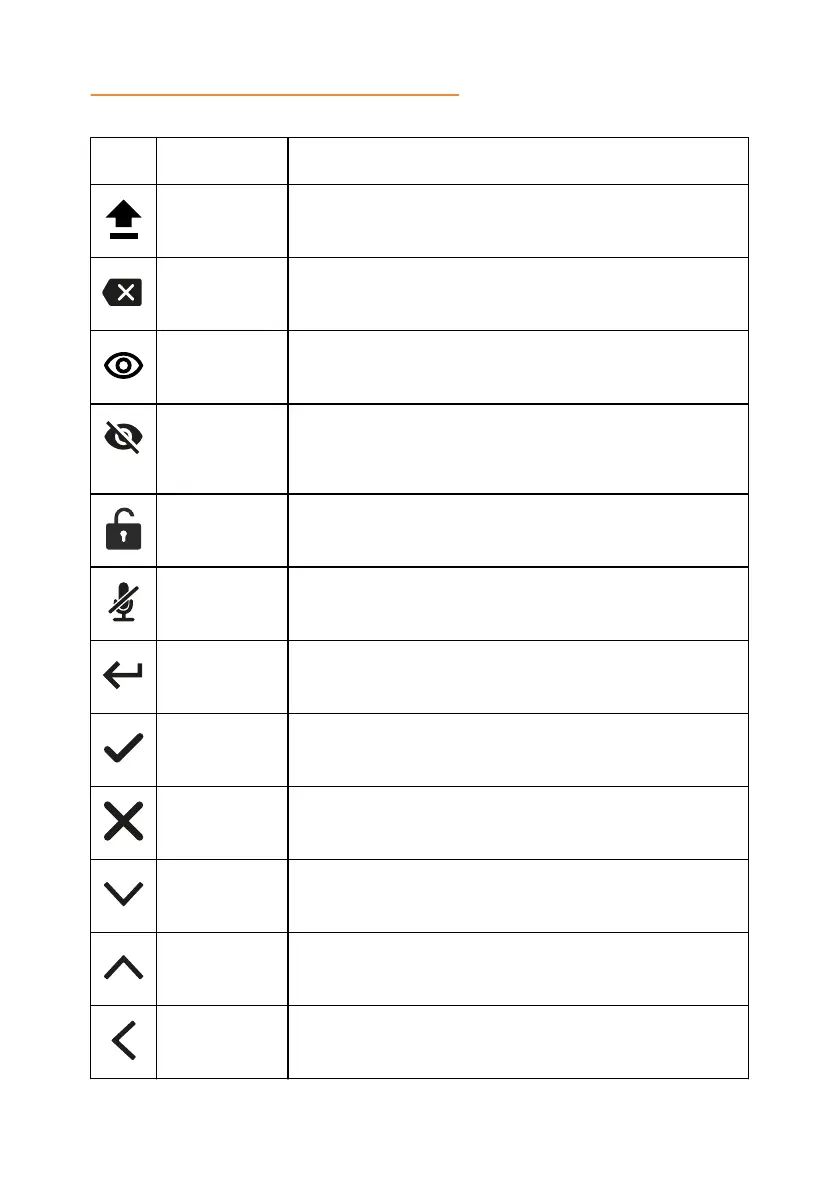
Caps To type in capital letters.
Delete To delete an unneeded number or letter.
Visibility To mark whether the characters must stay visible to the
user, for example, when logging in with the password.
Invisibility To mark whether the characters must stay invisible to
the user, for example, when logging in with the
password.
Logged In To indicate that the user logged in as the administrator.
Microphone
Muted
To indicate that the phone is in muted state.
Enter To confirm the input of information.
Confirm To confirm the information.
Reject To discard the information.
Arrow Down To move to the sections below.
Arrow Up To move to the sections above.
Arrow Left To return to the previous page.
14



 To Next Page