SETTINGS CONFIGURATION AND MANAGEMENT
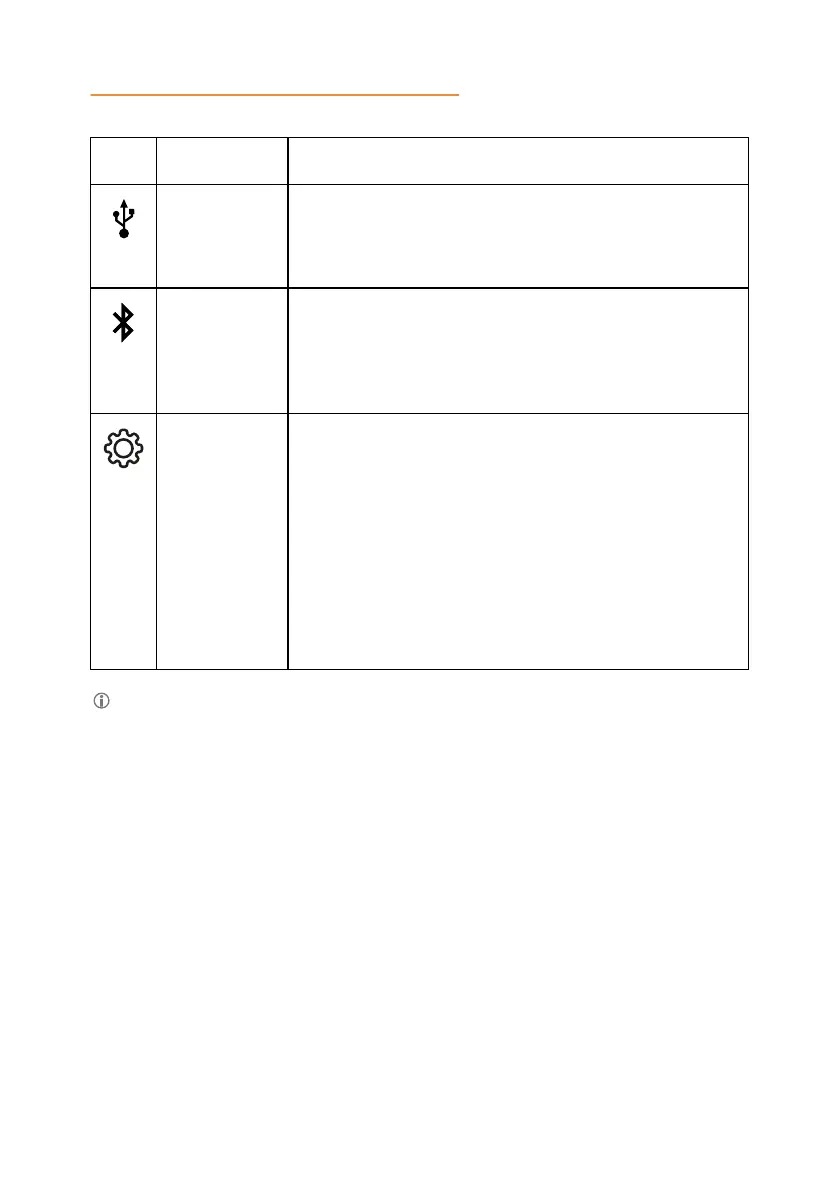
Icon Name Description
USB
Connected
To indicate an active USB connection.
The phone displays the
USB Connected icon and
shows USB audio on the idle home screen.
Bluetooth
To indicate an active Bluetooth
®
Classic connection.
connection
The phone shows the Bluetooth connection icon and
Bluetooth® audio indication on the idle home
screen.
Settings To check and configure the settings from the phone.
View the phone status and reach the menu.
The following settings are available in USB only user
mode:
• Status
• Phone
• Konftel Unite
• Bluetooth
• Admin Login
When Konftel 800 shows either the USB Connected or the Bluetooth
connection
icon on the idle home screen, the phone displays time on the
status bar.
36



 To Next Page