CONNECTIVITY
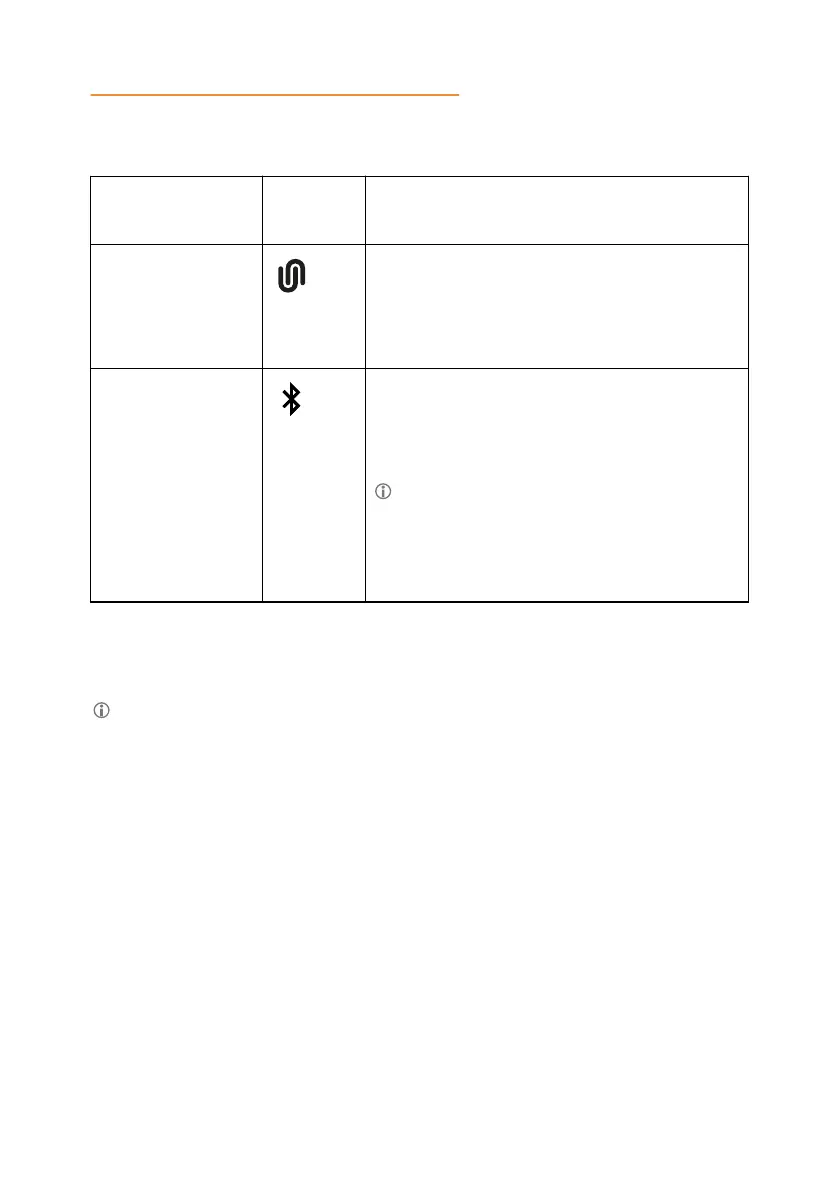
The following table lists the Bluetooth
®
technologies that Konftel 800 supports:
Bluetooth®
technology
Konftel
800 icon
Functionality
Bluetooth
®
LE
To connect to a mobile device with Konftel
Unite application installed on it. For more
information, see Konftel Unite on page 43.
This is the default mode.
Bluetooth
®
Classic To connect to Bluetooth
®
devices, such as
mobile phones, tablets, and personal
computers, for call handling or audio
streaming.
To use the Bluetooth
®
Classic
functionality on Konftel 800, your
Bluetooth
®
device must support Hands-
Free Profile (HFP) and Advanced Audio
Distribution Profile (A2DP).
Konftel 800 has a modified Pulse-code modulation (PCM) bus installed. This
provides for a better audio transmission compared to the previous releases of the
phone.
You cannot use Bluetooth
®
LE and Bluetooth
®
Classic connection
simultaneously.
If you connect Konftel 800 to a Bluetooth
®
device, you cannot connect it to a
mobile device with the Konftel Unite application until you end the connection to
the Bluetooth
®
device.
If you connect Konftel 800 to a mobile device using the Konftel Unite
application, you cannot connect it to another Bluetooth
®
device until you end
the connection to Konftel Unite.
In USB only user mode, the phone supports connection to Bluetooth
®
devices
using Bluetooth
®
Classic.
Switching between the Bluetooth® modes
The default mode is Bluetooth
®
LE. To switch to Bluetooth
®
Classic, you must pair
and connect Konftel 800 to a Bluetooth
®
device. When you select Bluetooth
®
Classic mode, the phone turns off Bluetooth
®
LE. If there is no Bluetooth
®
Classic
connection, the phone switches back to Bluetooth
®
LE after a timeout.
39



 To Next Page