8-36
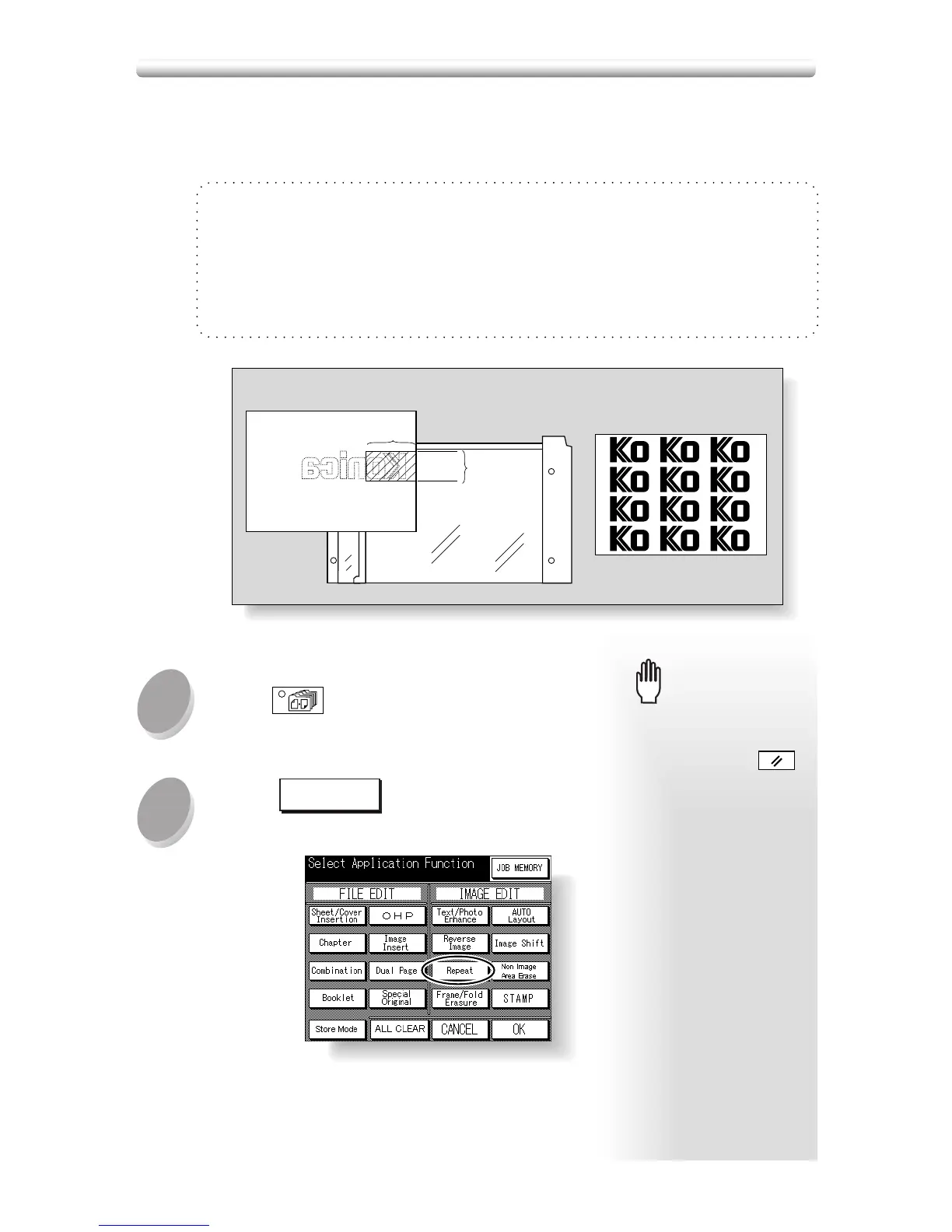
Use this function to repeat the selected image area of 10mm ~ 150mm in both verti-
cal and horizontal widths measured from the rear right corner of the A3 original area
indicated on the right edge of the platen glass.
Vertical/Horizontal Width Setting Mode Specifications
❒ Use the platen glass. (Document feeder cannot be used.)
❒ Incompatible Conditions: Using RADF, 2s2, 2s1, APS, AMS, Sort, Staple, Group, E-
SORT+group, E-SORT+sort, Sheet/Cover Insertion, Chapter, Combination, Booklet,
OHP, Image Insert, Dual Page, Special Original (Mixed Original, Folded Original, Non-
standard Size, Flip Side 2), Frame/Fold Erasure, AUTO Layout, Image Shift, Non-image
Area Erase, Stamp
Press
APPLICATION
on the control panel .
1
2
When starting a new copying
job, be sure to close the RADF
securely, then press
AUTO RESET
.
Please Be Reminded!Please Be Reminded!
Touch
Repeat
on the Application
Selection Screen.
Repeating Selected Image Area (Repeat: Verti./Horiz. Mode)
Vertical
width
Vertical/Horizontal Width Setting mode
Repeat mode
Horizontal width










 To Next Page