3-29
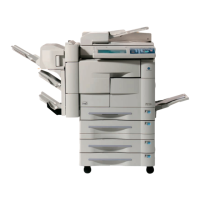
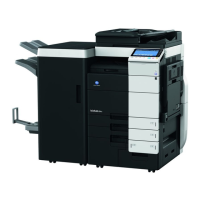
Finisher FS-107 is initially equipped with two exit trays. If desired, up to two optional
exit trays can be installed.
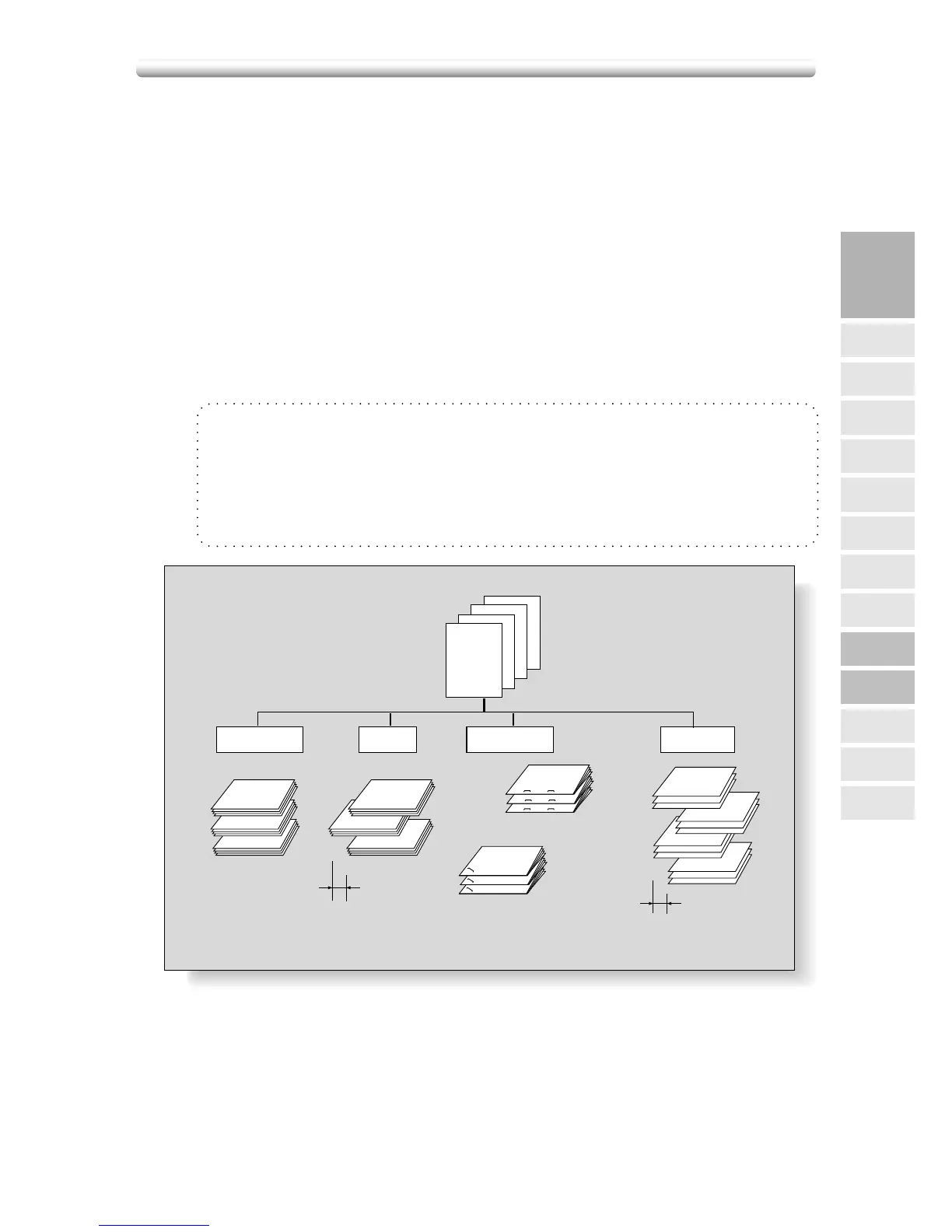
Each exit tray provides 4 types of output mode as described below.
q Stack mode simply means that the offset-stacker finisher modes are not selected.
Copied sets will be stacked upon exit without offset or rotation.
w Sort mode outputs multiple copies of the original set, having each sorted set
offset by 30mm upon exit.
e Staple mode offsets and staples each sorted set. Up to 50 sheets (or within 5mm
thick) can be stapled.
r Group mode groups together multiple copies of each original and offsets the
sets by 30mm upon exit.
The copier is initially set to output to tray 1 in Sort mode.
Follow the procedure on the next page to change the output mode, as desired.
❒ Incompatible with Sort mode: Using platen glass (unless Image insert, Dual page, or
Platen store mode is used), OHP, Repeat, AUTO layout, Non-image area erase
❒ Incompatible with Staple mode: Using platen glass (unless Image insert, Dual page, or
Platen store mode is used), Booklet, OHP, Special original (Mixed original with APS),
Repeat, AUTO layout, Non-image area erase
❒ Incompatible with Group mode: Proof copy, Sheet/Cover insertion, Booklet, OHP, Image
insert, Repeat, AUTO layout, Non-image area erase, Stamp (Numbering)
4
1
2
3
4
3
2
1
4
3
2
1
4
3
2
1
4
3
2
1
4
3
2
1
4
3
2
1
1
1
1
2
2
2
4
4
4
3
3
3
4
3
2
1
4
3
2
1
4
3
2
1
4
3
2
1
4
3
2
1
4
3
2
1
1 oblique
staple
2 staples
Offset by 30mm
Sort
Example:
Make 3 copied sets
from 4 original sheets
Offset by 30mm
Stack
Staple
Group
3
Copying
Operations
Paper Size
Setting
Print Quantity
Positioning
Originals
2
s
1
Using
Memory
FS-107
Output Modes
Output without
Finisher
Lens Mode
Density
1s2, 2s2
IT-101
Output Modes
Check Mode
& Proof Copy
Interrupt
Mode
Output Mode for Machine with Finisher FS-107





 To Next Page