3-12
1
2
3
4
5
See p. 3-7 for details on set-
ting print quantity.
See p. 3-2 to p. 3-6 for details
on positioning originals.
HINTS
HINTS
Specifying paper size will re-
lease 1.00 magnification and
set AMS (
–A–
) automati-
cally.
In this case, touch
1.00
to
highlight it again.
The initial settings may have
been altered by Key operator.
See p. 12-6 to p. 12-12.
HINTS
Selecting Magnification Ratio (Lens Mode)
When the copier is turned ON, the magnification ratio is set to 1.00 (100%) automati-
cally on the Basic Screen.
Follow each procedure described in this section to select the desired magnification
ratio.
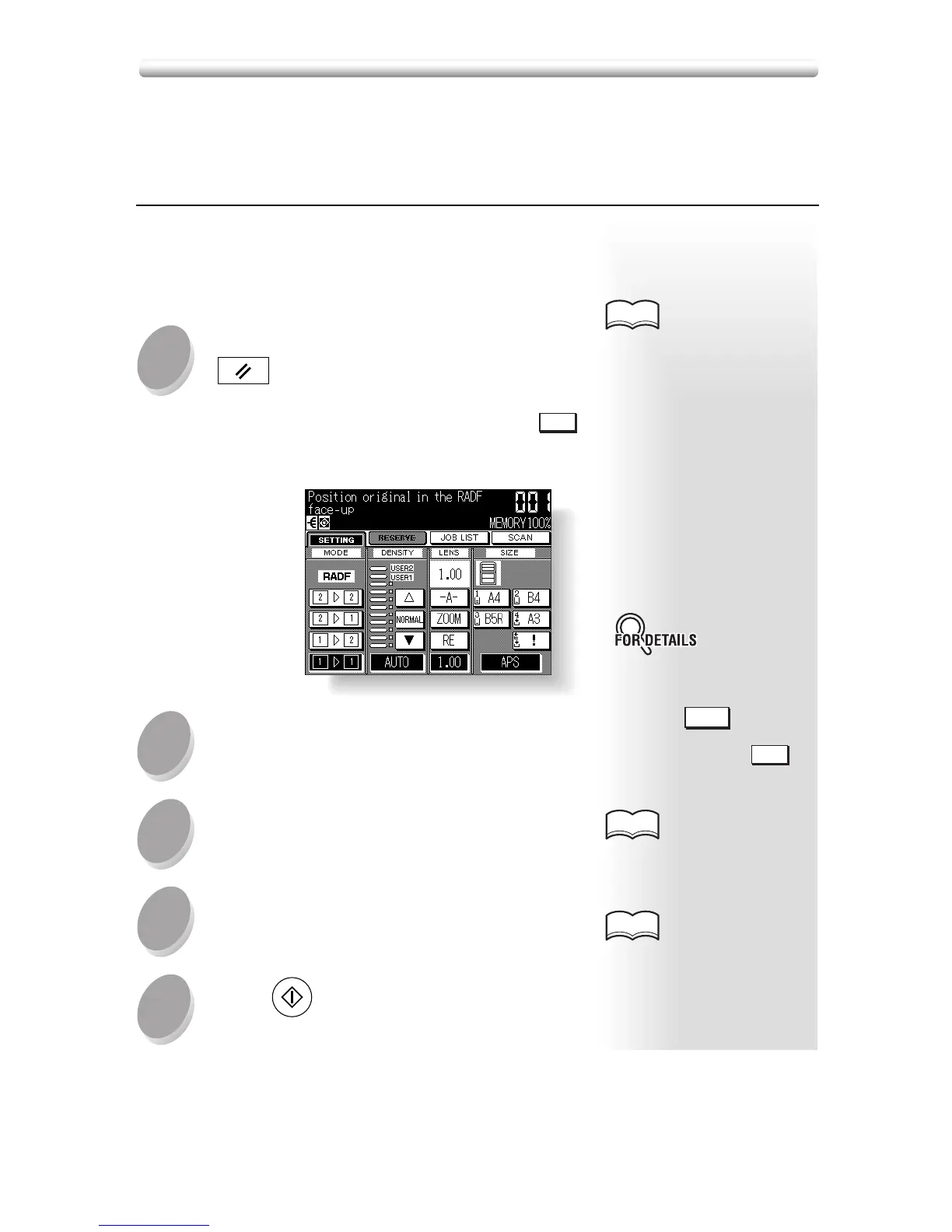
■ To Copy in 1.00 Magnification Mode
Follow this procedure to make a 100% copy of the origi-
nal image.
Close the RADF securely, then press
AUTO RESET
.
The initial settings are restored. Check that
1.00
is highlighted to indicate that the 1.00 magnifica-
tion is selected.
Select additional copy conditions, as
desired.
Enter the desired print quantity from
the control panel keypad.
Position original(s).
Press
START
.










 To Next Page