15
Installation/Connection
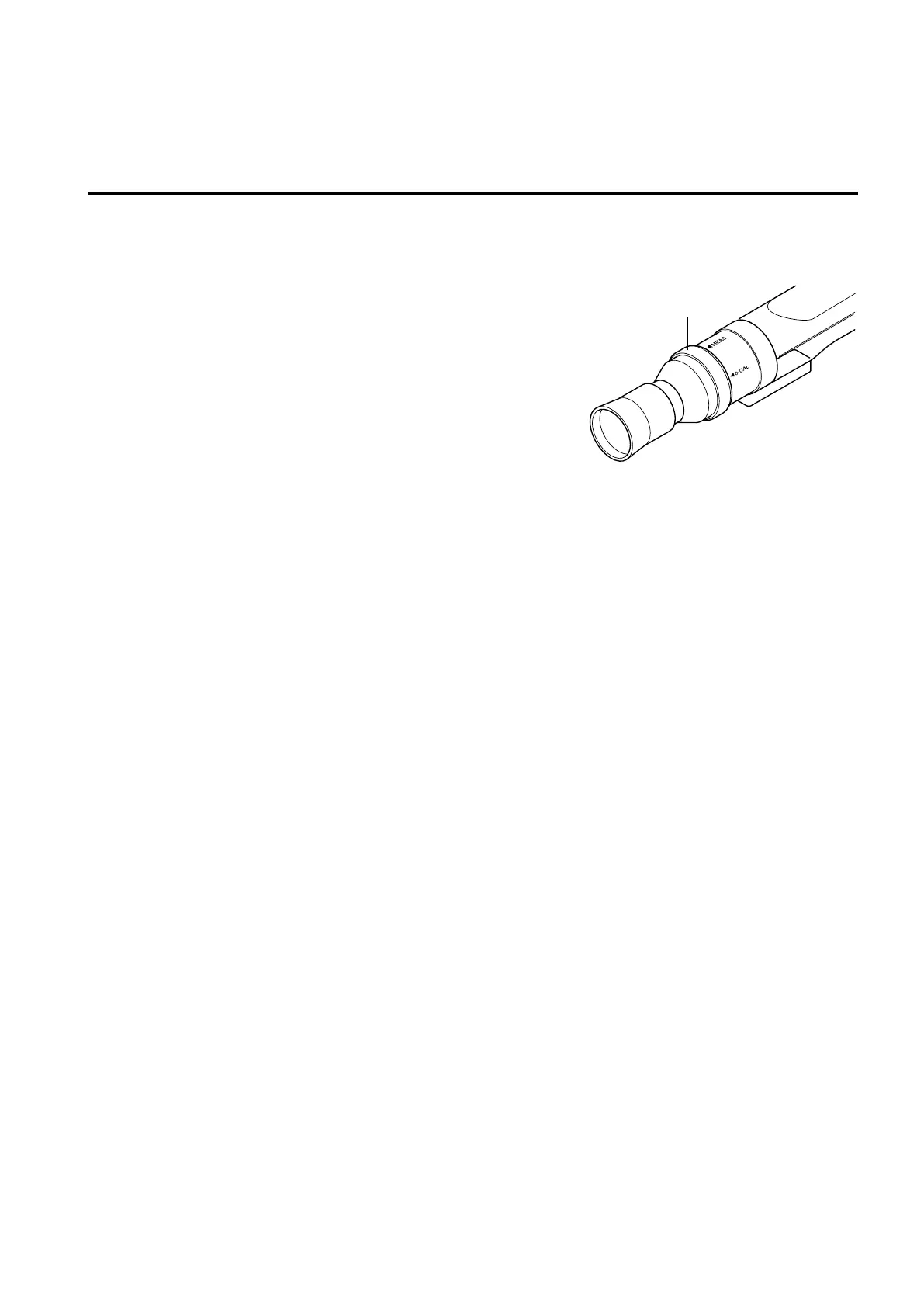
About Pointing Ring
When you turn the pointing ring, it stops at two positions (MEAS, 0-CAL). To turn the ring, the stopper must be
pulled toward you to unlock it.
MEAS : To perform measurement, the ring must be set in this posi-
tion.
0-CAL : To perform zero calibration, the ring must be set in this
position.
Take care not to direct the measuring probe to a high-in-
tensity light source.
Pointing ring















 To Next Page